FIXED - Berserker Armor and Dragonslayer Greatsword
⬇ Download on Nexus ModsPreview
About This Mod
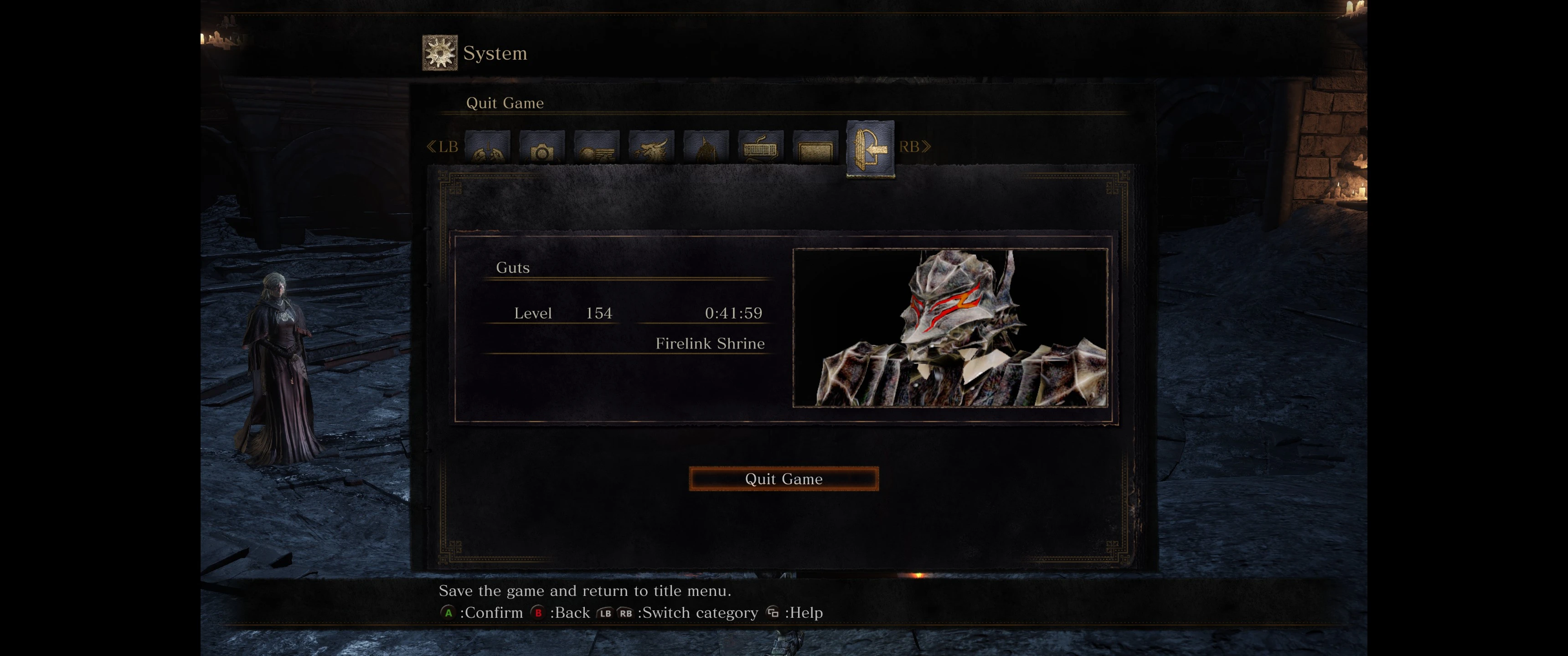
Hello!This is a mod to overwrite Havel's armor with the Berserker armor from Berserk, and several greatswords in the game with Guts' Dragonslayer. You can pick and choose from the list below or download em all for moveset variety. Your
- The old wolf greatsword is very busted, since the original is quite small compared to the Dragonslayer model and the hitbox has been increased by a lot. So keep that in mind.
- The Farron sword normally has an off-hand dagger, I removed it since Guts doesn't dual wield. You can still parry as usual.
- I'm not sure how to update the thumbnails for the items, I'm stil learning so I may take a crack at that eventually. Shouldn't affect your gameplay too much and it's easier to tell which version of the weapon you're using as a bonus.
Original Mod - https://www.nexusmods.com/darksouls3/mods/891
I downloaded and tried out this mod, after some difficulty regarding the old mod engine no longer being supported due to some dll injection issues that have came up in the latest update of the game. Mod engine 2 is now working fine for me, and the other known methods probably work fine as well, although I'm not going to mess with that. Feel free to test it out!
Unfortunately only one of the weapon model replacements for the mod linked above was functional. The Greatsword was replaced by the Dragonslayer however the hitbox was way broken. Most of the comments seemed to agree, you have to be right in front of something to hit it. I really liked the model though so I set about trying to fix the issues. I was able to resolve the hitbox issue and keep the DS model, as well as restoring the other swords included but not functioning in the original mod.
Instructions-
First, get the latest version of ModEngine2. See the link below.
https://github.com/soulsmods/ModEngine2/releases
Next, download this mod.
After the ZIP is downloaded, extract it with your chosen method.
There will be a file in the extracted folder called "mod". This contains the "parts" folder which contains the actual models in the .dcx format required for ModEngine. Each of the named files in that folder will overwrite their respective model in game. To add the modded weapon/armor to your game, just drag the "mod" folder you downloaded into your Modengine2 folder and merge the folders. To remove the modded weapon/armor, just delete the .dcx file for the respective part. I put a list below of the file names included and which weapon/armor piece they belong to for your reference. (thanks for the id's for the other swords crabcrunch)
1 - Havel's Set
am_m_7500.partsbnd.dcx
bd_m_7500.partsbnd.dcx
hd_m_7500.partsbnd.dcx
lg_m_7500.partsbnd.dcx
2 - Greatsword
wp_a_0605.partsbnd.dcx
wp_a_0226.partsbnd.dcx
4 - Wolf Knight's
wp_a_0630.partsbnd.dcx
wp_a_0620.partsbnd.dcx
ps- I might work on lighting textures eventually, for now I'm using the same texture across the board.
Mod Details
- Game
- Dark Souls 3
- Author
- Ryadean
- Version
- v1.0
- Downloads
- 3,585
- Endorsements
- 57
- Category
- Weapons and Armour
- Last Updated
- 9/22/2022
How to Install Dark Souls 3 Mods
Use UXM or Mod Engine. Most mods replace game files.
Visit the Nexus Mods page for specific installation instructions for this mod.
⭐ Rate & Review
FAQ
Is FIXED - Berserker Armor and Dragonslayer Greatsword safe to download?
Linked from Nexus Mods which scans all files for viruses. Always download from the official source.
Does this mod work with the latest game update?
Last updated 9/22/2022. Check the official download page for version compatibility.
Where can I learn more about Dark Souls 3 modding?
Check our complete Dark Souls 3 modding tools guide for step-by-step setup instructions.