Demon's Souls Remake Button Prompts - PS5 DualSense Controller Button Prompts
⚪ Last updated 2021⚠️ Install Order · 1 step
Install in this order, then this mod last — most mods fail to load without their framework and dependencies in place.
Preview
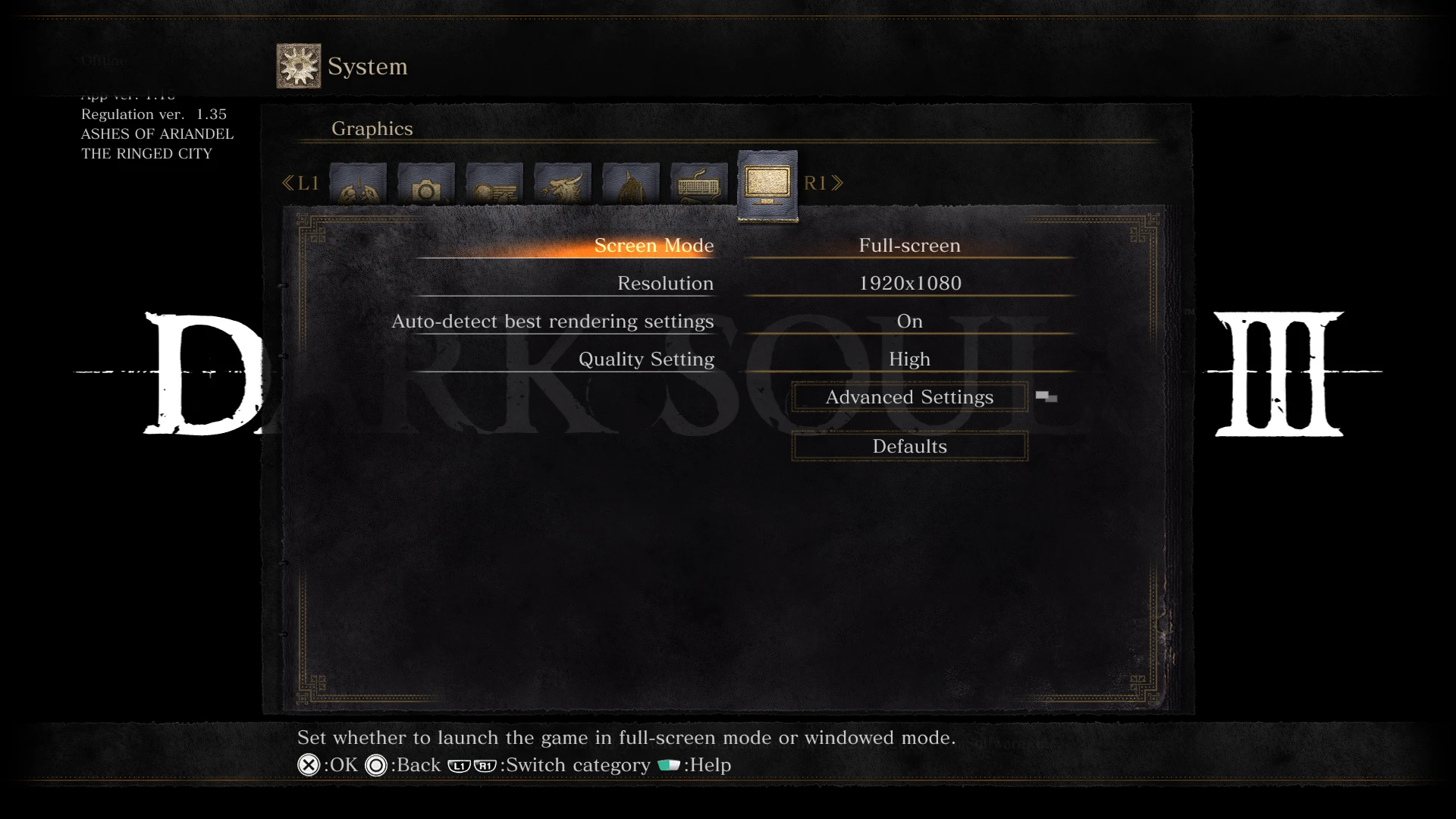
🔍 Analysis
- 👍 2.6% endorsement rate — high engagement, a strong quality signal
- 🏆 #42 of 133 User Interface mods in this game by downloads
📋 About This Mod
A recreation of the button prompts from the PS5 remake of Demon's Souls.
Now you can play Dark Souls™ III with prompts designed for your DualSense controller!
or any controller you want, I'm not the button prompt police.
DescriptionThe mod replaces the texture files for the XInput controller in the game. This way you can use Steam's controller support or DS4Windows, and still have prompts matching your controller.
These are the different versions of the mod:
-
[]Touchpad w/ Highlight vs. Touchpad w/ Arrows:In the remake of Demon's Souls there are two different icons for the touchpad. One has a green highlight, this one shows up when you check a message left by another player. The other is seen on the character creator screen with a green arrow below it, I assume it means slide your finger on the touchpad rather than press? Both variants are available, choose the one you like the most. It's a pure aesthetic change.
[
]DS3 Mod Engine - iGP11 - UXM
DS3 Mod Engine
-
[]Download DS3/Sekiro Mod Engine (latest version is on Sekiro's nexus) alongside this mod.
[
]Extract both zip files[]Copy/cut the two files inside Mod Engine's folder (dinput8.dll and modengine.ini) alongside the mods folder to the root of your game's folder.
[]Run Dark Souls™ III.
-
[]Download and install iGP11 alongside this mod.
[
]Extract both zip files to a folder of your preference.[]Copy/Cut the iGP11 folder to the root of your game's folder.
[]Install iGP11
[]Open iGP11 (Not iGP11Launcher)
[]In iGP11, select plugin settings. Select Dark Souls 3 for the profile. Select none for the rendering mode. Or set iGP11 the way you like.
[]Select textures below plugin settings.
[]Change override mode to override.
[]Click Launch Game to run Dark Souls™ III, you can use iGP11 launcher from now on.
[]Download UXM alongside this mod.
[]Extract UXM to a folder of your preference.
[]Run UXM & Select Dark Souls™ II
-
[]Download and install iGP11 alongside this mod.
This UI mod replaces Dark Souls III's button prompts with those from the Demon's Souls remake, designed for PS5 DualSense controller users. With 51 endorsements and nearly 2,000 downloads, it's a niche cosmetic enhancement for players wanting a fresh look. Last updated in September 2021, it may require manual installation.
✨ Key Features
📊 Pros & Cons
✅ Pros
- Gives your Dark Souls III a fresh coat of paint with the sleek Demon's Souls remake prompts
- Tiny download and easy to install—just drop it in and go
- Community-tested with 51 endorsements and nearly 2k downloads, so it's got some traction
⚠️ Cons
- Only affects button prompts—no other UI changes, so if you wanted a full overhaul, this isn't it
- Last updated in 2021, so it might not play nice with the latest Dark Souls III patches
For Dark Souls III players who use a PS5 DualSense controller and want the button prompts to match the Demon's Souls remake aesthetic. Skip if you're on keyboard/mouse or prefer the original prompts—this is purely cosmetic.
💡 Beginner Tips
- Make sure your game is fully updated before installing, since the mod hasn't been updated since 2021 and could conflict with newer patches.
- If you're using a mod manager like Vortex, you can install it manually by extracting the files into your Dark Souls III game directory—just back up the original files first.
- This mod only changes prompts for DualSense controllers; if you're using a different controller, it won't affect you.
📊 Mod Details
- Game
- Dark Souls 3 Mods
- Author
- aaqd
- Version
- 1.0
- Downloads
- 1,950
- Endorsements
- 51
- Category
- User Interface
- Created
- 9/23/2021
- Updated
- 9/23/2021
🔧 How to Install Dark Souls 3 Mods
Download from Nexus.
📖 Full step-by-step install guide for Dark Souls 3 →
Visit the official mod page for specific installation instructions for this mod.
🎮 Need cheat codes or console commands? Check ur gaming wiki for Dark Souls 3 commands, item IDs, and more.
Keep browsing — more Dark Souls 3 mods await