Dark Souls III PS4 Controller Icons
⚪ Last updated 2016⚠️ Install Order · 1 step
Install in this order, then this mod last — most mods fail to load without their framework and dependencies in place.
Preview
🔍 Analysis
- 👍 3.5% endorsement rate — high engagement, a strong quality signal
- 🏆 #15 of 133 User Interface mods in this game by downloads
📋 About This Mod
You need to download this mod for it to work
https://steamcommunity.com/app/374320/discussions/0/357284131807728012/
Place the folder SUS_Res in the Steam\steamapps\common\DARK SOULS III\Game
All credits go to Kaldaien for the Texture Modding :)
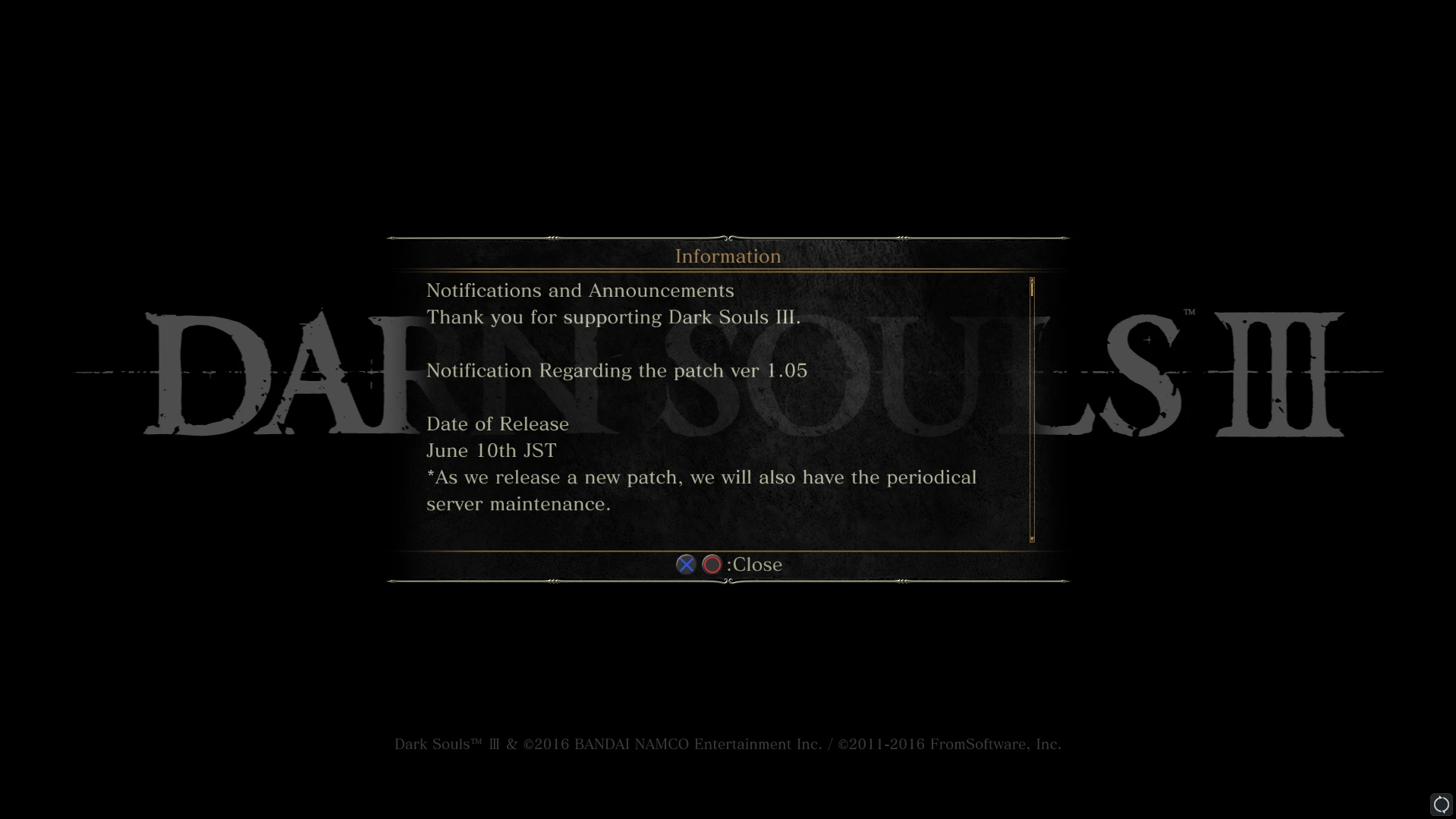
DISCLAIMER: Also changes title screen to "Darn Souls", this change can be removed by deleting 52BB3DBF.dds from SUS_Res\inject\textures
This mod replaces Xbox controller icons in Dark Souls III with PS4-style textures, using the game's own assets slightly modified to match Xbox control addresses. It's a simple UI cosmetic for PS4 controller users, with 319 endorsements and 9,126 downloads, last updated in 2016.
✨ Key Features
📊 Pros & Cons
✅ Pros
- Community-approved with 319 endorsements and over 9k downloads.
- Uses the game's own textures, so it blends seamlessly with the UI.
- Simple cosmetic fix for PS4 controller users who want matching icons.
⚠️ Cons
- Last updated in 2016 — may not be compatible with the latest game patches.
- Only changes icons, no other UI improvements or features.
- Requires manual installation and may need file swapping, which could confuse beginners.
For Dark Souls III players using a PS4 controller on PC who want the UI to reflect their input device. Skip if you're on Xbox or keyboard/mouse, or if you want more comprehensive UI overhauls.
💡 Beginner Tips
- Back up your original texture files before replacing them, so you can revert if needed.
- Make sure to match the file paths exactly as described in the mod's readme to avoid missing icons.
- If you're using a mod manager, check if it supports texture replacement for Dark Souls III; otherwise, manual installation is straightforward.
📊 Mod Details
- Game
- Dark Souls 3 Mods
- Author
- Bastani
- Version
- N/A
- Downloads
- 9,126
- Endorsements
- 319
- Category
- User Interface
- Created
- 6/18/2016
- Updated
- 6/18/2016
🔧 How to Install Dark Souls 3 Mods
Download from Nexus.
📖 Full step-by-step install guide for Dark Souls 3 →
Visit the official mod page for specific installation instructions for this mod.
🎮 Need cheat codes or console commands? Check ur gaming wiki for Dark Souls 3 commands, item IDs, and more.
Keep browsing — more Dark Souls 3 mods await