DS2 SotFS Double Click Fix
⚪ Last updated 2024Preview
🔍 Analysis
- 👍 2.7% endorsement rate — high engagement, a strong quality signal
- 🏆 #9 of 61 Miscellaneous mods in this game by downloads
📋 About This Mod
Fix to disable double clicking on startup for latest 2022 update, just copy and paste DLL, no other changes needed.
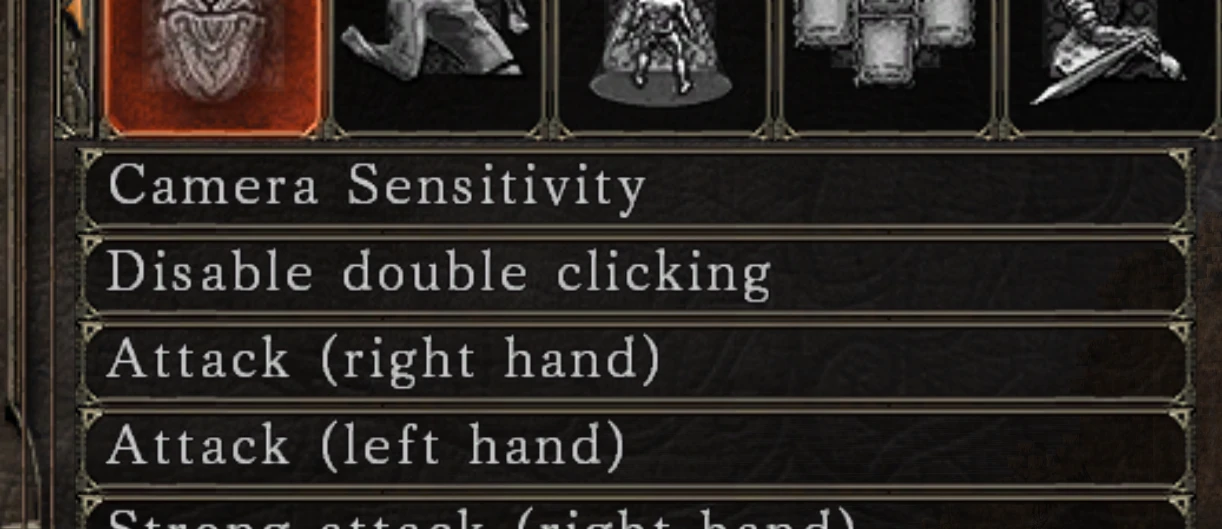
Tiny DLL that forces the "Disable double clicking" setting to be enabled at startup, as the game seems to ignore the setting for some reason.
The other options I saw for this were unfortunately either for the older pre-2022 update, or needed some important Windows security features disabled, so tried having a look into making a fix myself.
Luckily found a way to disable it by patching 1 byte of data in games memory, with the games code itself left unchanged (so the games "double click" setting should still work if you want to re-enable it during gameplay, though double-click will be disabled again when you relaunch)
Should work on almost all systems without needing any other changes, for pre-2022 versions of the game see skacikpl's QoL mod.
Setup
-
[]Extract dinput8.dll next to DarkSoulsII.exe (SotFS only)
[
]Run the game[]Double-clicking should now be disabled automatically - even if "Disable double clicking" shows as "Off" in settings (backing out of settings with it "Off" will re-enable double-clicking though - recommend changing this to "On" and make sure your settings are saved)
-
[]dxgi.dll
[]XINPUT1_3.dll
[]DINPUT8.dll
- WINMM.dll
If you have any issues try installing the Visual C redistributable from Microsoft site (choose the x64 installer), if that doesn't help please let me know.
Known Issues
If the "disable double clicking" setting is turned to "Off" and then game restarted, on next startup the mod will force double-clicking to be disabled again (which is expected), but opening the key binds menu in-game and returning to game with it set to "Off" may re-enable double clicking, since the game will apply the "Off" setting.This can happen even without changing any key-bind settings, just viewing the menu when its set to "Off" and returning will cause it to re-apply, not really sure if I'd call it a bug but it can be confusing, ideally you should keep "Disable double clicking" to "On" when using this mod.
📊 Mod Details
- Game
- Dark Souls 2 Mods
- Author
- emoose
- Version
- 1.0.3.0
- Downloads
- 5,383
- Endorsements
- 145
- Category
- Miscellaneous
- Created
- 3/1/2024
- Updated
- 3/1/2024
🔧 How to Install Darksouls 2 Mods
Download from Nexus Mods.
📖 Full step-by-step install guide for Darksouls 2 →
Visit the official mod page for specific installation instructions for this mod.
🎮 Need cheat codes or console commands? Check ur gaming wiki for Darksouls 2 commands, item IDs, and more.
Keep browsing — more Darksouls 2 mods await