HUD Be Gone
⚪ Last updated 2024Preview
🔍 Analysis
- 👍 1.0% endorsement rate — high engagement, a strong quality signal
- 🏆 #52 of 142 User Interface mods in this game by downloads
📋 About This Mod
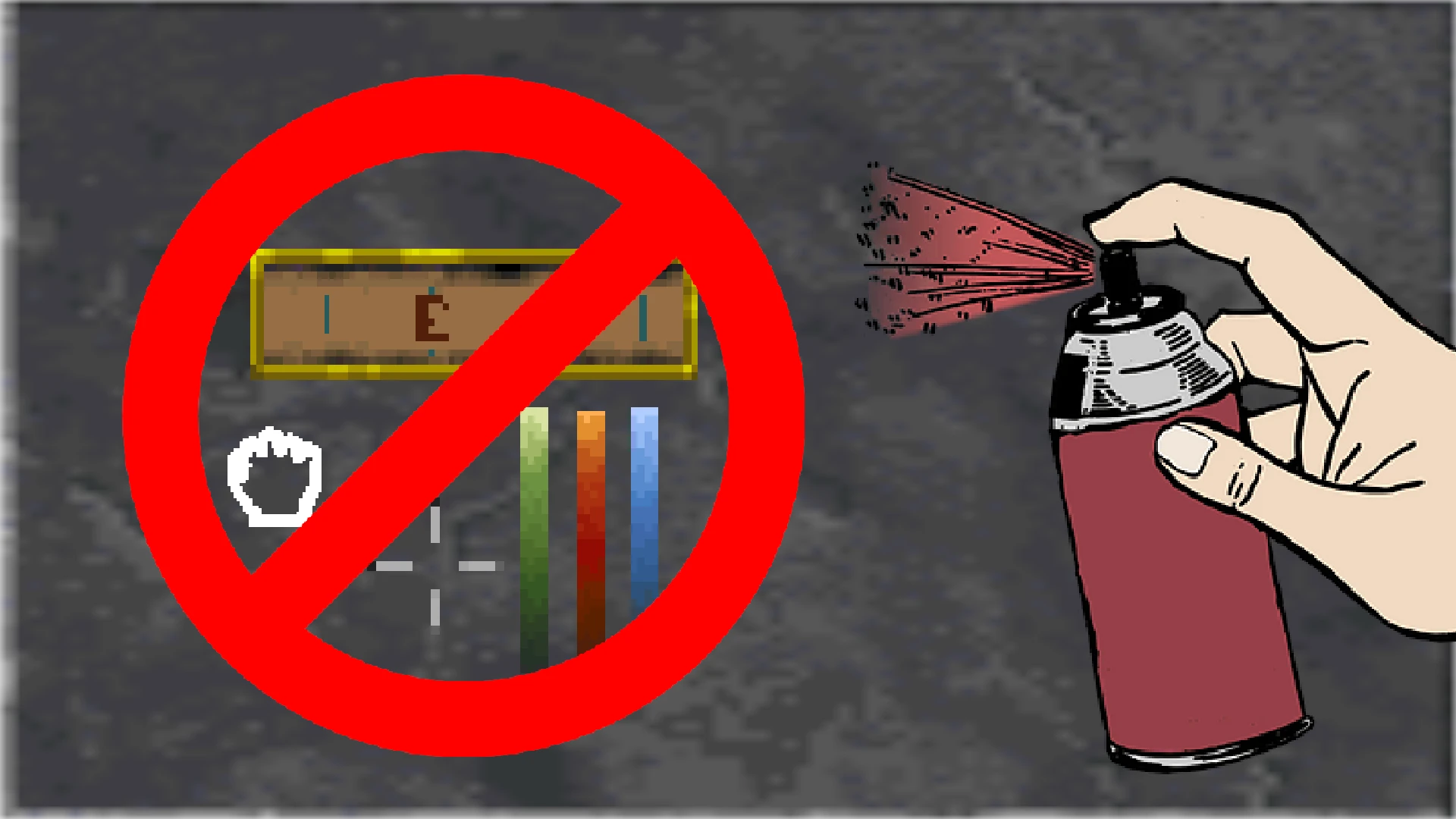
Selectively Hide Individual Vanilla HUD Elements.
WHAT THIS MOD DOES AND WHY:
-
[]Currently DFU only has an "all or nothing" toggle for the HUD elements, primarily for screenshots. This mod attempts to provide more control to this, by simply allowing you to individually toggle the visibility of the various HUD items, such as the vitals bar (health, fatigue, mana), the crosshair, the compass, popup text, etc.
OPTIONS:
- --- General Settings:
- [
- --- General Settings:
- []Hide Everything: Hides Every Vanilla HUD Element || Default = False
[]Hide Compass: Hides Vanilla HUD Compass || Default = False
[]Hide Vitals: Hides Vanilla Health, Mana, And Fatigue Bars || Default = False
[]Hide Crosshair: Hides Vanilla Crosshair In The Middle Of The Screen || Default = False
[]Hide Interaction Mode Icon: Hides Small Currently Active Interaction Mode Icon || Default = False
[]Hide Active Spells: Hides Currently Active Spell Effect Icons Or Buffs/Debuffs || Default = False
[]Hide Arrow Count: Hides Small Counter Of Arrows Currently In Inventory || Default = False
[]Hide Breath Bar: Hides Remaining Breath/Oxygen Bar When Underwater || Default = False
[]Hide Popup Text: Hides Popup Text Usually Near The Top Of The Screen || Default = False
[]Hide Mid Screen Text: Hides Text That Can Sometimes Appears Below Or Near The Crosshair || Default = False
[]Hide Escorting Faces: Hides NPC HUD Faces That Can Appear During Certain Quests || Default = False
[]Hide Local Quest Places: Hides Quest Debug Text If Using The Ingame Quest Debugging Tools || Default = False
- []Enable Key Press Quick Toggle: Allows Quick Toggle Of HUD Visibility By Using The Keybind Below || Default = False
[]Quick Toggle Key: Keybind Used To Quick Toggle Visibility Of HUD Elements || Default = G
If you have any questions feel free to contact me on the forums: (https://forums.dfworkshop.net/index.php)
My Forum Account Name Is: Magicono43
Main Forum Post: https://forums.dfworkshop.net/viewtopic.php?t=6768
Github Repository: https://github.com/magicono43/DFU-Mod_HUD-Be-Gone
COMPATIBILITY:
This mod should be compatible with most mods currently out there, to my knowledge atleast.
INSTALLATION:
Unzip and open the folder that matches your operating system (Windows/OSX/Linux)
Copy the "hudbegone.dfmod" into your DaggerfallUnity_Data\StreamingAssets\Mods folder
Make sure the mod is enabled and "Mod system" is enabled in the starting menu under "Advanced -> Enhancements"
UNINSTALL:
Remove "hudbegone.d
📊 Mod Details
- Game
- Daggerfallunity Mods
- Author
- Kirk O
- Version
- 1.01
- Downloads
- 4,046
- Endorsements
- 42
- Category
- User Interface
- Created
- 8/16/2024
- Updated
- 8/18/2024
🔧 How to Install Daggerfall Unity Mods
Download from Nexus Mods.
📖 Full step-by-step install guide for Daggerfall Unity →
Visit the official mod page for specific installation instructions for this mod.
🎮 Need cheat codes or console commands? Check ur gaming wiki for Daggerfall Unity commands, item IDs, and more.
Keep browsing — more Daggerfall Unity mods await