Steam Deck Optimisations
⚪ Last updated 2023⚠️ Install Order · 6 steps
1🛠️ Cyber Engine Tweaks — Cyber Engine Tweaks (CET) Download ↗
2🛠️ RED4ext — RED4ext (native plugin loader) Download ↗
3🛠️ redscript — redscript (scripting framework) Download ↗
4🧩 ArchiveXL — ArchiveXL (archive loader) Download ↗
5🧩 TweakXL — TweakXL (tweak framework) Download ↗
6🧩 Codeware — Codeware (UI framework) Download ↗
Install in this order, then this mod last — most mods fail to load without their framework and dependencies in place.
Preview
🔍 Analysis
- 👍 2.1% endorsement rate — high engagement, a strong quality signal
- 🏆 #101 of 227 Visuals and Graphics mods in this game by downloads
📋 About This Mod
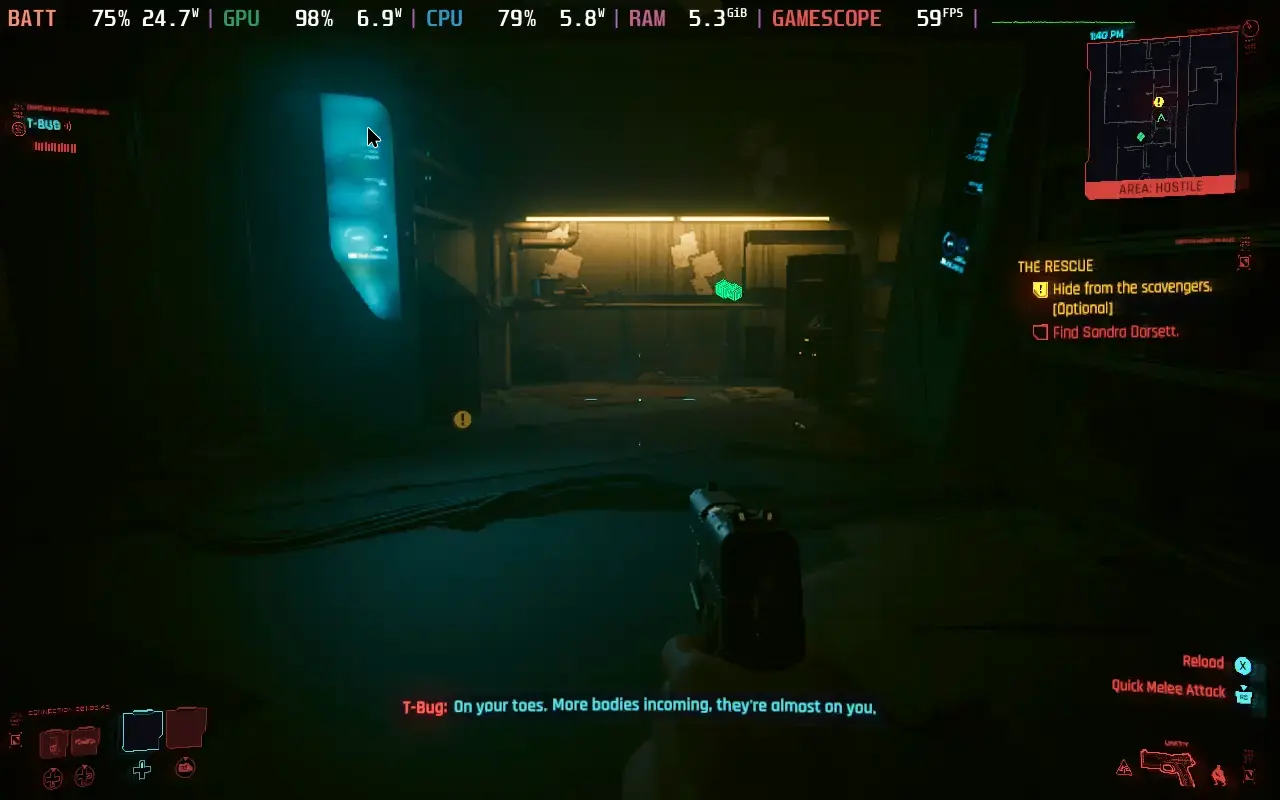
Mostly just a tweak of the General Optimization mod, specifically tailored to the Steam Deck. Set in game settings to the low preset. Texture quality doesn't matter. Highly recommended to add DeckTraffic as well!
Install Extract to your base game folder (the folder structure is already set up)
📊 Mod Details
- Game
- Cyberpunk 2077 Mods
- Author
- FluffyPuppyKasey
- Version
- 1.0
- Downloads
- 1,105
- Endorsements
- 23
- Category
- Visuals and Graphics
- Created
- 9/4/2023
- Updated
- 9/4/2023
🔧 How to Install Cyberpunk 2077 Mods
Download from Nexus.
📖 Full step-by-step install guide for Cyberpunk 2077 →
Visit the official mod page for specific installation instructions for this mod.
🎮 Need cheat codes or console commands? Check ur gaming wiki for Cyberpunk 2077 commands, item IDs, and more.
Keep browsing — more Cyberpunk 2077 mods await