ReShade - Blinding Lights
⚪ Last updated 2023⚠️ Install Order · 6 steps
Install in this order, then this mod last — most mods fail to load without their framework and dependencies in place.
Preview
🔍 Analysis
- 👍 3.5% endorsement rate — high engagement, a strong quality signal
- 🏆 #22 of 227 Visuals and Graphics mods in this game by downloads
📋 About This Mod
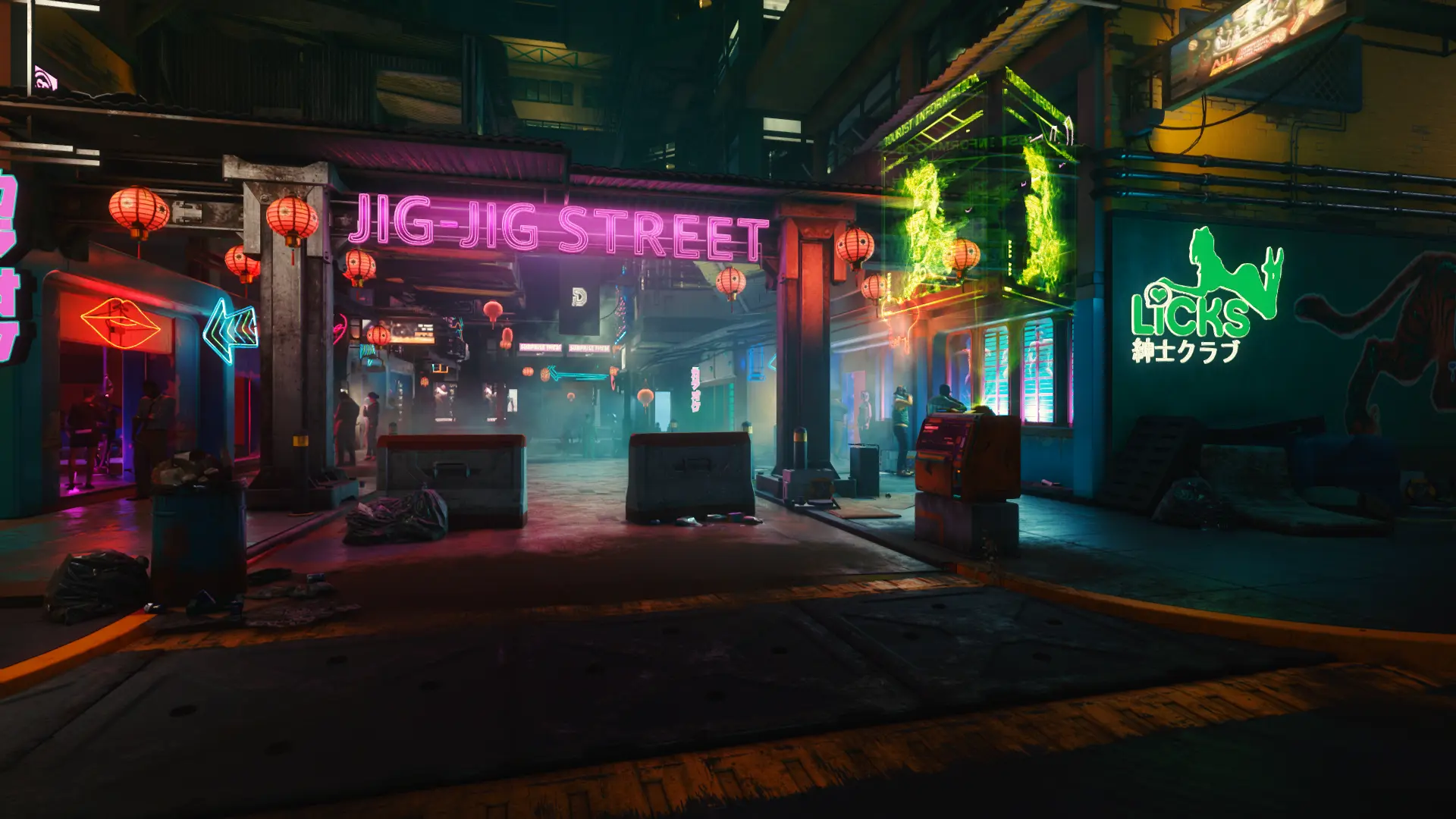
A reshade preset that brings out the real Night City
Sharing my personal ReShade preset that I think really brings out the neon monster that is Night City. Works well in the daytime as well.
Lights will feel more lighty. Shadows will be more shadowy. Colors more colorful. Textures more textured. What else could you possibly want?!
Comparison video, with huge thanks to Cognnel!
V9hSIoYIyaQ
Another video of the ReShade in game.
tdM7I2fn00U
Prerequesites
ReShade (Duh)
Optional
Restored Environment Trailer 2018 (Preset is built off of this mod)
Installation
1. Download the required mod linked to this preset.
2. Download and run the ReShade executable.
3. Install ReShade to your Cyberpunk 2077 directory with the installer.
3. 1. During the installation make sure you have "SweetFX", "qUINT", "Color Effects", and "AstrayFX"
4. Download this ReShade preset and drop it into your game directory.
Visuals will depend from person to person. Play around with the games gamma settings or some of the effects. I also play with lens flare and film grain enabled, so maybe consider turning that on as well.
📊 Mod Details
- Game
- Cyberpunk 2077 Mods
- Author
- LolSpider
- Version
- 1.1
- Downloads
- 1,453
- Endorsements
- 51
- Category
- Visuals and Graphics
- Created
- 10/14/2022
- Updated
- 8/2/2023
🔧 How to Install Cyberpunk 2077 Mods
Download from Nexus.
📖 Full step-by-step install guide for Cyberpunk 2077 →
Visit the official mod page for specific installation instructions for this mod.
🎮 Need cheat codes or console commands? Check ur gaming wiki for Cyberpunk 2077 commands, item IDs, and more.
Keep browsing — more Cyberpunk 2077 mods await