PhotoFX
⚪ Last updated 2021⚠️ Install Order · 6 steps
1🛠️ Cyber Engine Tweaks — Cyber Engine Tweaks (CET) Download ↗
2🛠️ RED4ext — RED4ext (native plugin loader) Download ↗
3🛠️ redscript — redscript (scripting framework) Download ↗
4🧩 ArchiveXL — ArchiveXL (archive loader) Download ↗
5🧩 TweakXL — TweakXL (tweak framework) Download ↗
6🧩 Codeware — Codeware (UI framework) Download ↗
Install in this order, then this mod last — most mods fail to load without their framework and dependencies in place.
Preview
🔍 Analysis
- 👍 0.5% endorsement rate
- 🏆 #61 of 143 Visuals and Graphics mods in this game by downloads
📋 About This Mod
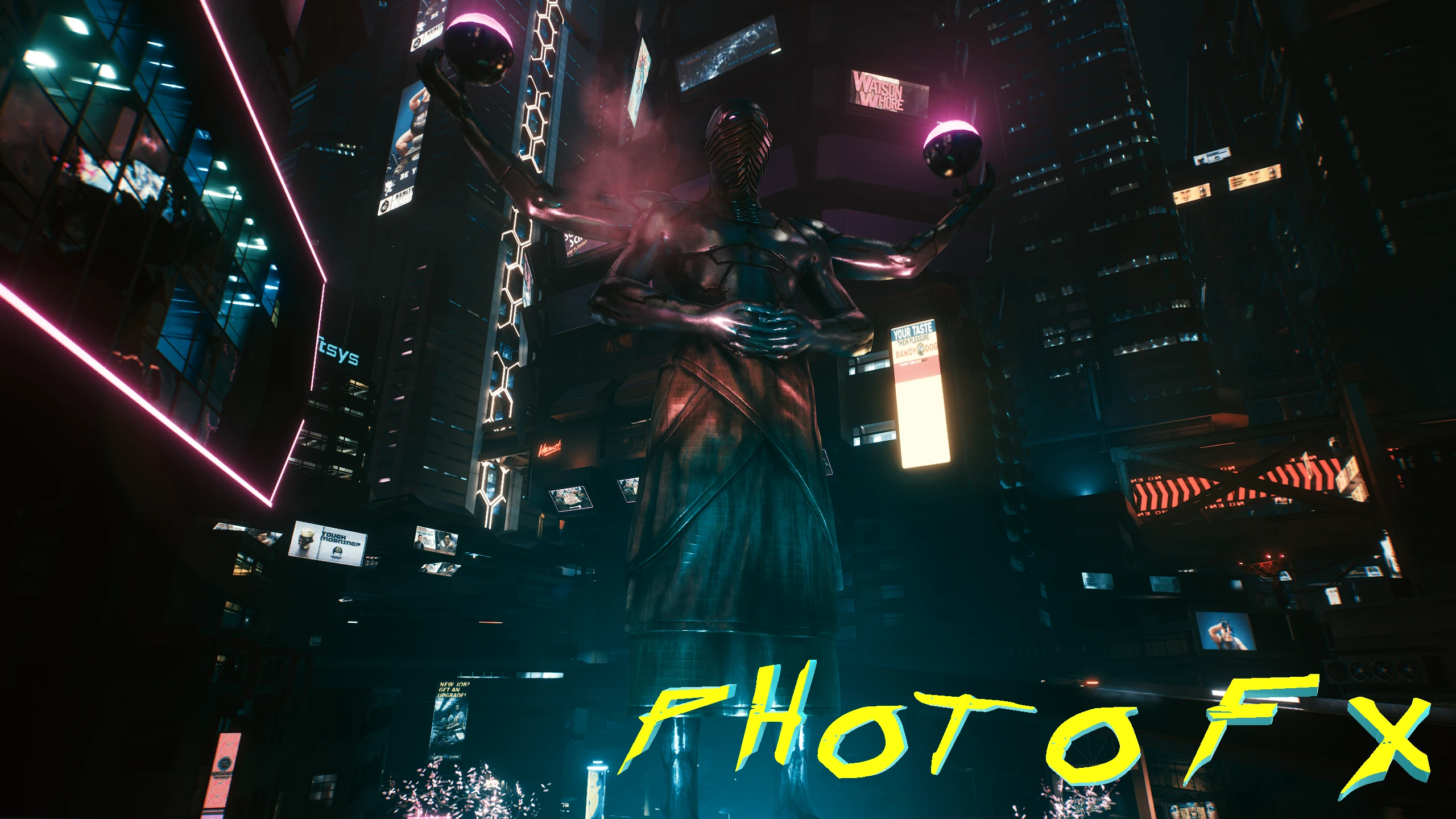
Custom effects for photo mode. Replaces slots 8 to 15.
🤖 AI-enhanced — based on mod data
PhotoFX is a compact visual mod that replaces photo mode effect slots 8 to 15 with custom effects, offering players new filters for their screenshots. With 286 endorsements and 61,233 downloads, it has a solid following despite being last updated in January 2021.
✨ Key Features
Adds custom effects for photo mode, replacing slots 8 to 15.
Provides a total of 8 new effect slots for enhanced screenshot customization.
Compatible with the game's photo mode, allowing players to apply unique filters.
📊 Pros & Cons
✅ Pros
- Solid community support (286 endorsements) and high download count (61k) show it's a popular choice.
- Easy to install—just drop the files in, no complex setup.
- Gives you 8 new effect slots, so you can mix and match for unique screenshots.
⚠️ Cons
- Last updated in January 2021—might not work with the latest game patches.
- Only replaces slots 8-15, so you can't customize which slots get replaced without editing files yourself.
🎯 Is This For You?
For screenshot enthusiasts who want more variety in photo mode without overhauling the game. If you're into sharing your in-game captures, this gives you fresh looks. Skip if you're looking for gameplay changes—this is purely cosmetic.
For screenshot enthusiasts who want more variety in photo mode without overhauling the game. If you're into sharing your in-game captures, this gives you fresh looks. Skip if you're looking for gameplay changes—this is purely cosmetic.
📦 Install:Easy· Under 1 minute
💡 Beginner Tips
- Make sure to back up your original photo mode files before overwriting, just in case you want to revert.
- Test the effects in photo mode right after installing to see if they work with your current game version.
- If you use other photo mode mods, check for conflicts—this replaces slots 8-15, so other mods might clash.
📊 Mod Details
- Game
- Cyberpunk 2077 Mods
- Author
- Alcarda
- Version
- 1.0
- Downloads
- 61,233
- Endorsements
- 286
- Category
- Visuals and Graphics
- Created
- 1/27/2021
- Updated
- 1/27/2021
🔧 How to Install Cyberpunk 2077 Mods
Download from Nexus.
📖 Full step-by-step install guide for Cyberpunk 2077 →
Visit the official mod page for specific installation instructions for this mod.
🎮 Need cheat codes or console commands? Check ur gaming wiki for Cyberpunk 2077 commands, item IDs, and more.
Keep browsing — more Cyberpunk 2077 mods await