Nova LUT Ultimate Graphics Reshade
⚪ Last updated 2024⚠️ Install Order · 6 steps
Install in this order, then this mod last — most mods fail to load without their framework and dependencies in place.
Preview
🔍 Analysis
- 👍 1.4% endorsement rate — high engagement, a strong quality signal
- 🏆 #22 of 143 Visuals and Graphics mods in this game by downloads
📋 About This Mod
Small adjustments for Nova LUT graphics mod.
INTRODUCTION
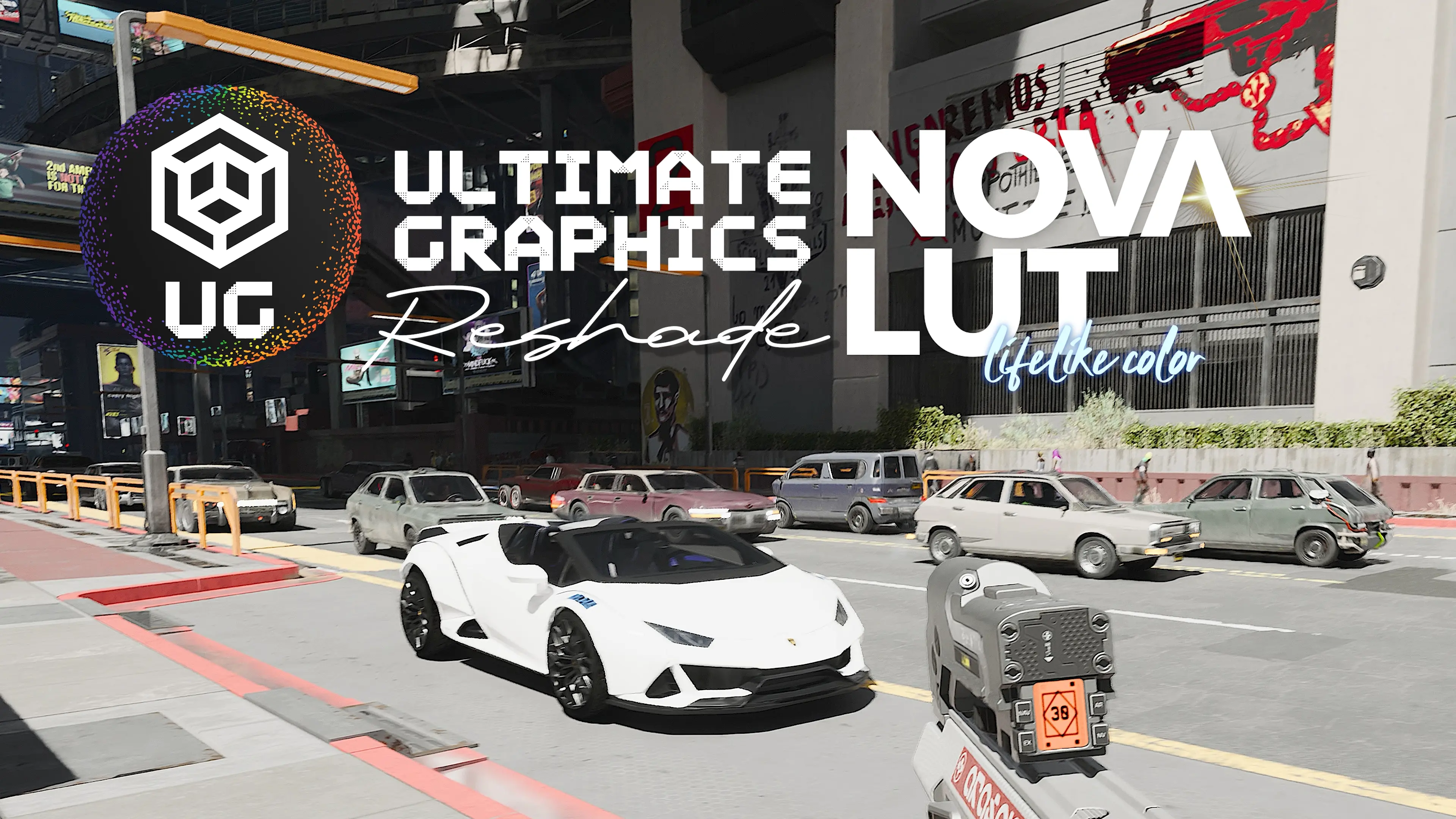
Hello and welcome to my newest reshade preset for Nova LUT Graphics Mod. Since this mod is already very realistic I just made it a little more definitive.
Ofcourse you can use this without Nova LUT, but its especially made for using this mod, so don't expect great visuals without it.
Im using the LUT + ENV version with a non-HDR monitor, so I don't know how it looks in HDR.
Huge thanks for theCyanideX for making this awesome mod!
Also Im using modded path tracing (5r 3b) which is further enhancing the visuals.
Aimed for a little more brighter and bleached out look. Filmic pass, lightroom, CAS was used.
After download you can freely customize the presets, turn off and on shaders of your taste.(sharpening, etc.)
Attention: Please bear in mind that this preset was created and tested in high resolution (3440x1440, 5160x2160), on the highest graphics settings with RTX 4090 and Ryzen 5800X3D. The pictures and videos clearly shows how it looks on my end. Playing in 1080p resolution with mid-low graphics settings you might get other visual experience.
e8Z46ZV1FFg
I6kXpLJfpHk
bDj130JM_7U
1. Download ReShade 5. 9. 2 from here: ReShade 5. 9. 2. The game may crash with other versions.
2. Install ALL the shaders by clicking twice on the "Uncheck all" button.
3. Download and unzip the preset(s) into your main folder where your ".exe" is located.
4. Launch the game and press "Home" to bring up the Reshade interface, you can Skip Tutorial.
5. Choose the preset in the upper bar on the interface then press "Select".
6. Optional: If you don't see a difference or looks weird, you have to set the depth buffer in reshade "Preprocessor definitions" like this: ReShade Depth Buffer Tutorial.
6. Enjoy and endorse if you like it!
CHECK MY OTHER RESHADES
📊 Mod Details
- Game
- Cyberpunk 2077 Mods
- Author
- UltimateGraphics
- Version
- 1.0
- Downloads
- 92,251
- Endorsements
- 1,308
- Category
- Visuals and Graphics
- Created
- 12/29/2023
- Updated
- 1/11/2024
🔧 How to Install Cyberpunk 2077 Mods
Download from Nexus.
📖 Full step-by-step install guide for Cyberpunk 2077 →
Visit the official mod page for specific installation instructions for this mod.
🎮 Need cheat codes or console commands? Check ur gaming wiki for Cyberpunk 2077 commands, item IDs, and more.
Keep browsing — more Cyberpunk 2077 mods await