FSR3 Frame Gen for Cyberpunk 2077 (DLSS Enabler 2077 Edition)
🟡 Updated this year⚠️ Install Order · 6 steps
Install in this order, then this mod last — most mods fail to load without their framework and dependencies in place.
Preview
🔍 Analysis
- 👍 1.3% endorsement rate — high engagement, a strong quality signal
- 🏆 #72 of 170 Visuals and Graphics mods in this game by downloads
📋 About This Mod
1. Download:
For Windows 10 May 2020 Update or newer (WDDM 2. 7):
Please check the supported GPUs (graphics cards) list below and depending on your GPU model, download a suitable package:
'RTX/GTX' Package:
NVIDIA: GTX 8xx-9xx (Maxwell), GTX 10xx (Pascal), GTX 16xx (Turing), RTX 20xx (Turing), RTX 30xx (Ampere), RTX 40xx (Ada)
'RADEON/ARC' Package:
AMD: RX 5xxx (RDNA1), RX 6xxx (RDNA2), RX 7xxx (RDNA3). RX 4xx-5xx (Polaris) and 56, 64, VII (Vega) should work too.
INTEL: Arc 5xx-7xx (Alchemist)
Installing a package not suited to your GPU vendor/model may break your game.
2a. Installation (Windows):
For NVIDIA GPUs ('RTX/GTX' Package):
-
[]Extract the zip archive to your Cyberpunk 2077 folder. Click on 'Replace' when asked to replace 'libxess.dll'.
or
Place 'dlss-enabler-upscaler.dll', 'dlss-enabler.dll', 'dlssg_to_fsr3_amd_is_better.dll', 'dxgi.dll', 'libxess.dll', 'nvngx-wrapper.dll' and 'nvngx.ini' files in .../Cyberpunk 2077/bin/x64/
[
]Done. You can launch Cyberpunk 2077 and enable frame generation in the game's settings menu. To use OptiScaler, please select 'DLSS' as your upscaler.---For AMD or INTEL GPUs ('RADEON/ARC' Package):
-
[]Extract the zip archive to your Cyberpunk 2077 folder. Click on 'Replace' when asked to replace 'libxess.dll'.
or
Place '_nvngx.dll', 'dlss-enabler-upscaler.dll', 'dlss-enabler.dll', 'dlssg_to_fsr3_amd_is_better.dll', 'dxgi.dll', 'libxess.dll', 'nvapi64-proxy.dll', 'nvngx-wrapper.dll' and 'nvngx.ini' files in .../Cyberpunk 2077/bin/x64/
[
]Double click on the attached 'DisableNvidiaSignatureChecks.reg' file and press 'Yes' when asked to add information to a registry.[]Done. You can launch Cyberpunk 2077 and enable frame generation in the game's settings menu. To use OptiScaler, please select 'DLSS' as your upscaler.
2b. Installation (Linux):
[]Extract
-
[]Extract the zip archive to your Cyberpunk 2077 folder. Click on 'Replace' when asked to replace 'libxess.dll'.
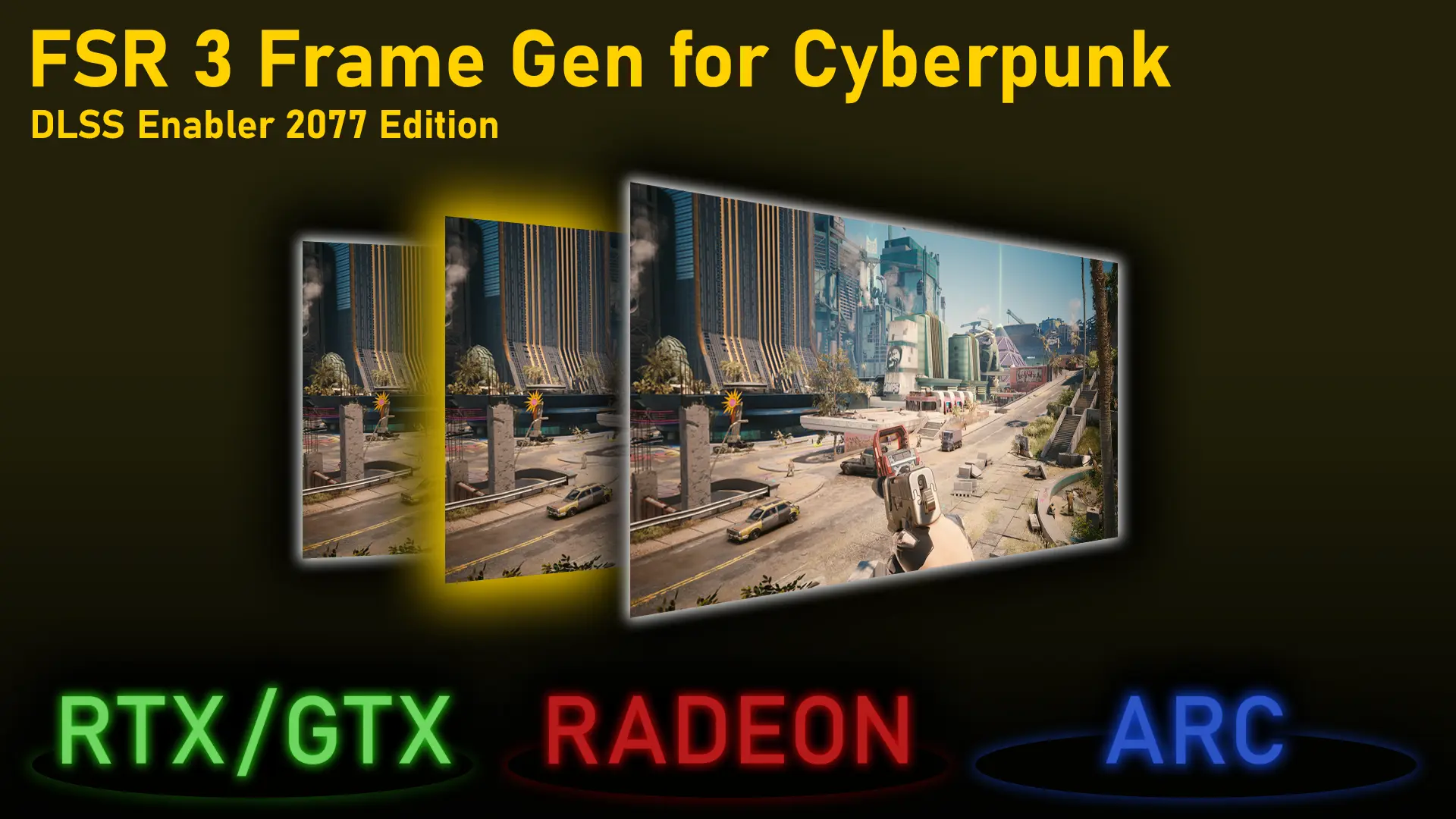
This mod adds FSR 3.1 Frame Generation to Cyberpunk 2077, replacing DLSS FG, and provides additional upscaling options. It works with Nvidia, AMD, and Intel GPUs, and is compatible with CET, RED4ext, and ReShade. Installation is easy and quick.
✨ Key Features
📊 Pros & Cons
✅ Pros
- Huge community trust with 3,795 endorsements and 303k downloads
- GPU-agnostic — works on Nvidia, AMD, and Intel, so no one's left out
- Plays nice with CET, RED4ext, and ReShade, so your other mods won't break
⚠️ Cons
- Last updated in January 2026 — might need a check for the latest game patches
- Replacing DLSS FG might not be ideal for Nvidia users who prefer DLSS quality
For Cyberpunk 2077 players on AMD or Intel GPUs who want frame generation without DLSS. Also great for anyone wanting extra upscaling options and who already uses CET or ReShade. Skip if you're happy with native DLSS and don't need alternatives.
💡 Beginner Tips
- Make sure you have the latest game patch and that CET and RED4ext are up to date before installing.
- If you use ReShade, install this mod before adding ReShade to avoid conflicts.
- Test the frame generation in a busy area like Japantown to see the performance boost.
📊 Mod Details
- Game
- Cyberpunk 2077 Mods
- Author
- artur_07305 on discord
- Version
- 3.02.000.0
- Downloads
- 303,377
- Endorsements
- 3,795
- Category
- Visuals and Graphics
- Created
- 5/15/2024
- Updated
- 1/30/2026
🔧 How to Install Cyberpunk 2077 Mods
Download from Nexus.
📖 Full step-by-step install guide for Cyberpunk 2077 →
Visit the official mod page for specific installation instructions for this mod.
🎮 Need cheat codes or console commands? Check ur gaming wiki for Cyberpunk 2077 commands, item IDs, and more.
Keep browsing — more Cyberpunk 2077 mods await