Edgeshaders - Reloaded
⚪ Last updated 2023⚠️ Install Order · 6 steps
Install in this order, then this mod last — most mods fail to load without their framework and dependencies in place.
Preview
🔍 Analysis
- 👍 3.9% endorsement rate — high engagement, a strong quality signal
- 🏆 #28 of 227 Visuals and Graphics mods in this game by downloads
📋 About This Mod
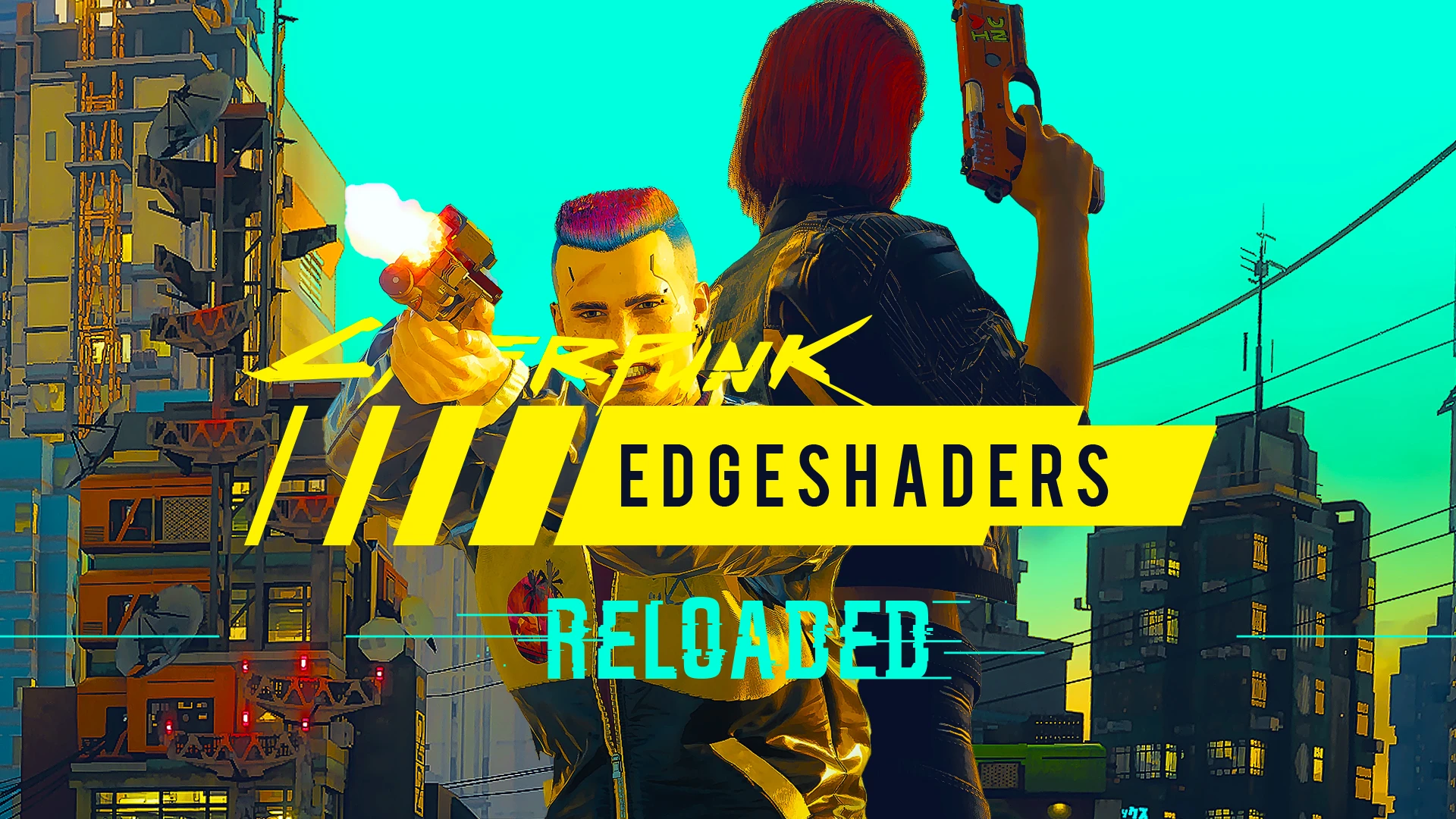
Edgeshaders brings you a stylized celshade look to the game. Perfect for an Edgerunners inspired re-run!
Hey chooms! Want to relive Night City in a new light? Well look no further! This Reshade gives the game a celshade style, perfect for a replay while awaiting Phantom Liberty! Since ReShade is an additive effect it will impact fps but only around 2-5 frames, and thankfully due to the stylistic nature of the shader you can lower your graphics settings without much of a visual downgrade.
Edgeshaders Reloaded is a re-release of the Edgeshaders ReShade, featuring better performance and better clarity
d5YuMvI9E-s
1. Install latest version of ReShade
2. Download the Edgeshaders file and unzip it in Cyberpunk 2077/bin/x64/
3. Launch the game and open the ReShade panel. Choose Edgeshaders preset and make sure that the shaders below are active and in the correct order.
I get a weird pixel glitch in the top of the screen
This is a known issue caused by the effect Dilation Erosion. The visibility of the glitch is mitigated by the order of the effects, but it can still be visible in low light. To fix this you, go to the tab Add-ons and enable "Copy depth buffer during frame to prevent artifacts"
My game doesn't look like the screenshots
-
[]Make sure the load order of shaders is in the correct order.
[
]Make sure there are no duplicates of any active effect. If there are the effect will stack and create undesired results. Note that even uf you untick a duplicate it will reset every time you restart the game. For a permanent solution go to the folder reshade-shaders and delete the duplicate there.[]Turn off Film Grain and Chromatic Abberation in the game graphics settings.
[]Most important graphical setting to keep high is shadows, the others you can tweak to get the best results. Given that the reshade gives a cartoon look sometimes a higher detail effect doesn't necessarily make it look better.
📊 Mod Details
- Game
- Cyberpunk 2077 Mods
- Author
- Statsmakten
- Version
- 1.1
- Downloads
- 1,426
- Endorsements
- 56
- Category
- Visuals and Graphics
- Created
- 9/25/2023
- Updated
- 9/25/2023
🔧 How to Install Cyberpunk 2077 Mods
Download from Nexus.
📖 Full step-by-step install guide for Cyberpunk 2077 →
Visit the official mod page for specific installation instructions for this mod.
🎮 Need cheat codes or console commands? Check ur gaming wiki for Cyberpunk 2077 commands, item IDs, and more.
Keep browsing — more Cyberpunk 2077 mods await