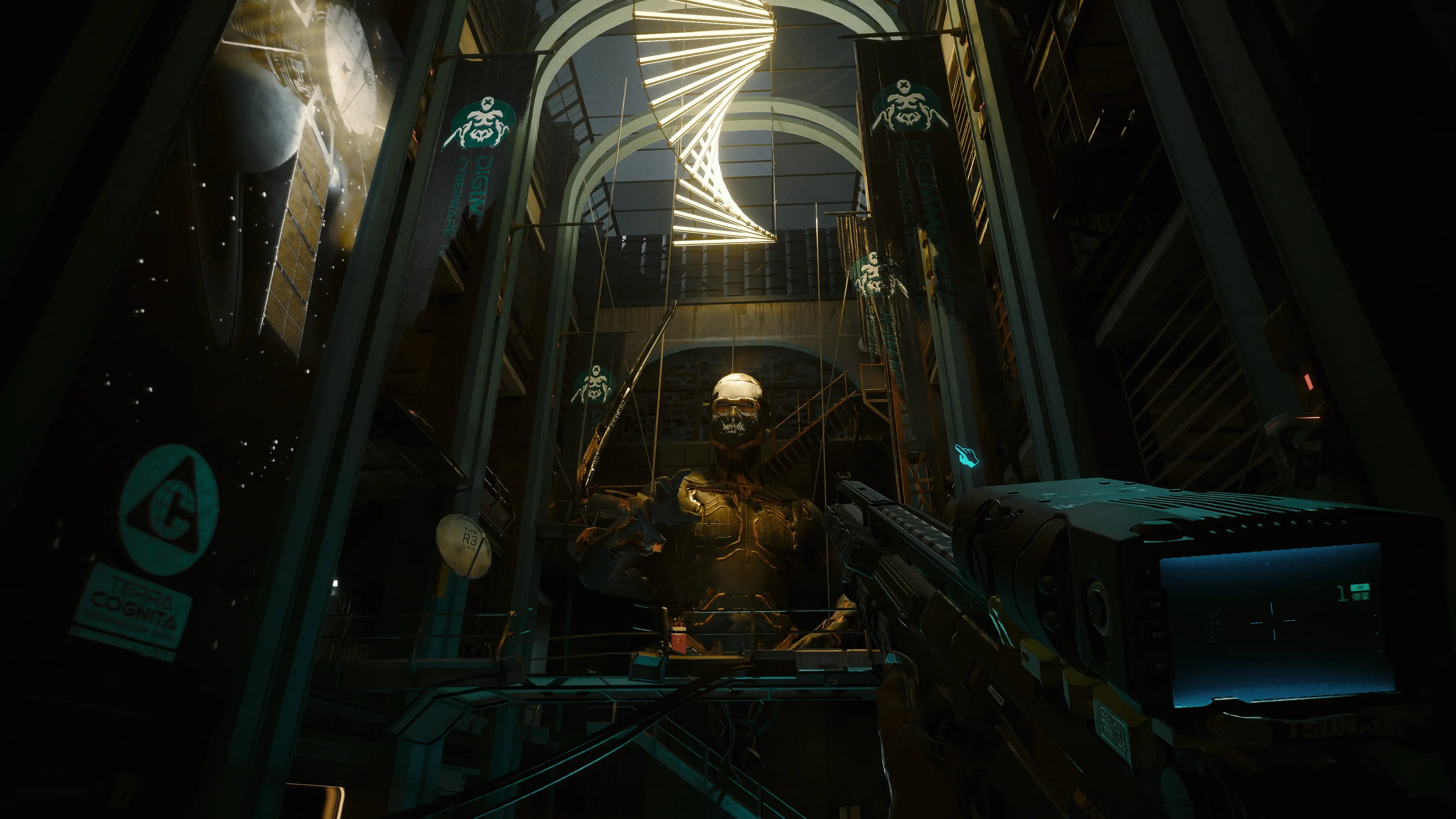
Blade Runner Reshade - A more muted and bleak future
⚪ Last updated 2023⚠️ Install Order · 6 steps
Install in this order, then this mod last — most mods fail to load without their framework and dependencies in place.
Preview
🔍 Analysis
- 👍 2.9% endorsement rate — high engagement, a strong quality signal
- 🏆 #108 of 227 Visuals and Graphics mods in this game by downloads
📋 About This Mod
This reshade mutes the color saturation and vibrancy to provide a bleaker, colder, more realistic, and less candy-like feel to the game. This is a simple reshade, barely 2 kb large and will not tax your system. I made sure the contrast and
-
[]Make sure you have Reshade installed into your game. See below video on how to install Reshade:
cM59k8YPdbw
[
]Download and drop the .ini file into the Cyberpunk2077.exe folder:%PROGRAMFILES(x86)%\Steam\steamapps\common\Cyberpunk 2077\bin\x64
[]Start Cyberpunk and press "Home" to load Reshade
[]Load the "BladeRunner.ini" preset and enjoy ~
- Share the love by posting screenshots of the mod in action :)
📊 Mod Details
- Game
- Cyberpunk 2077 Mods
- Author
- stassano
- Version
- 1
- Downloads
- 1,085
- Endorsements
- 31
- Category
- Visuals and Graphics
- Created
- 10/2/2023
- Updated
- 10/2/2023
🔧 How to Install Cyberpunk 2077 Mods
Download from Nexus.
📖 Full step-by-step install guide for Cyberpunk 2077 →
Visit the official mod page for specific installation instructions for this mod.
🎮 Need cheat codes or console commands? Check ur gaming wiki for Cyberpunk 2077 commands, item IDs, and more.
Keep browsing — more Cyberpunk 2077 mods await