ACU - Character Preset Manager
🟡 Updated this year⚠️ Install Order · 6 steps
Install in this order, then this mod last — most mods fail to load without their framework and dependencies in place.
Preview
🔍 Analysis
- 👍 1.1% endorsement rate — high engagement, a strong quality signal
- 🏆 #6 of 281 Appearance mods in this game by downloads
📋 About This Mod
ACU
NOW FEATURING THE PRESET MANAGER
How to use the new preset manager:
The preset manager will automatically appear on the left side if you open the character creator. It allows you to save your current character appearance, share it, use it in new game saves, back it up, and so on.
In order to load a preset, just click on the name of the preset on the top left of the character customization screen. The preset will be applied immediately and you will be able to freely customize or just play using it.
Saving presets is just as easy as loading them: Create/modify your character, enter the name of the preset in the text box on the bottom right of the character customization screen and press the "SAVE CHARACTER PRESET" button. Your preset will be immediately saved and will appear in the list of saved presets above.
by the way: all presets are saved in
Cyberpunk 2077/bin/x64/plugins/cyber_engine_tweaks/mods/AppearanceChangeUnlocker/character-presets/<characters gender>Great video by apart on how to add a custom preset:
-CNgjr00z1o
Installation:
-
[]Install all dependencies: Codeware and the latest version of redscript[/]
[]extract the archive into your cyberpunk directory (or just use the vortex mod manager)[/]
[]Play the game[/]
remove all installed files/folders from my mod:
-
[]Cyberpunk 2077/r6/scripts/appearanceChangeUnlocker[/]
[]Cyberpunk 2077/bin/x64/plugins/cyber_engine_tweaks/mods/AppearanceChangeUnlocker[/]
[]Delete the Cyberpunk 2077/r6/cache/final.redscripts.modded (it will be recreated on the next launch of the game)[/]
Known bugs:
-
[]Sometimes clicking on a preset doesn't apply all parameters. If that happens, just press the button again and wait a second or two. (fixed in 3. X. X)[/]
[]Installing new CCXL Mods will break presets. There is unfortunately no way to fix this using the current save format.[/]
Big thanks to:
jekky for redscript
psiberix for answering my stupid questions and his awesome codeware ui framework
yamashi for CET
apart for his nice demonstration video
and everyone else from the WolvenKit modding team for creating one of the best modding frameworks out there
Only compatible with Cyberpunk v2. 31
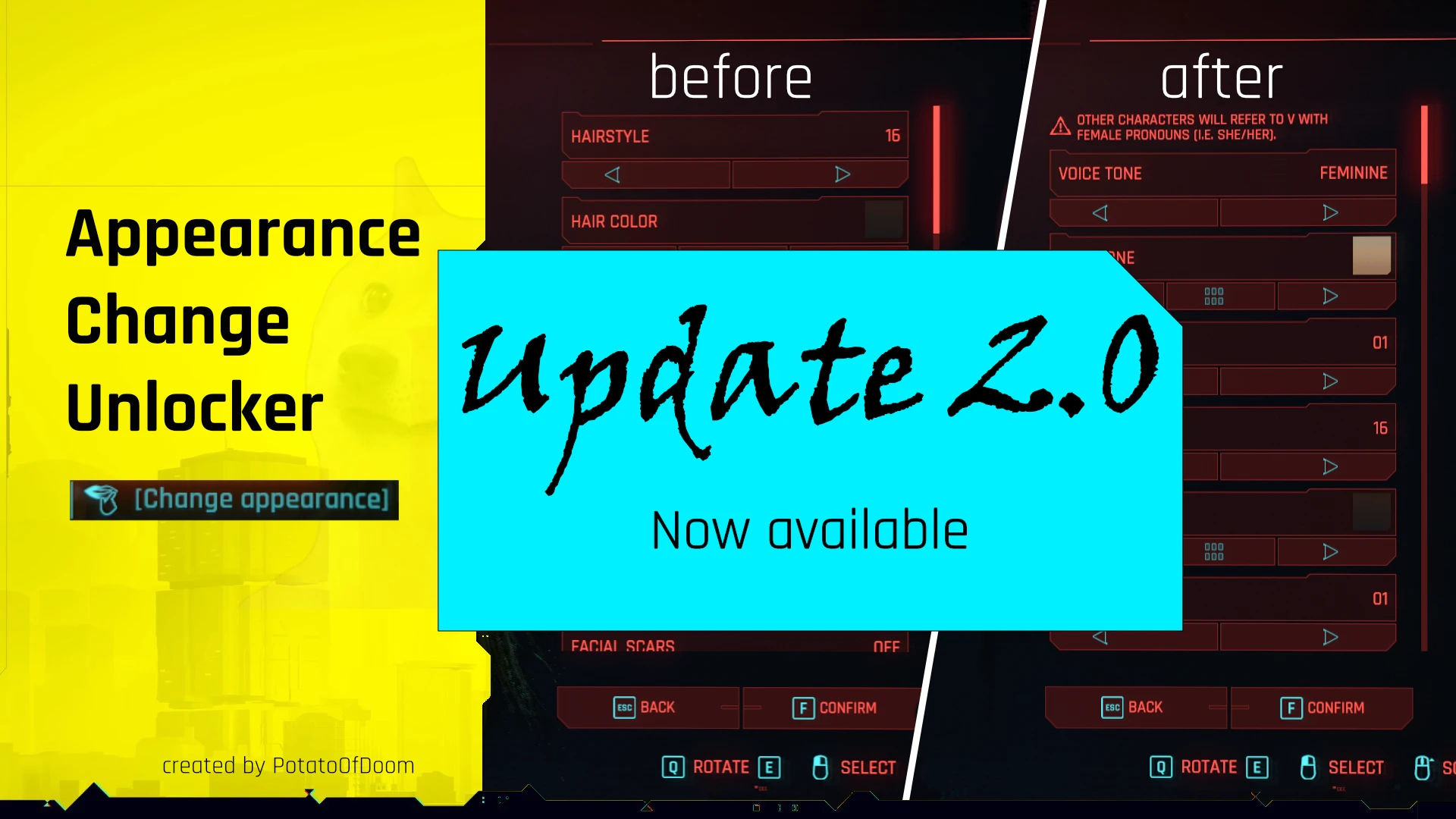
ACU - Character Preset Manager lets you save and create character presets, and unlocks all customization options in your apartment mirror, so you can change your look without visiting a ripperdoc. With over 33,000 endorsements and 3.2 million downloads, it's a highly popular quality-of-life mod for Cyberpunk 2077 players who want more flexibility in character customization.
✨ Key Features
📊 Pros & Cons
✅ Pros
- Huge community trust with 33,913 endorsements and 3.2M downloads
- Saves you trips to the ripperdoc—customize anytime at your apartment mirror
- Actively maintained, last updated May 2026
⚠️ Cons
- Requires a mod manager for installation, which might be a hurdle for newcomers
- Potential conflicts with other appearance mods if not load-ordered properly
For Cyberpunk 2077 players who love tweaking their V's look and want quick access to all customization options without fast-traveling to a ripperdoc. Perfect for fashion-focused players and those who like to switch up their appearance frequently. Skip if you're fine with the vanilla customization limits.
💡 Beginner Tips
- Use a mod manager like Vortex to install and manage this mod—it'll handle load order automatically.
- After installing, check your apartment mirror to see the new options; if they don't appear, make sure the mod is enabled in your mod list.
- If you have other appearance mods, install this one first and then add others to avoid conflicts.
📊 Mod Details
- Game
- Cyberpunk 2077 Mods
- Author
- PotatoOfDoom
- Version
- 3.2.1
- Downloads
- 3,152,418
- Endorsements
- 33,913
- Category
- Appearance
- Created
- 2/16/2022
- Updated
- 5/2/2026
🔧 How to Install Cyberpunk 2077 Mods
Download from Nexus.
📖 Full step-by-step install guide for Cyberpunk 2077 →
Visit the official mod page for specific installation instructions for this mod.
🎮 Need cheat codes or console commands? Check ur gaming wiki for Cyberpunk 2077 commands, item IDs, and more.
Keep browsing — more Cyberpunk 2077 mods await