Radiosity ReShade
⚪ Last updated 2019Preview
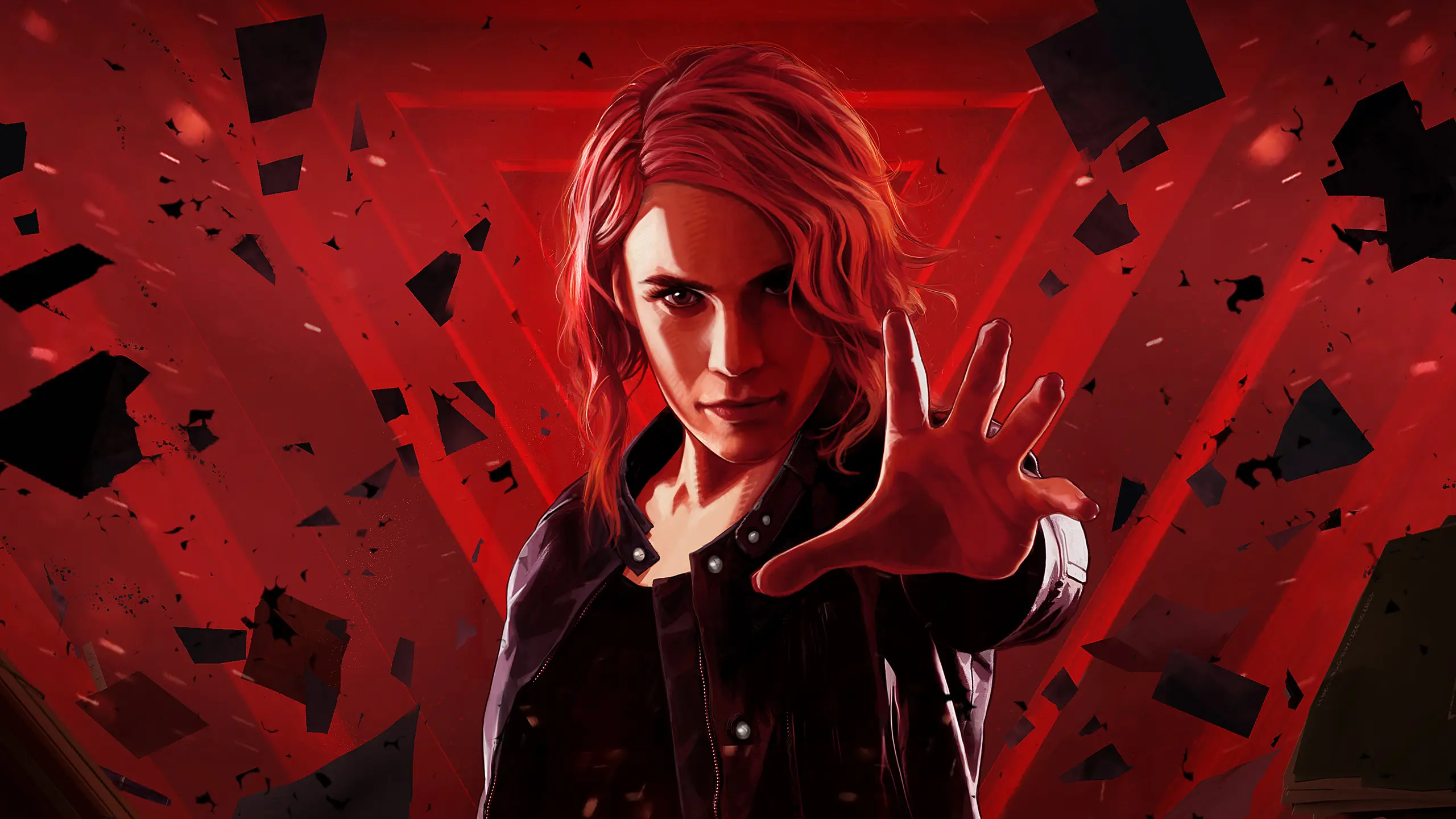
🔍 Analysis
- 👍 7.0% endorsement rate — high engagement, a strong quality signal
- 🏆 #9 of 26 Miscellaneous mods in this game by downloads
📋 About This Mod
"When ray tracing isn't enough...." Inspired by the concept of the Radiosity lighting method, this ReShade preset will give your game a new level of depth, colo
"When ray tracing isn't enough...."
Inspired by the concept of the Radiosity lighting method, this ReShade preset will give your game a new level of depth, color, and visual effects.
As you can see from this comparison Example the Radiosity method produces better results than Ray Tracing, but has a longer rendering time.
INSTALLATION
Copy everything from the "Radiosity" folder to your Control game folder.
(Where Control.exe is located)
Leave the in-game brightness at default.
Disable Film Grain (in-game graphics options).
Play your game!
RESHADE CONTROLS
End key to toggle main effects
Home key to open GUI
TROUBLESHOOTING
Always remove ReShade files from a previous install before installing.
Rename "d3d11.dll" to "dxgi.dll" if your game crashes at startup.
Disable third-party programs, and seek help in the forums if all else.
📊 Mod Details
- Game
- Control Mods
- Author
- Vanguard1776
- Version
- v1.0
- Downloads
- 2,115
- Endorsements
- 148
- Category
- Miscellaneous
- Created
- 10/12/2019
- Updated
- 10/12/2019
🔧 How to Install Control Mods
Download from the official mod page and follow its install instructions. Use a mod manager where supported.
📖 Full step-by-step install guide for Control →
Visit the official mod page for specific installation instructions for this mod.
🎮 Need cheat codes or console commands? Check ur gaming wiki for Control commands, item IDs, and more.
Keep browsing — more Control mods await