Dynamic HUD (DynaHUD)
⚪ Last updated 2020Preview
🔍 Analysis
- 👍 5.5% endorsement rate — high engagement, a strong quality signal
📋 About This Mod
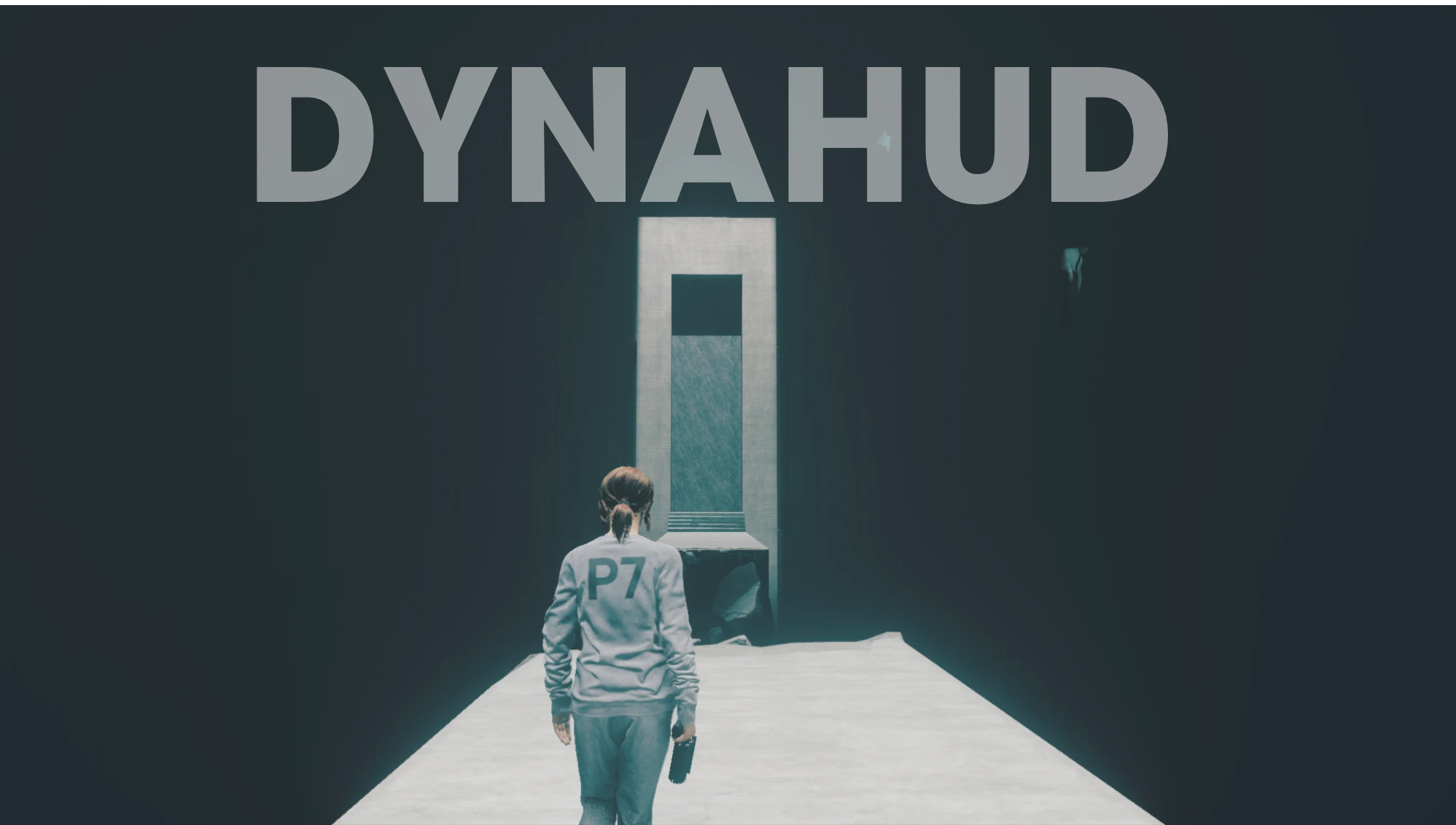
DynaHUD - Dynamic HUD
Dynamically hide UI elements based on your current gameplay state for greater immersion! Explore the Oldest House with zero UI in your way, but have everything back up when you enter combat.
In the base game, your health bar and active missions are always shown on-screen, even when you are not in combat and exploring the Oldest House. This mod will hide the health bar when you are not in combat and at full health. The mission log will also be hidden, but will re-appear whenever objectives are updated so you won't miss anything. You can also view the mission log anytime by bringing up your map.
The mod will also give you control over the opacity of many UI elements, letting you make them transparent so you can see more of the world and less of the UI.
-
[]Control the opacity of the following UI elements: Player/enemy health bars, energy bar, crosshair, ammo bar, mission log, source collection notification, item pickup notification, interaction marker, threat indicator, expedition modifiers.
[
]Dynamic health bar: Auto-hide when full.[]Dynamic mission log: Show mission log only when objectives are updated or when the map menu is open.
[]Dynamic crosshair: Hide the crosshair when in adventure/exploration mode.
Requires the Control Plugin Loader.
Installation
1. Install the prerequisite: Control Plugin Loader.
2. Extract the contents of the mod into your Control installation directory. The ui and plugins directories should be at the same folder level as the data folder and the Control.exe executable.
3. Launch the game.
Configuration
To configure opacity settings, open DynaHUD.css in a text editor like Notepad and edit the values to your liking.
To configure dynamic HUD settings, open DynaHUD.js in a text editor. The following settings are available:
General Settings:
-
[]Individual controls to enable dynamic behavior for the health bar, mission log and crosshair. Set to "true" or "false" to enable or disable the respective components.
Dynamic Health Bar Settings:
- [
[]Threshold level: When your health falls below this percentage, the healthbar will be shown. Default: 1. 0 (100%)
[]Fade delay: The time before the health bar fades away when at or above the health threshold.
Dynamic Mission Log Settings:
[*]Initial hide time: How long to show the miss
-
[]Individual controls to enable dynamic behavior for the health bar, mission log and crosshair. Set to "true" or "false" to enable or disable the respective components.
📊 Mod Details
- Game
- Control Mods
- Author
- reg2k
- Version
- 1.1
- Downloads
- 18,911
- Endorsements
- 1,047
- Category
- User Interface
- Created
- 4/4/2020
- Updated
- 9/9/2020
🔧 How to Install Control Mods
Download from the official mod page and follow its install instructions. Use a mod manager where supported.
📖 Full step-by-step install guide for Control →
Visit the official mod page for specific installation instructions for this mod.
🎮 Need cheat codes or console commands? Check ur gaming wiki for Control commands, item IDs, and more.
Keep browsing — more Control mods await