Photomode Range Unlocker
⚪ Last updated 2020Preview
🔍 Analysis
- 👍 8.4% endorsement rate — high engagement, a strong quality signal
- 🏆 #12 of 26 Miscellaneous mods in this game by downloads
📋 About This Mod
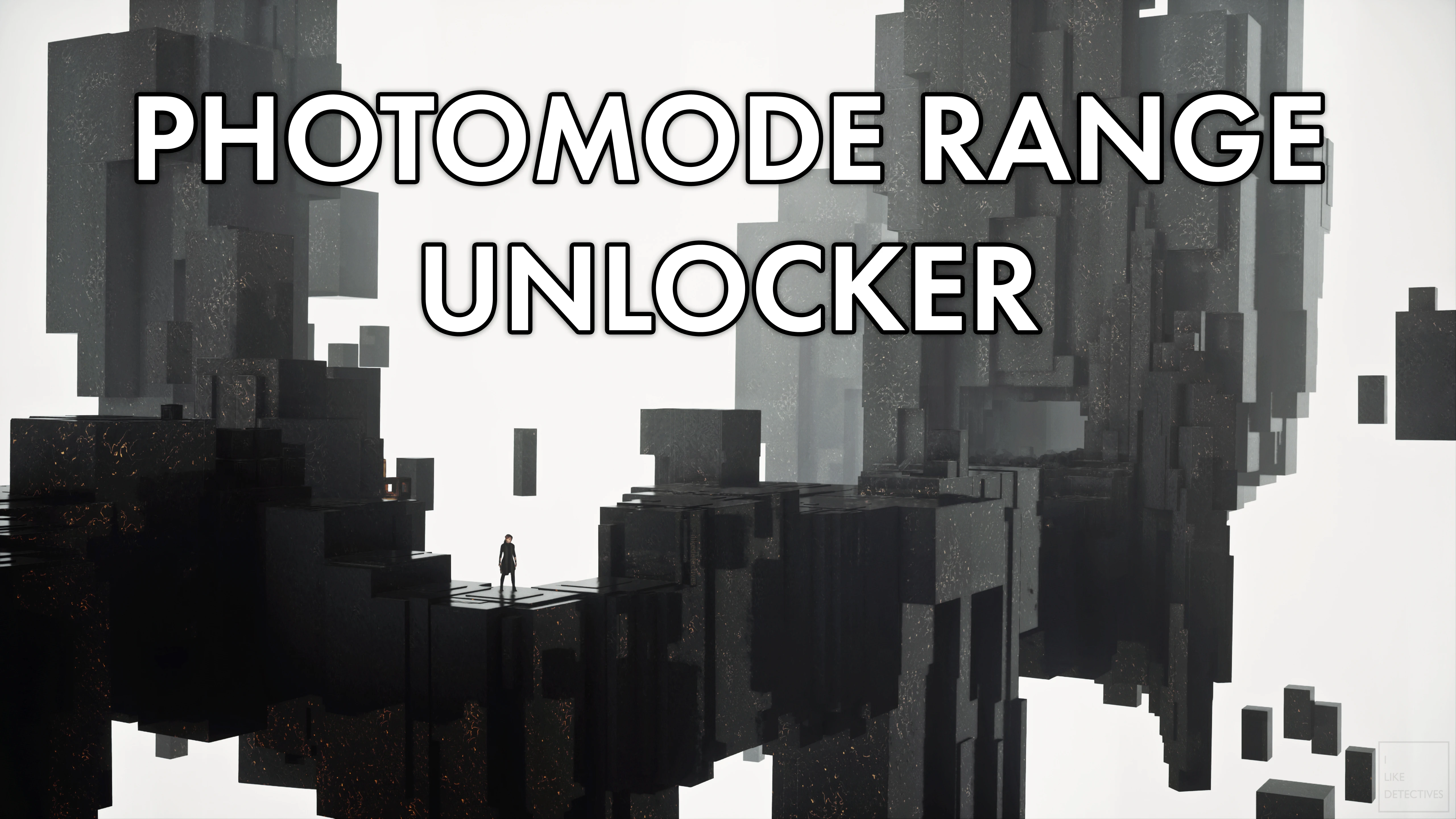
Unlocks range limit in photomode with options to adjust various camera speed and rotation.
WHAT YOU NEED:
reg2k's Loose File Loader
INSTRUCTIONS:
Scenario #1: If you don't have any Tweakables installed yet
-
[]Simply extract the zip file and paste the tweakables.xml file like this path indicated Control\data\globaldb\tweakables.xml
[
]DoneScenario #2: You already have Tweakables installed
-
[]Go to where you have your current tweakables.xml file is installed Control\data\globaldb\tweakables.xml and paste the following: <tweakable type="float1" name="Photo Mode Camera:Max Range(m)" value="300. 000000"/>
[
]Save and Close your tweakables.xmlNOTES:
-
[]Works for both DX11 and DX12 version as of 1. 12 update (Epic Games with Season Pass and Steam v 1. 13)
[]This is NOT a freecam, which means you cannot move the camera through objects (like going through walls)
[]To provide with even more customization options than Better Photomode mod by VAXIS, I also included the following 5 parameters for photomode with their default values in case you need to adjust them to your liking in the tweakables.xml file. If you like the defaul values, then you don't have to do anything else.
- Making the camera goes too fast will make it harder to take portrait photos if that's what you're interested in.
<tweakable type="float1" name="Photo Mode Camera:Camera Movement Speed (m/s)" value="3. 000000"/>
<tweakable type="float1" name="Photo Mode Camera:Camera Stick Rotation Speed (deg/s)" value="280. 000000"/>
<tweakable type="float1" name="Photo Mode Camera:Camera Vertical Movement Speed (m/s)" value="2. 000000"/>
<tweakable type="float1" name="Camera:Photo Mode Near Plane" value="0. 100000"/>
CREDITS:
Special thanks to reg2k for making the Loose File Loader and sharing all these tweakables provided by Remedy with the modding community.
-
[]Works for both DX11 and DX12 version as of 1. 12 update (Epic Games with Season Pass and Steam v 1. 13)
-
[]Go to where you have your current tweakables.xml file is installed Control\data\globaldb\tweakables.xml and paste the following: <tweakable type="float1" name="Photo Mode Camera:Max Range(m)" value="300. 000000"/>
📊 Mod Details
- Game
- Control Mods
- Author
- ilikedetectives
- Version
- 1.0
- Downloads
- 1,193
- Endorsements
- 100
- Category
- Miscellaneous
- Created
- 4/12/2020
- Updated
- 4/12/2020
🔧 How to Install Control Mods
Download from the official mod page and follow its install instructions. Use a mod manager where supported.
📖 Full step-by-step install guide for Control →
Visit the official mod page for specific installation instructions for this mod.
🎮 Need cheat codes or console commands? Check ur gaming wiki for Control commands, item IDs, and more.
Keep browsing — more Control mods await