control care package
⚪ Last updated 2024Preview
🔍 Analysis
- 👍 5.9% endorsement rate — high engagement, a strong quality signal
- 🏆 #18 of 26 Miscellaneous mods in this game by downloads
📋 About This Mod
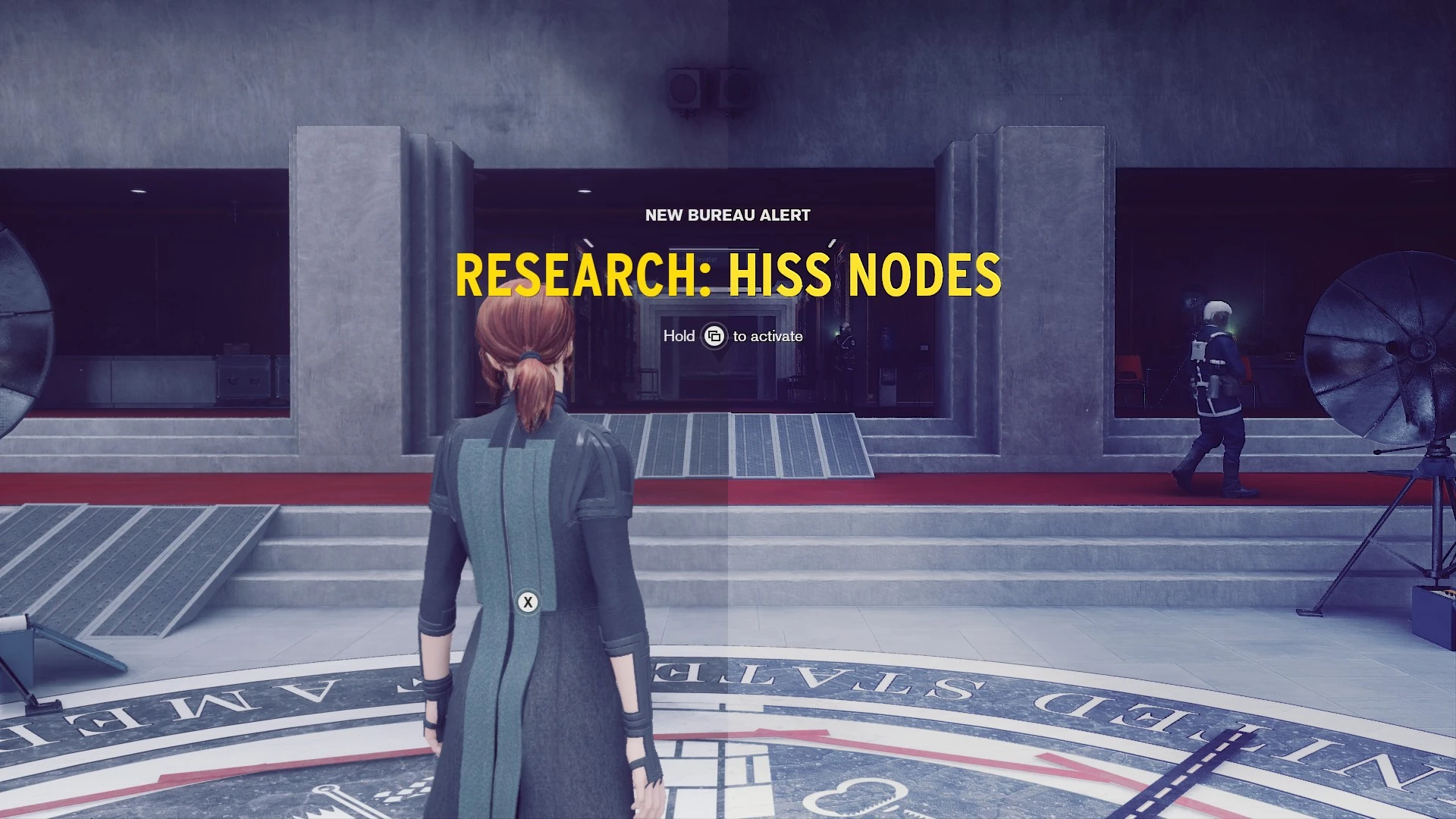
remove damage blood Jesse overlayremove blur when woundedtone map reduces darknessOnly works in dx11 mode.
- description
Rarely does a game play homage to an architectural style control
how ever is an open lover letter to brutalism aka the flakturm school of design.
These tweaks practically remove the blood / blur effect to Jesse
during combat as well some tonemaping reduces excessive darkening,
a bump / relief shader high lights the texture details, and
a bit of shifting to the primary colors reduces the overall prominent blue.
update v1. 2 17/05/24
- added a curve shader see 'further tweaking' for more info
- tweaked bloom shader
- tweaked tonemap (upscale.hlsl) added some contrast
update v1. 1 17/05/24
- a custom shader upscale.hlsl (3dmigoto) replaces reshade
- tested on windows 10 (v1903)
- added global tonemap reduce bloom, lensdirt and vignette
- added reduce flares spotlights
- replaced bump / relief shader with luma sharpening
with Control_DX11.exe
- updating
if the old package was installed remove the following
folder(s) and file(s) in the folder which contains Control_DX11.exe
shadercache
shaderfixes
d3dcompiler_46.dll
ReShade.ini
Then copy the contents of the zip file to the install folder
of control the folder which contains Control_DX11.exe.
- install
Copy the contents of the zip file to the install folder of control,
the folder which contains Control_DX11.exe.
- optional install
The following instructions are only needed
if you do not like using unverified dll's you can:
download 3dmigoto from:
https://github.com/bo3b/3Dmigoto/releases
download version 1. 3. 16 and place the following dlls in the install folder of
control (the folder that contains Control_DX11.ex):
d3d11.dll (64bits)
d3dcompiler_46.dll
then copy `d3dx.ini, ShaderCache and ShaderFixes from the zip file to the same dir aka folder.
make sure to set (line 248):
the default setting is:
which sets 3dmigoto to a debug mode.
and add (@line 19):
include = ShaderFixes\upscale.ini
include = ShaderFixes\curve.ini
- verify
After running the game the folder ShaderFixes should
gradually (scene and level dependent) contain the .bin versions:
06dc569c710cbda5-ps_replace.bin
774ff54fad224f19-ps_replace.bin
ae7660e368953d58-ps_replace.bin
b40cf13c91aa6230-ps_replace.bin
06dc569c710cbda5-ps_replace.txt
📊 Mod Details
- Game
- Control Mods
- Author
- thrive4
- Version
- 1.2
- Downloads
- 631
- Endorsements
- 37
- Category
- Miscellaneous
- Created
- 11/26/2019
- Updated
- 5/29/2024
🔧 How to Install Control Mods
Download from the official mod page and follow its install instructions. Use a mod manager where supported.
📖 Full step-by-step install guide for Control →
Visit the official mod page for specific installation instructions for this mod.
🎮 Need cheat codes or console commands? Check ur gaming wiki for Control commands, item IDs, and more.
Keep browsing — more Control mods await