AutoBlocker
⚪ Last updated 2021⚠️ Install Order · 1 step
Install in this order, then this mod last — most mods fail to load without their framework and dependencies in place.
Preview
🔍 Analysis
- 👍 2.9% endorsement rate — high engagement, a strong quality signal
- 🏆 #72 of 678 Gameplay mods in this game by downloads
📋 About This Mod
Patreon
I spend countless hours every day working on, updating, and fixing mods for everyone to enjoy. While I will never ask for anyone to pay me to make a mod or add a feature, any support is greatly appreciated. >>Check it out<<, you might find benefits that catch your eye!
AutoBlocker
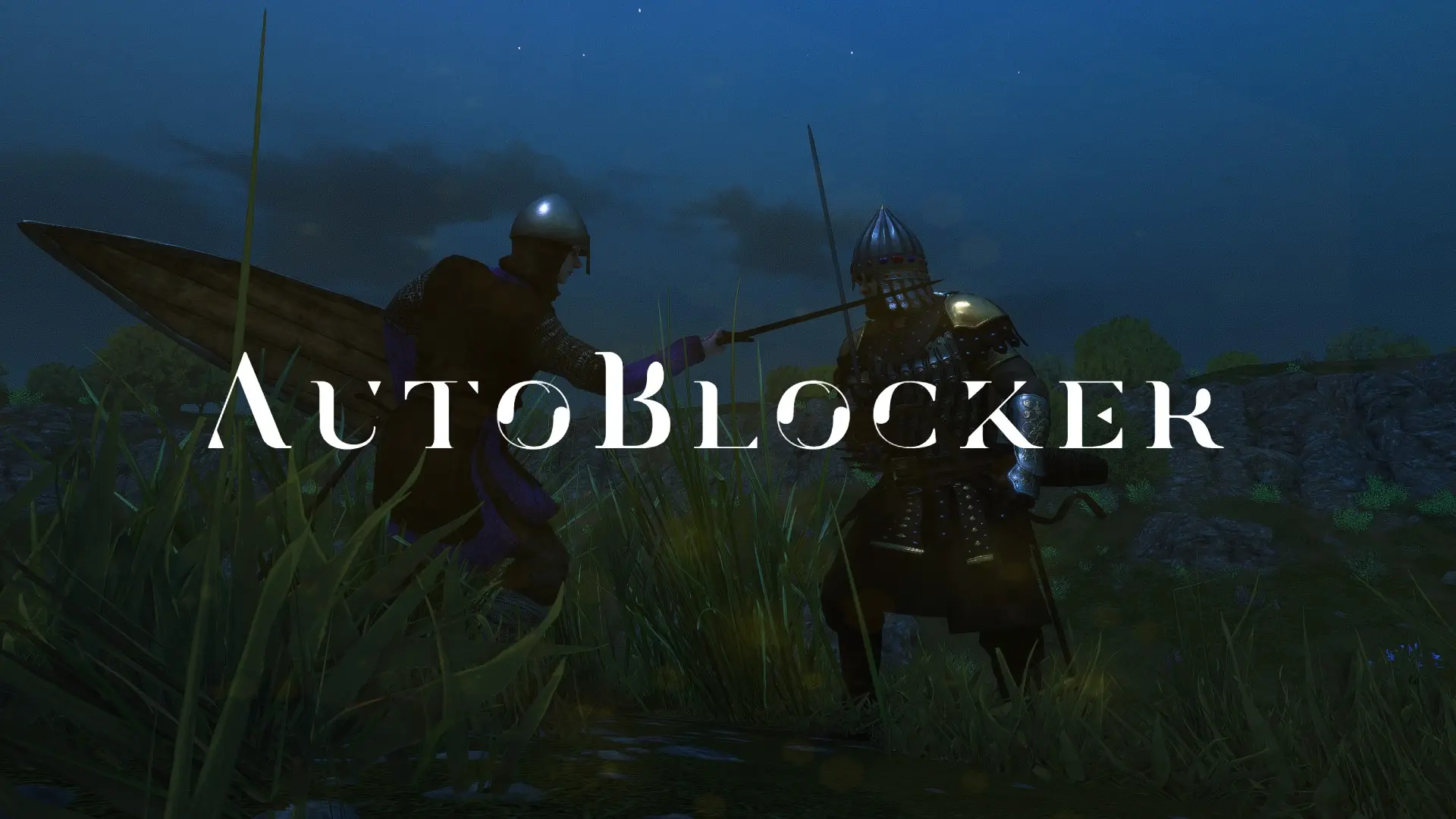
This mod aims to give players a wide array of options when it comes to choosing a blocking style that fits their needs.
Configuration
You have 2 methods of configuration based on version:
-
[]For any version before 1. 0. 9: Open the config from Bannerlord's start menu.
[
]For 1. 0. 9 and beyond: Use MCM (Mod Configuration Menu) to modify the config.You have 10 configuration options:
Weapon Block Styles:
- []Off - Uses Bannerlord's blocking settings.
-
[]Constant - Automatically blocks incoming attacks whenever you aren't attacking.
[]Hold - Holding the block button will automatically defend against incoming attacks.
[]Drag - Defends in the direction your mouse moves while holding the block button. Sensitivity settings are available
- []Move - Holding block and moving in any direction, will cause your character to block in that direction without having to click (i.e., forward = up,
- []OnClick(Warband) - Emulates the automatic blocking from Warband. Blocks in the direction your immediate enemy is attacking from whenever
Shield Block Styles:
- []Off - Uses Bannerlord's blocking settings.
[]Default - Uses current Weapon Block Style behaviour.
[]Always Blocking Down - Forces the shield to always block down.
[]Block Down When No Focus Enemy - Always blocks down when when there aren't any immediate threats. When an enemy is nearby, uses standard Bannerlord block behaviour.
Installation
- This mod requires (as of 1. 0. 9) >>Mod Configuration Menu<< to function, so follow the instructions for that then place the AutoBlocker folder inside of your Mount & Blade II Bannerlord\Modules folder.
Links
GPORTAL
http://www.g-portal.com/?ref=Menthus15
Patreon
https://www.patreon.com/Menthus
Discord
GitHub
Youtube
https://www.youtube.com/channel/UCfVYisJ8c6p37ol154rTHnw
Twitter
https://twitter.com/OriginalMenthus
Important Note On Game Crashing/Not Loading When Starting Up:
If you are having troubles with the game crashing on startup, there have been several reports that installing AutoBlocker with Vortex solves it. Also, try to make sure there are no other mods conflicting with AutoBlocker(Although, there isn't much to conflict with..). In addition to that, you can try modifying AutoBlocker's SubModule.xml file and remove <Official value="false"/>. Besides that, please make sure to go into Autoblocker>bin>win64_shipping_client, right click AutoBlocker.dll, click on properties, check the unblock box, then hit apply. As always, please post any bugs you encounter, and that includes crashes/stuttering/freezing/etc.
If all else fails, and your game still won't load with AutoBlocker installed, please go to your , select the most recent crash(Should show the version in the crash report, just before you'd send it to TaleWorlds) and copy/paste the contents of stack.txt into a bug report. FYI -- The ProgramData folder is normally hidden(Open FileExplorer, click the 'view' button in the upper left, then check the 'Hidden Item
AutoBlocker is a gameplay mod for Mount & Blade II: Bannerlord that offers a variety of automatic blocking styles for weapons and shields, with 10 configurable options. It has 4,899 endorsements and 169,484 downloads, last updated in March 2021. Suitable for players seeking customizable combat assistance.
✨ Key Features
📊 Pros & Cons
✅ Pros
- Community favorite with 4,899 endorsements and 169,484 downloads.
- Offers a wide range of blocking styles to suit different playstyles.
- Configurable via MCM for easy in-game adjustments in recent versions.
⚠️ Cons
- Last updated in March 2021, so may not be compatible with the latest game patches.
- Configuration method changed at version 1.0.9, requiring MCM for newer versions, which may be an extra dependency.
- Shield block styles description is cut off, leaving some options unclear.
For Bannerlord players who find manual blocking tedious and want automated options. Great for those who prefer Warband-style blocking or want to customize combat to their liking. Skip if you enjoy the challenge of manual blocking or want a mod that adds new content rather than tweaking mechanics.
💡 Beginner Tips
- If you're using version 1.0.9 or later, make sure to install MCM first, as the mod won't be configurable without it.
- Try the 'Constant' style first to get a feel for auto-blocking, then experiment with 'Drag' or 'Move' for more control.
- Check the mod's Patreon page for potential updates or compatibility notes, since the mod hasn't been updated since 2021.
📊 Mod Details
- Game
- Bannerlord Mods
- Author
- Menthus
- Version
- 1.0.9
- Downloads
- 169,484
- Endorsements
- 4,899
- Category
- Gameplay
- Created
- 4/4/2020
- Updated
- 3/15/2021
🔧 How to Install Bannerlord Mods
Use Vortex or manual. Enable mods in launcher. Harmony required.
📖 Full step-by-step install guide for Bannerlord →
Visit the official mod page for specific installation instructions for this mod.
🎮 Need cheat codes or console commands? Check ur gaming wiki for Bannerlord commands, item IDs, and more.
Keep browsing — more Bannerlord mods await