ModLib
⚪ Last updated 2020Preview
🔍 Analysis
- 👍 2.2% endorsement rate — high engagement, a strong quality signal
- 🏆 #1 of 92 User Interface mods in this game by downloads
📋 About This Mod
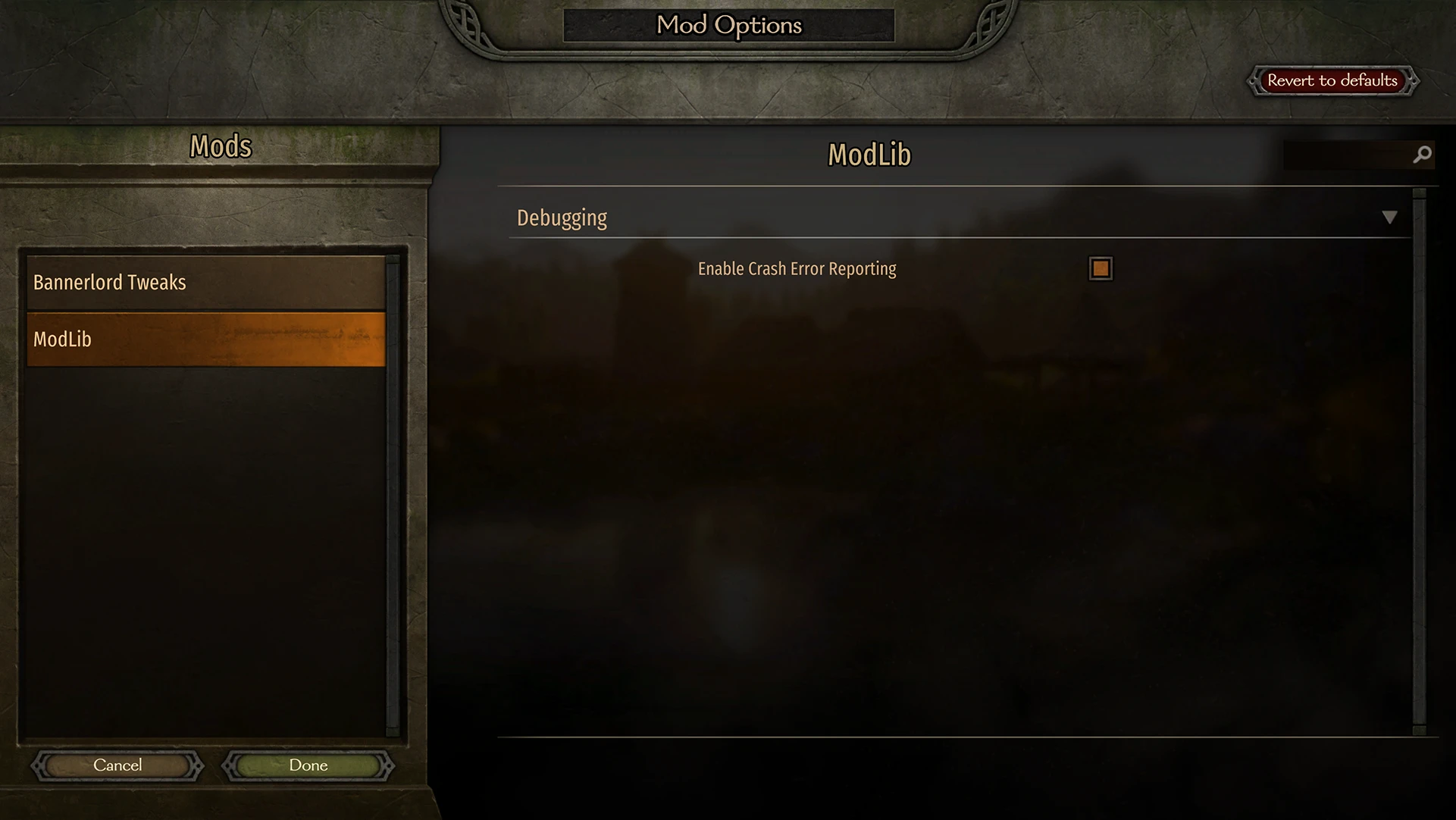
ModLib is a modder's resource mod which provides useful code and an easy to use mod settings menu for modders to hook into.
1. 3 Version
ModLib has had some major changes to how it should be implemented from version 1. 3 onwards. Modders, please see this Wiki page for details on the changes.
These changes will reduce mods' dependancy upon ModLib, meaning they will be able to run even if ModLib is not installed.
Modders: You can find the source code for ModLib here. For information on using ModLib with your mod, and how to hook into the mod settings menu, check out the mod's Wiki.
Installation
ModLib is a mod that other mods depend upon. If you are using a mod that requires ModLib, such as Bannerlord Tweaks, ensure that ModLib is listed above that mod in the mods list.
Unblock the mod's .dll files
Windows automatically flags .dll files downloaded from the internet as suspect and puts a security block on them. While this is usually good, it causes problems with Bannerlord's mod loading system. To fix this, open the ModLib mod folder in your modules folder, then navigate to bin -> Win64_Shipping_Client. Right click on ModLib.dll and select Properties. In the popup window, check the 'Unblock' checkbox at the bottom of the General tab. Do the same for 0Harmony.dll and ModLib. Patches.dll as well.
Unblock all files with PowerShell (advanced method)
If you feel comfortable using a terminal, you can use PowerShell to automatically unblock all files in the Bannerlord directory. This will fix not just the files for this mod, but those for others that have issues also. Follow the instructions below:
In the Windows start menu, search for PowerShell
Right click on it and click 'Start as administrator'. A blue window will appear.
Open an explorer window and navigate to Bannerlord's Modules folder (this is where you installed your mods)
Click on the address bar and press Control+C to copy the address.
Go back to the PowerShell window and type: cd "
Paste the address using Control+V and type the closing quotation mark "
The result should look something like this:
cd "C:\Program Files (x86)\Steam\steamapps\common\Mount & Blade II Bannerlord\Modules"
(Your location might be different, don't forget the quotation marks!)
Press enter.
Now type (or even better, copy the line and paste it into the PowerShell window): dir -Recurse | Unblock-File
Once you have entered that line, press enter.
The PowerShell window will work for a few seconds and then be finished. All the files in the Modules directory are now unblocked if they were blocked.
Try running the game in administrator mode
Navigate to "C:\Program Files (x86)\Steam\steamapps\common\Mount & Blade II Bannerlord\bin\Win64_Shipping_Client" then right click on the file named "TaleWorlds. MountAndBlade. Launcher.exe" and click properties. Go to the "Compatibility" tab and check the "Run this program as an administrator" checkbox, then hit OK. (This requires you to have administrator priviliges on your computer.)
Try Another Launcher
Other modders have created better launchers for the game that help fix some of the issues that are caused by the default one.
Try one of these:
Alternative Bannerlord Launcher https://www.nexusmods.com/mountandblade2bannerlord/mods/265
Fixed Launcher https://www.nexusmods.com/mountandblade2bannerlord/mods/205
Check other mods for issues
Mods that are not setup correctly will cause issues for all other mods that you have added to the game. One bad mod will bring the whole house down.
Make sure that ModLib is beneath all of the official modules in the launcher. This mod depends on code from the official modules and needs to be loaded after them. It has been brou
ModLib is a modder's resource for Mount & Blade II: Bannerlord, providing shared code and a mod settings menu for other mods to hook into. It has 23,238 endorsements and 1.0M downloads, last updated in June 2020. Essential for mods like Bannerlord Tweaks, but requires manual DLL unblocking.
✨ Key Features
📊 Pros & Cons
✅ Pros
- Huge community trust with 23,238 endorsements and over a million downloads.
- Essential for many popular mods like Bannerlord Tweaks, making it a must-have for modded setups.
- Active development until 2020, with a major 1.3 update that improved mod independence.
⚠️ Cons
- Last updated in 2020 — may be outdated for current game versions, risking compatibility issues.
- Manual DLL unblocking is required, which can be confusing for less technical users.
- Primarily a resource for modders; end users may not see direct benefits unless using dependent mods.
For Bannerlord players who use mods that depend on ModLib, like Bannerlord Tweaks, and need the foundation installed. Also for mod developers who want to integrate a settings menu into their mods. Skip if you play vanilla or use mods that don't require it.
💡 Beginner Tips
- Ensure ModLib is listed above any mods that require it in the load order to avoid crashes.
- Unblock the DLL files (ModLib.dll, 0Harmony.dll, ModLib.Patches.dll) via Properties > Unblock, or use the PowerShell method to unblock all files in the Modules folder.
- If you're not a modder, you don't need to read the wiki—just install and let dependent mods use it.
📊 Mod Details
- Game
- Bannerlord Mods
- Author
- mipen-Tokashi-joshimoo
- Version
- 1.4.0
- Downloads
- 1,035,481
- Endorsements
- 23,238
- Category
- User Interface
- Created
- 4/16/2020
- Updated
- 6/5/2020
🔗 Required By 1 Mod
These mods list this mod as a dependency.
🧩 Commonly Used Together
Users add these mods to the same collections — a real compatibility signal, not an AI guess.
🔧 How to Install Bannerlord Mods
Use Vortex or manual. Enable mods in launcher. Harmony required.
📖 Full step-by-step install guide for Bannerlord →
Visit the official mod page for specific installation instructions for this mod.
🎮 Need cheat codes or console commands? Check ur gaming wiki for Bannerlord commands, item IDs, and more.
Keep browsing — more Bannerlord mods await