SystemClock
🟠 Updated over a year agoPreview
🔍 Analysis
- 👍 1.8% endorsement rate — high engagement, a strong quality signal
- 🏆 #15 of 64 Gameplay mods in this game by downloads
📋 About This Mod
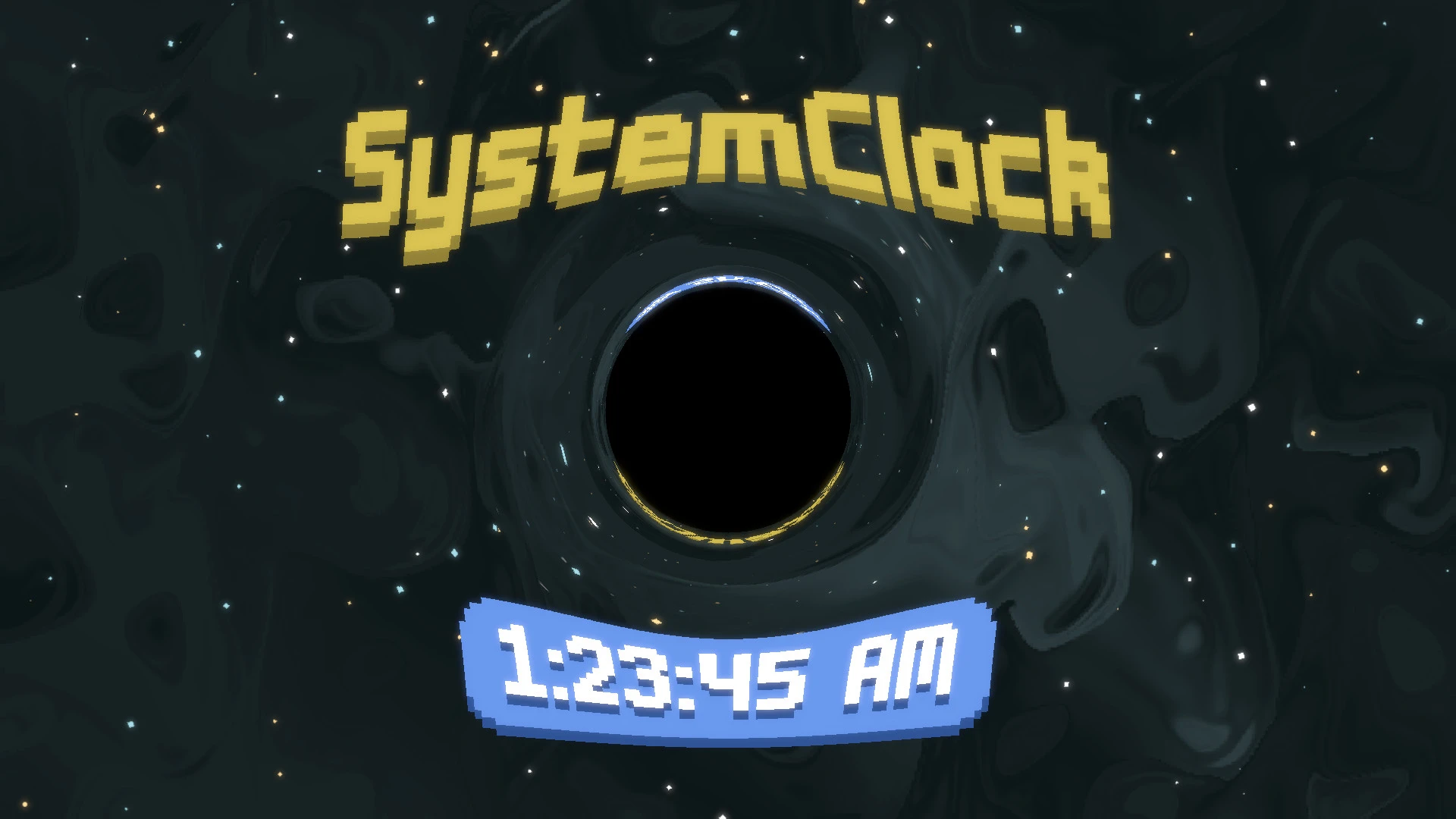
SystemClock adds a draggable, resizable, customisable clock to the game screen.
It includes 5 editable presets and supports a variety of time formats, UI styles, and color options.
Drag the clock into place with left click, and open the customisation options with right click.
Keep track of time - don't fall into the Black Hole.
SystemClock requires Lovely!
Steamodded is also supported but is not required.
Installation
1. Install Lovely by following the installation instructions here.
-
[]On Windows, version.dll should be placed in the same folder as Balatro.exe
[
]On macOS, liblovely.dylib should be placed in the same folder as Balatro.app
-
[]On Windows this should be located at %AppData%/Balatro/Mods
[
]On macOS this should be located at /Users/$USER/Library/Application Support/Balatro/Mods
4. Configure SystemClock to your liking by right-clicking on the clock
-
[]With only Lovely installed, this menu can also be found at Settings -> Clock
[
]If Steamodded is also installed, this menu can be found at MODS -> SystemClock -> Config tabPlease report issues and make suggestions at:
SystemClock on GitHub or the SystemClock thread on the Balatro Discord server
Also check out DismissAlert
SystemClock adds a draggable, resizable, and customizable clock to your game that shows your local system time. It's a simple utility mod for players who want to keep track of real-world time while playing. With 73 endorsements and 3,980 downloads, it has a small but active user base.
✨ Key Features
📊 Pros & Cons
✅ Pros
- Handy for long sessions when you need to track real time without alt-tabbing
- Decent download count (3,980) shows some players find it useful
- Lightweight utility that doesn't affect gameplay balance
⚠️ Cons
- Only 73 endorsements—not a lot of community feedback
- Last updated March 2025—may not be compatible with future game patches
For players who lose track of time during marathon gaming sessions and want a quick glance at the clock. Also for streamers who want to show real time on screen. Skip if you prefer minimal UI or don't need real-time info.
💡 Beginner Tips
- Check if your game has a mod folder—if so, just drop the files there
- Try dragging the clock to a corner so it doesn't block your view
- If the clock doesn't show, make sure you've enabled mods in the game's launcher
📊 Mod Details
- Game
- Balatro Mods
- Author
- Breezebuilder
- Version
- v1.7.1
- Downloads
- 3,980
- Endorsements
- 73
- Category
- Gameplay
- Created
- 2/15/2025
- Updated
- 3/15/2025
🔧 How to Install Balatro Mods
Download from Nexus Mods.
📖 Full step-by-step install guide for Balatro →
Visit the official mod page for specific installation instructions for this mod.
🎮 Need cheat codes or console commands? Check ur gaming wiki for Balatro commands, item IDs, and more.
Keep browsing — more Balatro mods await