van Rogh Reshade
⚪ Last updated 2016Preview
🔍 Analysis
- 🏆 #65 of 132 ReShade Preset mods in this game by downloads
📋 About This Mod
A Reshade preset for The Witcher 3.
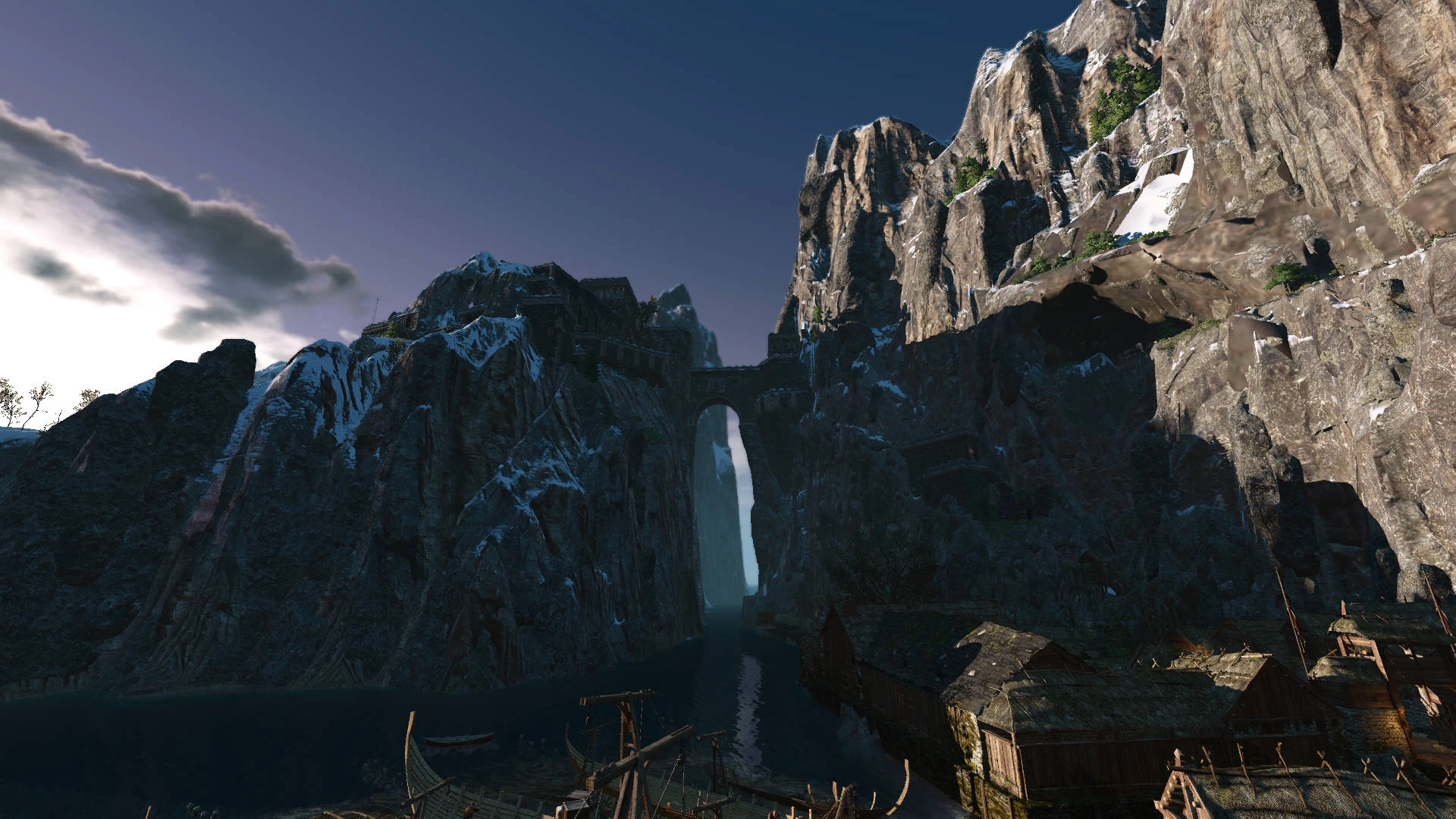
View the Starry Night Over Novigrad as van Rogh saw it when painting his famous picture. This Reshade adds detail to shadowy areas through the use of MXAO and several other effects with Reshade 3. 0. Look at the screenshots for comparison. It's tweaked to be used together with other mods, most notably Extended View Distance and Atmospheric Nights.
How to use:
- Download the Reshade Setup file and open it
- A window opens asking you to select a game
- Click the button, navigate to the Witcher3/bin/x64 folder and select witcher3.exe
- Then click on the circle left of„Direct3D 10+“
- Answer the question about shader downloads with „yes“ and close the window
- Copy the van Rogh Reshade ini into the same folder with the Witcher3.exe
- Open the Witcher 3
- There should be an info bar on the top of the screen telling you that shaders are loaded which can take a couple of seconds
- Press Shift+F2 when the procedure is done
- Read the tutorial if you like
- Click the „+“ Button to create a new profile and name it like the preset file: vanRoghReshade
- Hit Enter and the settings from the ini should get active updating the list in the lower
- part of the screen automatically
- Open the second tab called „Settings“and add the following lines under „Preprocessor Definitions:
- AO_FADE____START=0. 1
- AO_FADE____END=0. 9
- EDIT: Also set RESHADE_DEPTH_INPUT_IS_REVERSED to "1". Very important. Sorry if this caused you trouble.
- Return to the first tab and click the„Reload“ button in the lower left part of the window
- After a couple of seconds you can leave the menu with Shift+F2 again and use F4 to disable or enable
- the shaders except DOF, F3 to disable or enable DOF
Edit 2: Updated the file disabling Deband (15/10/2016 - 02:37PM). Older Version had blurry IQ. Press Shift+F2 to see if it's active and disable it manually if you've downloaded it before the update.
📊 Mod Details
- Game
- Witcher3 Mods
- Author
- SachielMF
- Version
- 1.1
- Downloads
- 441
- Endorsements
- 23
- Category
- ReShade Preset
- Created
- 10/12/2016
- Updated
- 10/15/2016
🔧 How to Install The Witcher 3 Mods
Download from Nexus Mods.
📖 Full step-by-step install guide for The Witcher 3 →
Visit the official mod page for specific installation instructions for this mod.
🎮 Need cheat codes or console commands? Check ur gaming wiki for The Witcher 3 commands, item IDs, and more.
Keep browsing — more The Witcher 3 mods await