Storyboard UI
🟡 Updated this yearPreview
🔍 Analysis
- 👍 5.3% endorsement rate — high engagement, a strong quality signal
- 🏆 #6 of 11 Modders Resources and Tutorials mods in this game by downloads
📋 About This Mod
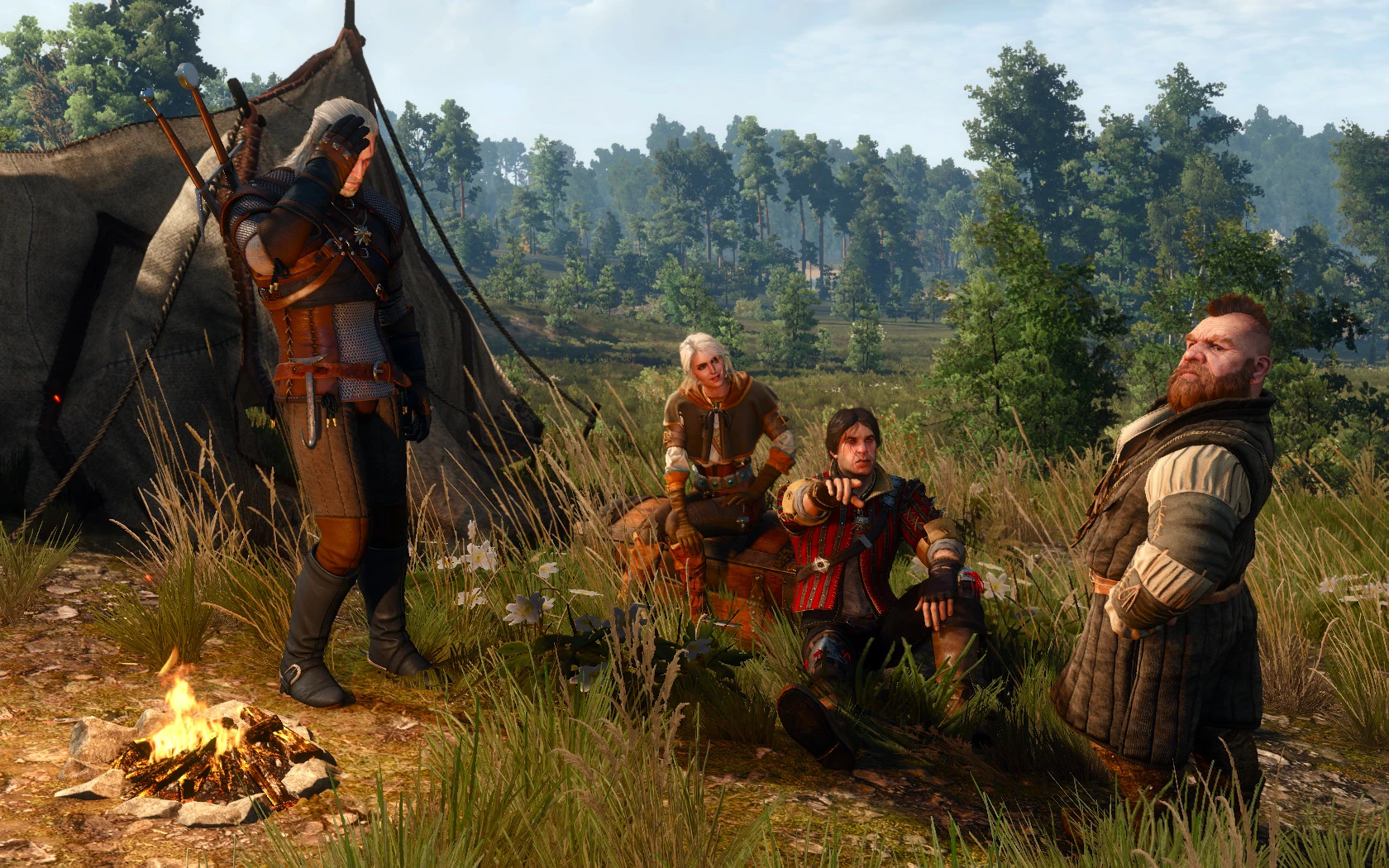
Storyboard UI for interactive setup of a scene including camera setup, selection and arrangement of multiple actors, preview and assignment of actor animations, mimics and look-ats. Collection of shots can be logged as a scene definition
Storyboard UI
The mod is intended as a supporting mod for the w2scene encoder from the radish modding tools. It enables the interactive setup of a rough scene draft consisting of multiple shots which include camera setup, arrangement of multiple actors, preview and assignment of actor animations, mimics and look-ats. The shot collection can be logged as a scene definition, manually tuned and used as input for the w2scene encoder.
The latest radish modding tools w2scene encoder is required to encode the scene definition as w2scene to be playable in-game!
!!! SPOILER ALERT !!!
The mod contains ALL templates from vanilla + both expansions. You have been warned!
Main Features
-
[]setup of multiple custom defined shots (including renaming and reordering)
[
]free, interactive camera setup (positioning/rotation, FOV and (partly) DOF configuration)[]all templates from the game (vanilla + both expansions!) are usable (actors, monsters, animals, spawnable items)
[]all animations and mimics from the game (vanilla + both expansions!) are usable (automatically filtered by compatibility)
[]free, interactive per shot positioning/rotation of all assets
[]dynamic and static look-ats for actors
[]previewing asset effects (contribution by @nikich340)
[]assigning voicelines from a prefiltered set to actors
[]actor, item and voicelines list are extendable with custom templates and voicelines
[]logging of storyboard definitions to scriptlog in a format usable in the w2scene encoder
- storyboard settings are automatically saved on mod exit and restored on next start
Please note: the showcase videos present a best case scenario where (almost) all used settings of the shots are converted (more or less) correctly to a w2scene!
2IM4SZDHTRU pCskdxDrWDQ
Make sure you read the "Known Issues" section before reporting problems!
The mod depends heavily on the usage of hotkeys! There is a context sensitive online help popup with all usable hotkeys for the current context (translations are welcome!). The default hotkey for the help is F12 once the Storyboard UI is started. Watch the videos and make sure you make yourself familiar with the hotkeys from the help!
Since version 0. 8 the mod can be started/maximized via hotkey (default F7) or with "sbui" in the console. The time of day is saved and frozen on opening the Storyboard UI and restored once you minimize or quit the mod.
Short Overview
📊 Mod Details
- Game
- Witcher3 Mods
- Author
- rmemr erxv
- Version
- v0.8.1-NEXT-GEN
- Downloads
- 9,138
- Endorsements
- 486
- Category
- Modders Resources and Tutorials
- Created
- 11/24/2016
- Updated
- 2/14/2026
🔧 How to Install The Witcher 3 Mods
Download from Nexus Mods.
📖 Full step-by-step install guide for The Witcher 3 →
Visit the official mod page for specific installation instructions for this mod.
🎮 Need cheat codes or console commands? Check ur gaming wiki for The Witcher 3 commands, item IDs, and more.
Keep browsing — more The Witcher 3 mods await