Modder resources Heightmap Collection for REDkit3's stamptool by gotaimin
🟡 Updated this yearPreview
🔍 Analysis
- 🏆 #11 of 50 Modders Resources and Tutorials mods in this game by downloads
📋 About This Mod
Description
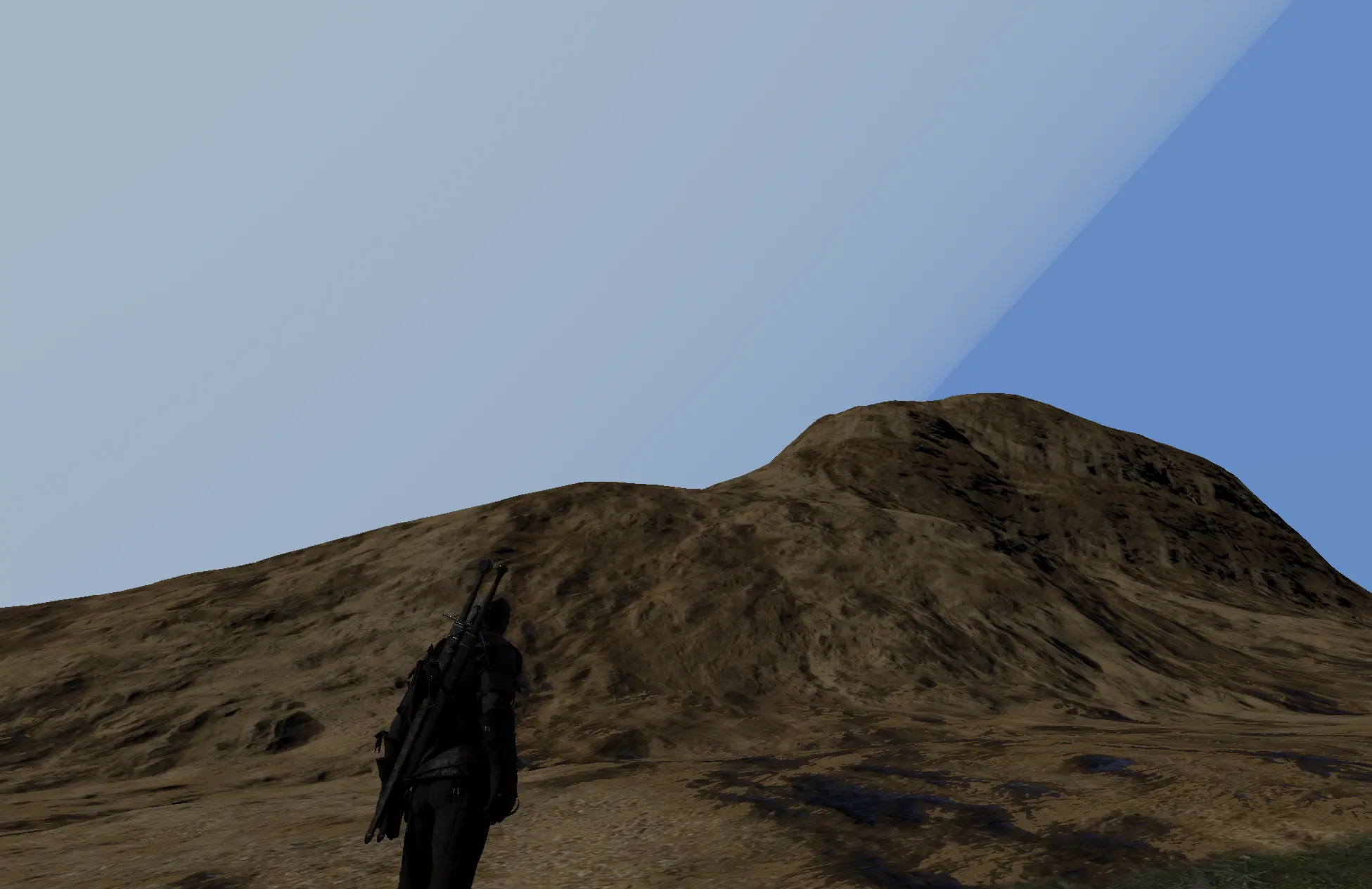
My collection of heightmaps available with stamptool in REDkit3's terrain editor tools.
This is Modder resource.
It is not Mods.
How to use Stamptool
1. Select the Stamp at Shapebrush tab in the Terrain Editor Tools.
2. Click on the black frame in the bottom left-hand corner of the tool window (above the save revoke button) when nothing is selected.
A file selection window will open and you can select a heightmap file of your choice.
3. When you return to REDkit3 viewport, the Stamp is previewed at the brush position.
you can press LMB at the position of your choice to stamp it on the terrain.
This Aeltoth youtube video is easy way to understand how the stamptool works.
How to import custom world
The wiki explains how to do in detail.
1. Create new world
https://cdprojektred.atlassian.net/wiki/spaces/W3REDkit/pages/6325171/HOW-TO+Create+a+new+world
2. import heightmap tileset
https://cdprojektred.atlassian.net/wiki/spaces/W3REDkit/pages/6325911/HOW-TO+Import+and+export+terrain+tiles
On other CGsoftware
You can use the heightmaps as material when you create the full terrain of the entire level with other CG software.
You can even use it as a base for creating your own stamps with other CG software.
About File Section
The heightmap set in main section can be used as a stamp for REDkit3. Of course, they can also be used with other CG software.
The heightmap set in optional have been placed that for some reason are difficult to use as a stamp for REDkit3. They are intended for use with other CG software.
Miscellaneous
The heightmapset of sample custom world I created that can be split and imported into Redkit project world.
Use it to check how to import custom worlds, etc.
Reference file for creating game worlds. Game (novigrad-velen) color topomap.
fbx files for cave creation
- This is cave wall model collection to save on cave creation entities and easily create dungeons.
When creating a large underground dungeon, you will need to use a large number of entities in the in-game assets.
However, it would be tiring to model and split every dungeon individually and then import it.
If you modularize the cave parts, you can create dungeons easily and quickly. Use this as a reference.
Heightmap Types[/s
📊 Mod Details
- Game
- Witcher3 Mods
- Author
- gotaimin
- Version
- 1.0
- Downloads
- 410
- Endorsements
- 4
- Category
- Modders Resources and Tutorials
- Created
- 5/30/2024
- Updated
- 11/10/2025
🔧 How to Install The Witcher 3 Mods
Download from Nexus Mods.
📖 Full step-by-step install guide for The Witcher 3 →
Visit the official mod page for specific installation instructions for this mod.
🎮 Need cheat codes or console commands? Check ur gaming wiki for The Witcher 3 commands, item IDs, and more.
Keep browsing — more The Witcher 3 mods await