HD Realism Experience
⚪ Last updated 2020Preview
🔍 Analysis
- 👍 4.0% endorsement rate — high engagement, a strong quality signal
- 🏆 #30 of 74 ReShade Preset mods in this game by downloads
📋 About This Mod
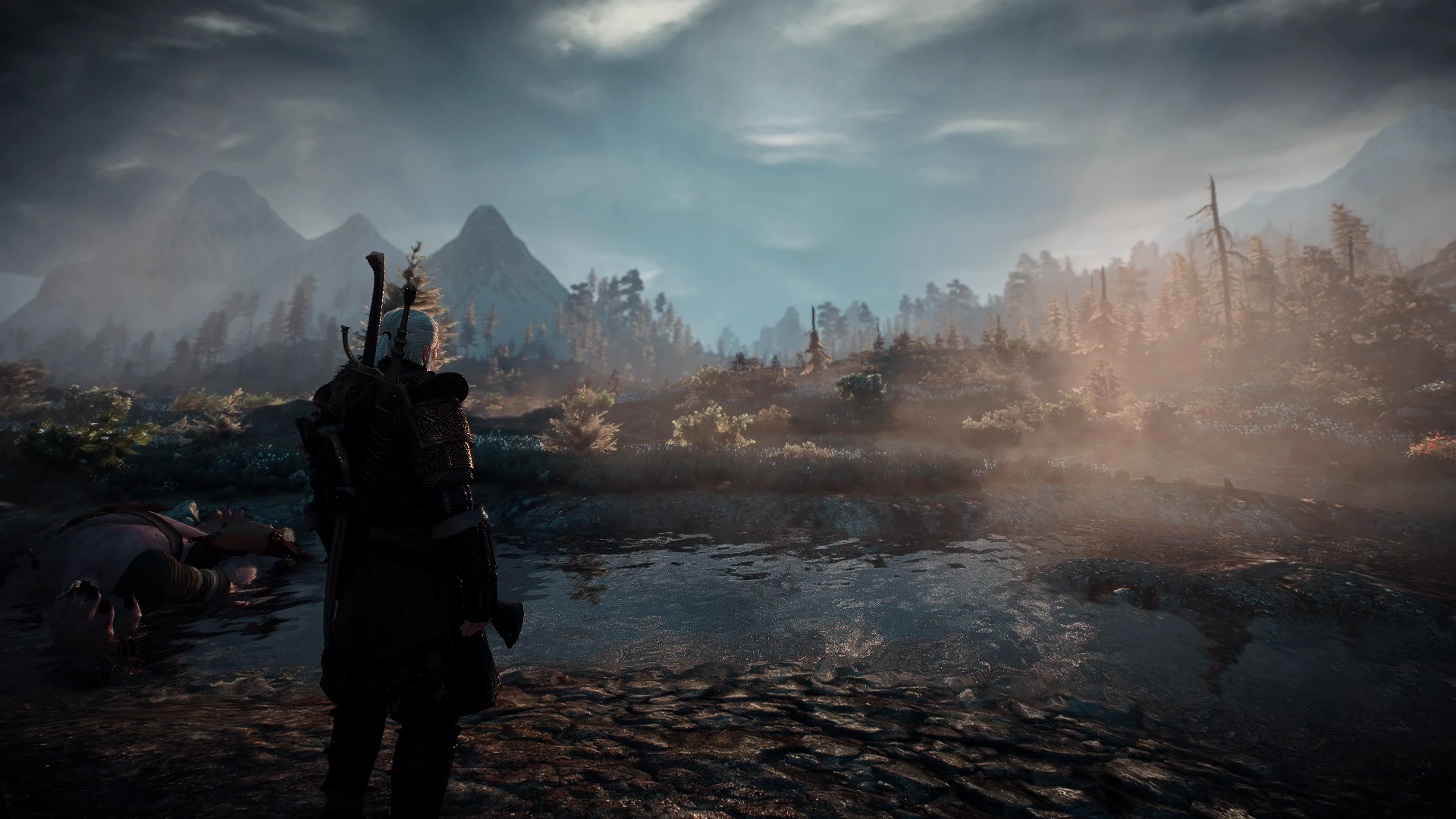
This reshade make the witcher world closer to realistic experience..
INSTALLATION:
1. Download and install the latest version of the Reshade framework (follow the installation instructions provided here, click on "Direct3D 10+"). Download all of the effects when asked to during the installation).
2. Download, Extract and paste the file inside: \The Witcher 3 Wild Hunt\bin\x64.
3. Start the game, wait for the shaders to load and press the "home" key to open the GUI and select "HD_Realism_EXP".
IT SHOULD LOOK LIKE THIS:
koErl-XvuV8
optional
SET VIDEO SETTINGS:
• Sharpen - Low or Off
• Ambient Occlution - HBAO+
• Resolution - the higher the better
• Gamma - 25% (set low)
RECOMMENDED MODS:
https://www.nexusmods.com/witcher3/mods/1021
https://www.nexusmods.com/witcher3/mods/2358?tab=files
Happy gaming!!!
Also check my other works!
Wf20LEonuZE
2DJXEk0ykv8
📊 Mod Details
- Game
- Witcher3 Mods
- Author
- Player1mustdie
- Version
- 1.0
- Downloads
- 12,663
- Endorsements
- 511
- Category
- ReShade Preset
- Created
- 11/10/2020
- Updated
- 11/10/2020
🔧 How to Install The Witcher 3 Mods
Download from Nexus Mods.
📖 Full step-by-step install guide for The Witcher 3 →
Visit the official mod page for specific installation instructions for this mod.
🎮 Need cheat codes or console commands? Check ur gaming wiki for The Witcher 3 commands, item IDs, and more.
Keep browsing — more The Witcher 3 mods await