Friendly HUD - Better Icons and Extra Options (Add-On to original)
⚪ Last updated 2020Preview
🔍 Analysis
- 👍 5.2% endorsement rate — high engagement, a strong quality signal
- 🏆 #92 of 175 User Interface mods in this game by downloads
📋 About This Mod
Fixes "Icon Mode" marker flickering with Friendly HUD, and adds 2 new options "NPC Distance offset" and "Highlighted quest ignores witcher senses"
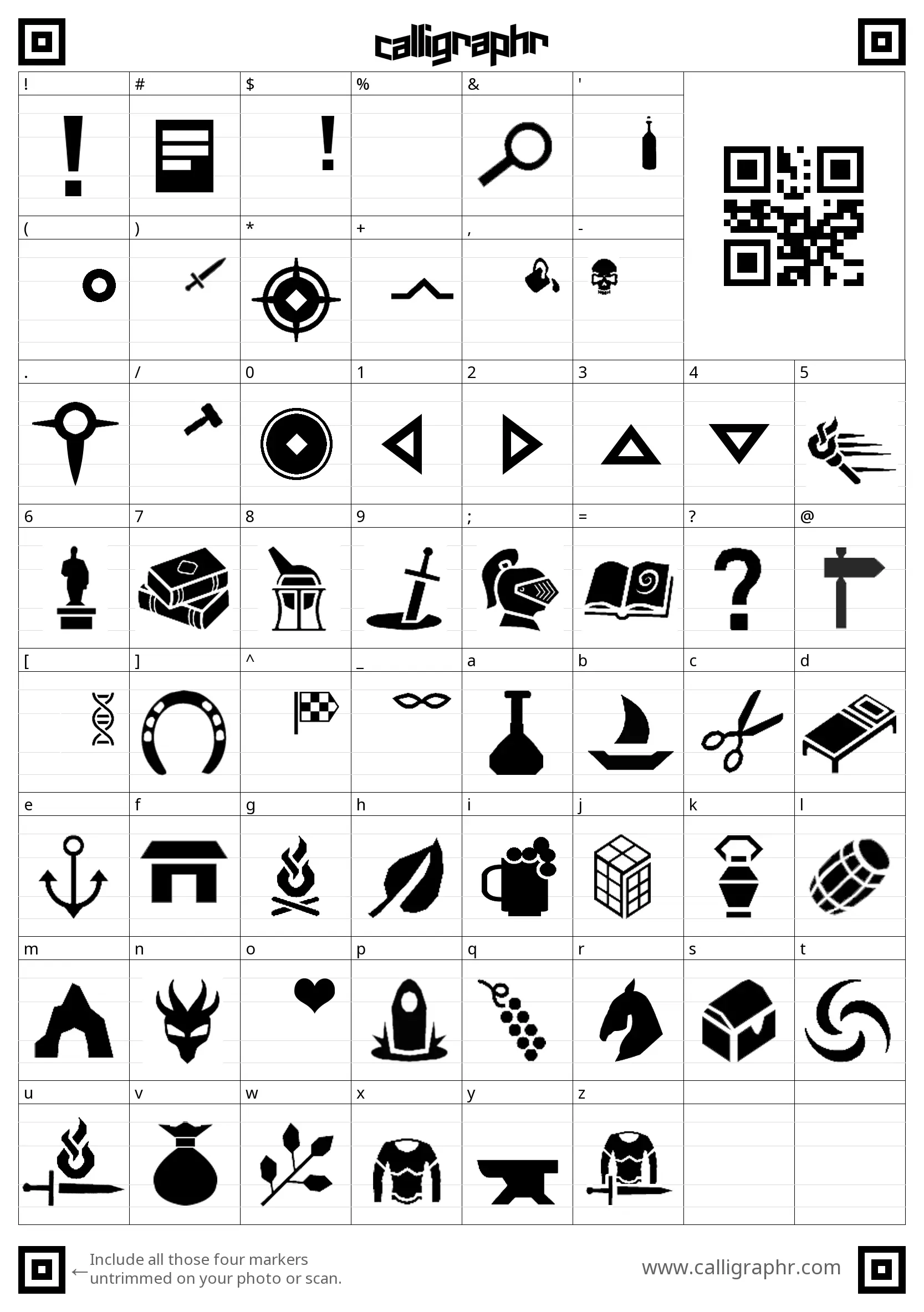
Friendly HUD is an awesome mod! But it has a bug that bothers the heck outta' me... If you use "Icon Mode" for 3D markers, they will flicker. "Text mode" does not have the issue... so how did I fix it? Well, I added a custom TEXT variation into the game, in the shape of HUD icons! So it's technically plain text instead of .png images, thus eliminating the flickering. Also, because the icons are technically plain text, it's REALLY EASY to re-color them!
Other changes:
-
[]Option removed: Because icons are now actually text, the option "Icon size percent" has been removed. Now you control the size using the text size slider.
[
]New option: NPC Distance offset, ranging from -50 to 50, you can adjust how far away NPCs and Map markers will appear, separately from other markers.[]New option: Pinned quest ignored witcher senses. When this feature is turned on, your main highlighted quest will remain visible even if you're using Witcher Senses mode.
How to install:
-
[]Install the main Friendly HUD mod first, follow all install instructions!!!
[]Once Friendly HUD has been installed, install this mod:
[]When placing the "bin" folder into your main W3 directory, overwrite any files it asks of you. Friendly HUD base files already have a backup of the overwritten files, so don't worry about losing it.
[]USE SCRIPT MERGER - YOU WILL 100% GET CONFLICTING SCRIPTS WITH THIS ADD-ON
[]Once the script merger popup appears with conflicts, choose the "Merge" option at the top, then select "Choose B everywhere". One and done! Hit "save" and close the window. You will get another popup with this mod, just do the same thing for that one too.
[]And that's it! Installed!
How to uninstall:
-
[]Delete the mod from /mods folder, and re-install "bin" files from the original mod.
[]Run script merger.
[]Done!
LIMITATIONS
Because the icons are technically a font, this mod WILL NOT WORK IF YOU'RE USING CUSTOM FONT MODS! PERIOD. DON'T ASK ME TO MAKE THEM WORK WITH OTHER FONTS. YOU MUST BE USING THE VANILLA GAME FONT!
Again, because the icons are technically text, THIS MOD WILL ONLY WORK IF YOU'RE USING THE FOLLOWING LANGUAGES:
-
[]EN
[
]DE[]IT
[]ES
[]BR
[]ESMX
[]CZ
[]HU
- TR
USE OF ASSETS IN THIS ADD-ON FOR FRIENDLY HUD ARE PERMITTED TO ORIGINAL AUTHOR WGHOST81
-
[]EN
-
[]Delete the mod from /mods folder, and re-install "bin" files from the original mod.
-
[]Install the main Friendly HUD mod first, follow all install instructions!!!
📊 Mod Details
- Game
- Witcher3 Mods
- Author
- DrawingDrag0ns
- Version
- 1.01
- Downloads
- 1,665
- Endorsements
- 86
- Category
- User Interface
- Created
- 1/16/2020
- Updated
- 1/16/2020
🔧 How to Install The Witcher 3 Mods
Download from Nexus Mods.
📖 Full step-by-step install guide for The Witcher 3 →
Visit the official mod page for specific installation instructions for this mod.
🎮 Need cheat codes or console commands? Check ur gaming wiki for The Witcher 3 commands, item IDs, and more.
Keep browsing — more The Witcher 3 mods await