Enhanced Graphics Settings
⚪ Last updated 2020Preview
🔍 Analysis
- 👍 4.5% endorsement rate — high engagement, a strong quality signal
- 🏆 #83 of 264 Visuals and Graphics mods in this game by downloads
📋 About This Mod
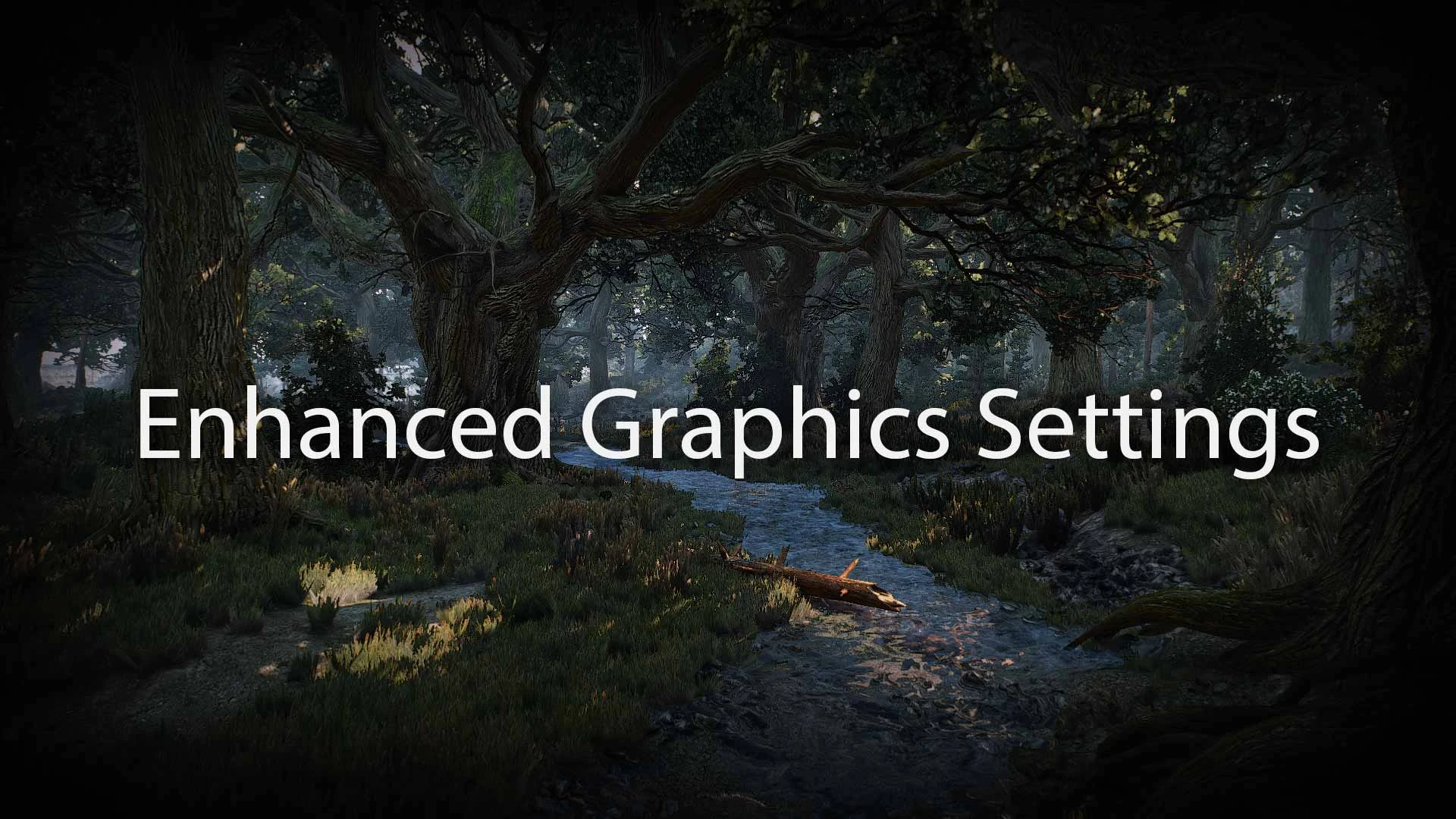
This mod adds a new 'Extreme' preset in the graphics settings and enables 4K texture loading.
Only works with v1. 31/1. 32
This mod allows some graphic options to bet set beyond their 'Ultra' preset. The goal was to achieve a good balance between performance and appearance.
How to install:
-
[]Create a backup of this file: \The Witcher 3\bin\config\r4game\user_config_matrix\pc\rendering.xml
[
]Navigate to <game_path> (e.g. D:\Games\GOG Galaxy\Games\The Witcher 3)[]Drag and drop the two folders mods and bin there
[]When asked to replace files click yes
How to activate:
-
[]Start the game
[
]Go to Options\Video\Graphics[]Use your mouse wheel or arrow keys to select Extreme preset
How to uninstall:
-
[]Delete modEnhancedGraphicSettings from <game_path>\mods
[]Copy and replace your backed up rendering.xml to <game_path>\bin\config\r4game\user_config_matrix
[]If you had not created a backup then download Uninstall from files and copy the bin folder to your <game_path>
My other mods:
-
[]Hair for Yennefer
[
]4K Armor Textures[]Enhanced Graphics Settings
-
[]Faster Sprint Stop Animation
[]Slim Gloves
[]Heart of the Woods Quest Fix
[]Alternative Witcher Scabbards
[]Unified Oil Icons
-
[]Hair for Yennefer
-
[]Delete modEnhancedGraphicSettings from <game_path>\mods
📊 Mod Details
- Game
- Witcher3 Mods
- Author
- dvcons
- Version
- 1.3
- Downloads
- 50,575
- Endorsements
- 2,284
- Category
- Visuals and Graphics
- Created
- 4/11/2020
- Updated
- 5/1/2020
🔧 How to Install The Witcher 3 Mods
Download from Nexus Mods.
📖 Full step-by-step install guide for The Witcher 3 →
Visit the official mod page for specific installation instructions for this mod.
🎮 Need cheat codes or console commands? Check ur gaming wiki for The Witcher 3 commands, item IDs, and more.
Keep browsing — more The Witcher 3 mods await