Blood and Wine Reshade TEST
⚪ Last updated 2016Preview
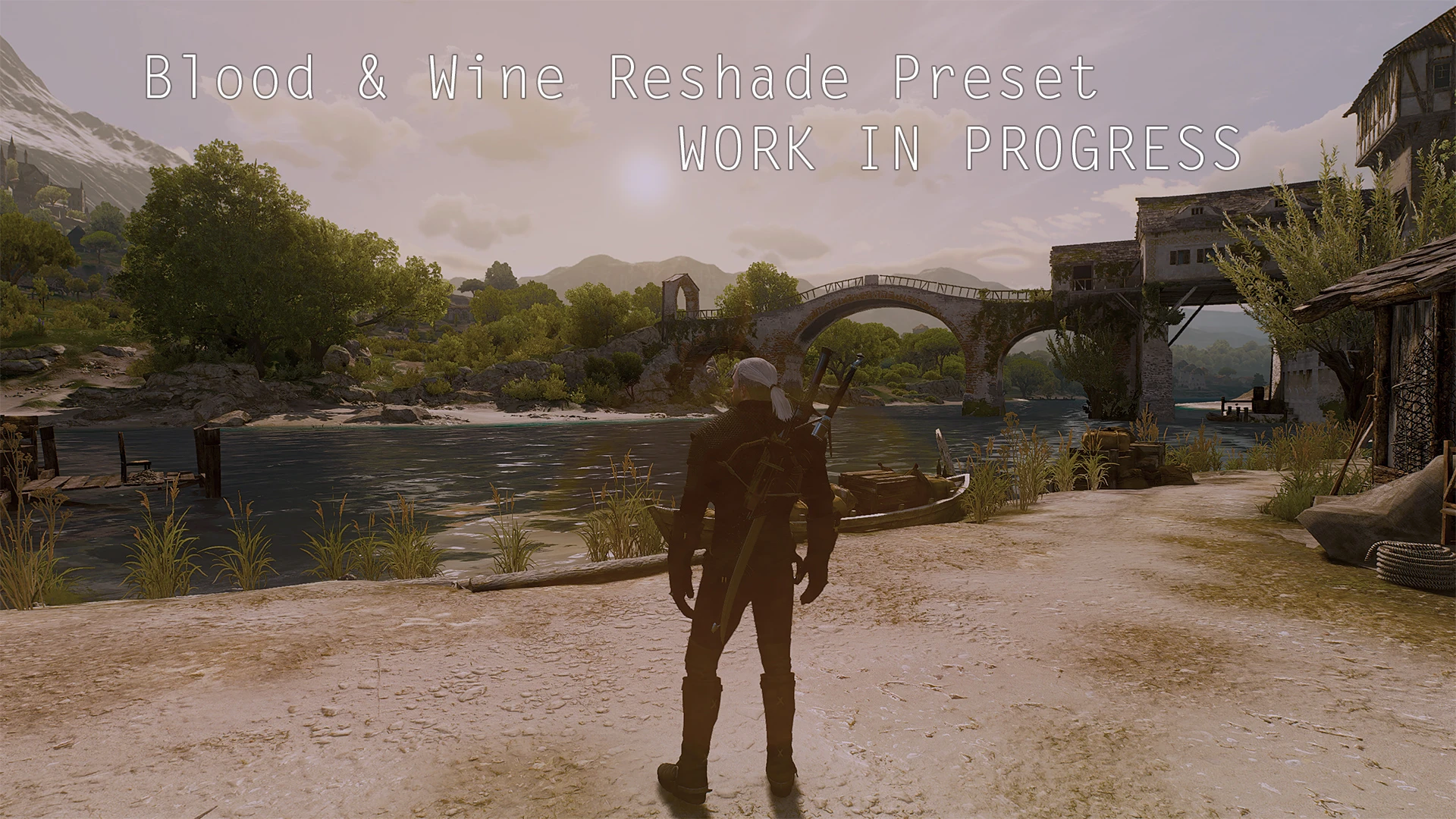
🔍 Analysis
- 🏆 #94 of 132 ReShade Preset mods in this game by downloads
📋 About This Mod
This is a Test-Reshade Preset for The Witcher DLC Blood & Wine
I like the new DLC for The Witcher. But i dont like the lite yellow/orange tint.
So here is a TEST/Work in Progress Reshade Preset for the DLC BLood & Wine - Its Design IN and FOR the DLC only. You can use it for the Main Game but i haven´t test it yet.
How to Install:
- []Download the Reshade SDK 1. 1 []Download my Preset []After u download the SDK, rename the Reshade64.dll to d3d9.dll []Copy the renamed .dll, the Reshade.fx and the Reshade Folder from the Reshade 1. 1 Archive into ur Game Dir. (c:\...\...\Witcher 3\bin\x64\)
- After that copy & paste the Files from my Archive to the Reshade Folder in the Game Dir and say yes if he ask for overwrite
REMEMBER: The Result can be different on your Monitor (Gamma, Contrast, Brightness, Monitor Settings etc.) "Ambient Light" and Sharpening can cost more FPS If u have trouble Contact me or use the Disussion Tab :)
IN-Game Settings: disable Blooming Gamma-Settings = Choose what u want and like
KEYS: F12 = Splitscreen ON/OFF Roll-KEY = Preset ON/OFF NUMPAD 0 = Sharpening NUMPAD 1 = Ambientlight (just for fun and test) NUMPAD 2 = Grain (dont worry is near unvisable) NUMPAD 3 = Blooming
📊 Mod Details
- Game
- Witcher3 Mods
- Author
- SchokoCrossies
- Version
- 1.0
- Downloads
- 309
- Endorsements
- 13
- Category
- ReShade Preset
- Created
- 5/31/2016
- Updated
- 5/31/2016
🔧 How to Install The Witcher 3 Mods
Download from Nexus Mods.
📖 Full step-by-step install guide for The Witcher 3 →
Visit the official mod page for specific installation instructions for this mod.
🎮 Need cheat codes or console commands? Check ur gaming wiki for The Witcher 3 commands, item IDs, and more.
Keep browsing — more The Witcher 3 mods await