Reforged ENB for The Witcher 2
⚪ Last updated 2018Preview
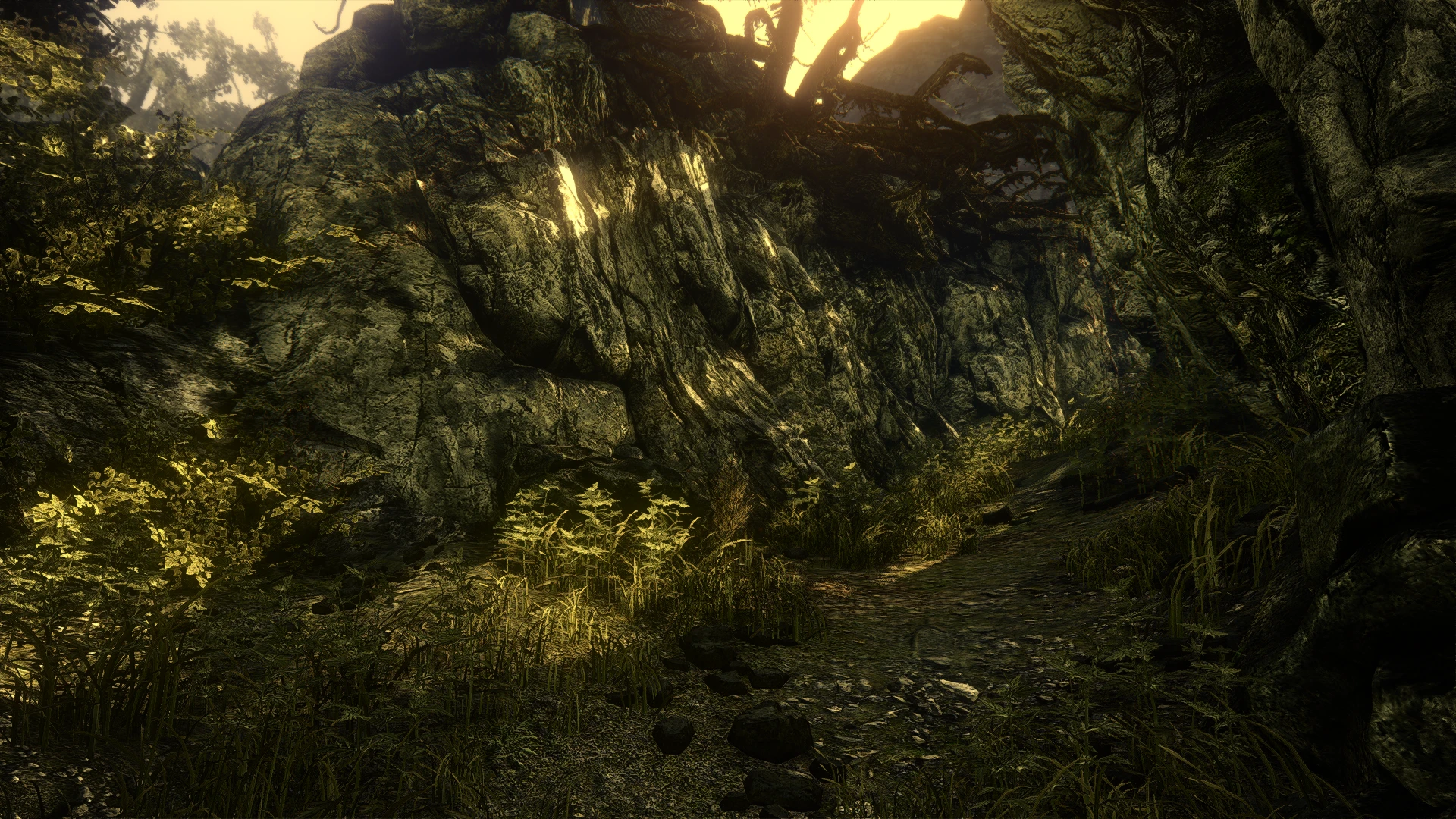
🔍 Analysis
- 👍 3.4% endorsement rate — high engagement, a strong quality signal
- 🏆 #6 of 38 Visuals and Graphics mods in this game by downloads
📋 About This Mod
A modest graphics upgrade for The Witcher 2.
REFORGED ENB
for The Witcher 2 is a modest graphics upgrade which tackles problems I had with the game such as its copious clipped highlights (that are then turned grey by the vignette), overpowering bloom and occasional banding.
FEATURES
-
[]High quality replacement bloom.
[
]Neutral tonemapping to raise the whitepoint and reduce the amount of clipping in the highlights substantially.[]Modified and fixed vignette, using the same vignette code as the original but with a broken feature fixed so it no longer makes highlights grey and modified to be round because I get annoyed when vignettes are stretched by your screen's aspect ratio.
[]Cheeky chromatic aberration hiding out in out of focus areas to build on The Witcher 2's fantasy-esque aesthetic (and to make up for the reduced contrast from the tonemapping).
[]Dithering to fix banding which was occasionally visible in the sky.
[]Leaves the game's original color correction fully in tact (this actually requires some work, which is why it is a feature and is not necessarily the case for every The Witcher 2 enb).
INSTALLATION
-
[]Download the The Witcher 2 ENB binaries from the ENB website and extract and copy the contents of the "WrapperVersion" folder into your The Witcher 2 installation directory, so that the enb related files end up in your "bin" folder in your The Witcher 2 installation directory.
[
]Download the Reforged ENB file and extract it, and copy the contents of the "Main Files" folder into your The Witcher 2 installation directory the same way.[]Optionally, copy the contents of any of the optional file folders (there's currently only one) into your installation directory, and accept any overwrites.
[]Make sure anti-aliasing in your The Witcher 2 graphics settings is enabled.
The reforgedsettings.fxh file is quite well documented and you can consider customizing it, I added a lot of features I ended up not using that you might find to your liking (including disabling the game's original color correction altogether and some fancier tonemapping curves to take its place).
BEFORE/AFTER SHOTS
-
[]Download the The Witcher 2 ENB binaries from the ENB website and extract and copy the contents of the "WrapperVersion" folder into your The Witcher 2 installation directory, so that the enb related files end up in your "bin" folder in your The Witcher 2 installation directory.
📊 Mod Details
- Game
- Witcher2 Mods
- Author
- TheSandvichMaker
- Version
- 1.001
- Downloads
- 11,869
- Endorsements
- 399
- Category
- Visuals and Graphics
- Created
- 6/20/2018
- Updated
- 9/15/2018
🔧 How to Install Witcher2 Mods
Download from Nexus Mods.
📖 Full step-by-step install guide for Witcher2 →
Visit the official mod page for specific installation instructions for this mod.
🎮 Need cheat codes or console commands? Check ur gaming wiki for Witcher2 commands, item IDs, and more.
Keep browsing — more Witcher2 mods await