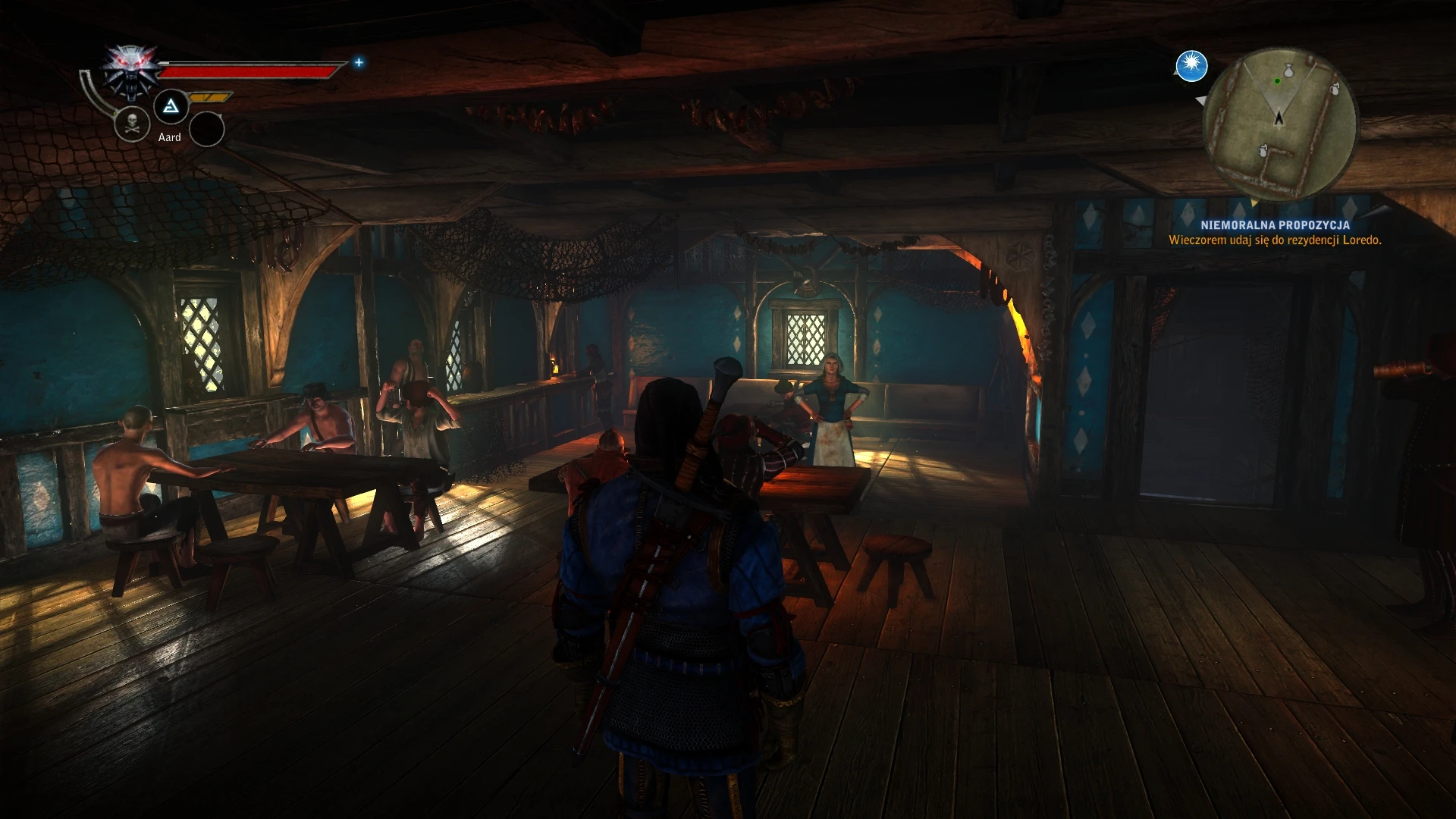
Nvidia HBAO High Quality Ambient Occlusion
⚪ Last updated 2020⚠️ Install Order · 1 step
Install in this order, then this mod last — most mods fail to load without their framework and dependencies in place.
Preview
🔍 Analysis
- 👍 3.6% endorsement rate — high engagement, a strong quality signal
- 🏆 #12 of 38 Visuals and Graphics mods in this game by downloads
📋 About This Mod
It is recommended to disable the original SSAO.
You need newest Nvidia Profile Inspector - Version 2. 3. 0. 11 (from https://github.com/Orbmu2k/nvidiaProfileInspector/releases/tag/2. 3. 0. 11) for the file.
Demanding . NET Framework 4 or above.
Instruction:
1. Install Nvidia Profile Inspector (in files to download).
2. Open the program, look for and open the "Profiles: The Witcher 2: Assassins of Kings" tab.
3. Click the Import icon, then the "Import profile(s)" tab and import the downloaded file with the ".nip" extension.
4. Click Apply Changes and it's done.
The program uses old settings that gave the possibility to force Ambient Occlusion.
Tested on AMD Ryzen 1700X and GTX 1080.
This mod provides a ready-to-import profile for Nvidia Profile Inspector that forces high quality HBAO ambient occlusion in games. It's for Nvidia GPU owners who want better AO without in-game settings fiddling. Stands out for simplicity, 237 endorsements. Last updated 2020.
✨ Key Features
📊 Pros & Cons
✅ Pros
- Straightforward: just import the file into Nvidia Profile Inspector and you're done.
- Community-approved with 237 endorsements and 6,501 downloads.
- Forces high quality AO for better depth and shadowing without in-game tweaking.
⚠️ Cons
- Requires Nvidia Profile Inspector — you'll need to download and use this external tool.
- Nvidia GPU only; AMD and Intel users can't use this at all.
- Last updated February 2020, so it may not play well with newer driver versions or games.
For PC gamers with Nvidia graphics cards who want to force high quality ambient occlusion in games that lack proper AO settings. You should be comfortable using Nvidia Profile Inspector. Skip if you have an AMD GPU or prefer not to use third-party driver utilities.
💡 Beginner Tips
- Download Nvidia Profile Inspector from a trusted source and extract it before importing this profile.
- After importing, select your game's executable in Profile Inspector and click Apply to activate the AO.
- Disable the game's built-in ambient occlusion to avoid conflicts or excessive performance hit.
📊 Mod Details
- Game
- Witcher2 Mods
- Author
- hub997 Orbmu2k Nvidia
- Version
- 1.0
- Downloads
- 6,501
- Endorsements
- 237
- Category
- Visuals and Graphics
- Created
- 8/4/2019
- Updated
- 2/10/2020
🔧 How to Install Witcher2 Mods
Download from Nexus Mods.
📖 Full step-by-step install guide for Witcher2 →
Visit the official mod page for specific installation instructions for this mod.
🎮 Need cheat codes or console commands? Check ur gaming wiki for Witcher2 commands, item IDs, and more.
Keep browsing — more Witcher2 mods await