rfuzzo's AI 4K Upscaled Project - Wyzima
⬇ Download on Nexus ModsPreview
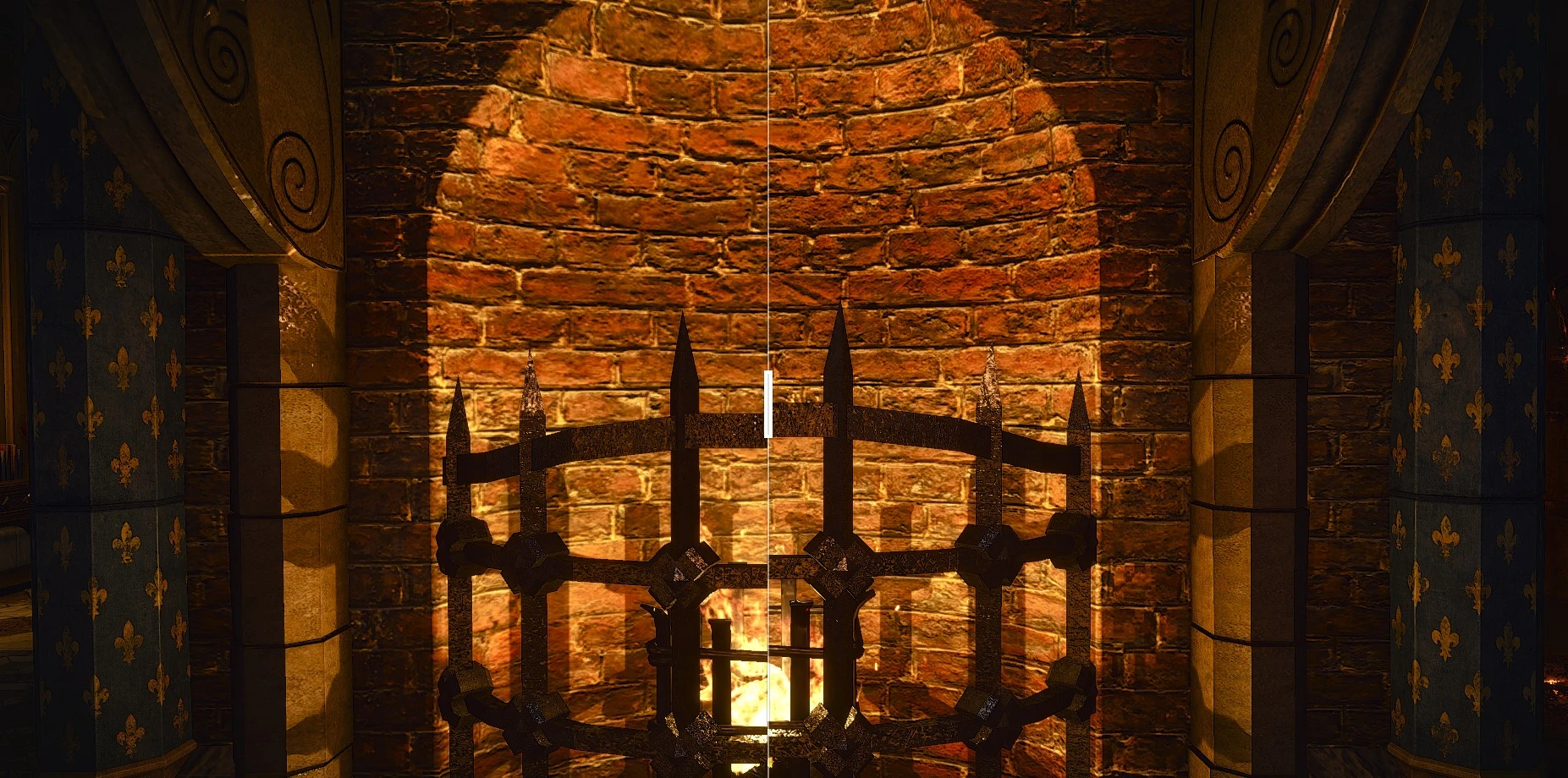
About This Mod
This mod replaces all of Wyzima's exclusive textures (does not affect clutter) with high-resolution 4k textures that have been upscaled with the help of AI.First part of a series to upscale all vanilla textures to 4k.
Mod Details
- Game
- The Witcher 3
- Author
- rfuzzo
- Version
- 1.0
- Downloads
- 27,604
- Endorsements
- 856
- Category
- Visuals and Graphics
- Last Updated
- 4/15/2020
How to Install Witcher 3 Mods
Use Vortex or manual install. Create /mods/ folder.
Visit the Nexus Mods page for specific installation instructions for this mod.
⭐ Rate & Review
📋 Quick Info
Medium
Linked to Nexus Mods. Click to download from the official source.
🔧 Troubleshooting
Script doesn't load / doesn't work
Make sure Script Hook V is the correct version for your game build. Check that all dependencies are installed (.NET Framework, Visual C++ Redistributable).
Game crashes on startup after installing script
Remove all .asi files, then add them back one at a time to identify the conflicting mod. Check for outdated scripts.
FAQ
Is rfuzzo's AI 4K Upscaled Project - Wyzima safe to download?
Linked from Nexus Mods which scans all files for viruses. Always download from the official source.
Does this mod work with the latest game update?
Last updated 4/15/2020. Check the official download page for version compatibility.
Where can I learn more about Witcher 3 modding?
Check our complete Witcher 3 modding tools guide for step-by-step setup instructions.