Instant Ingame Sign Switcher for Controllers and Gamepads
⚪ Last updated 2017⚠️ Install Order · 2 steps
Install in this order, then this mod last — most mods fail to load without their framework and dependencies in place.
Preview
🔍 Analysis
- 👍 4.0% endorsement rate — high engagement, a strong quality signal
- 🏆 #29 of 34 Controller Button Layout mods in this game by downloads
📋 About This Mod
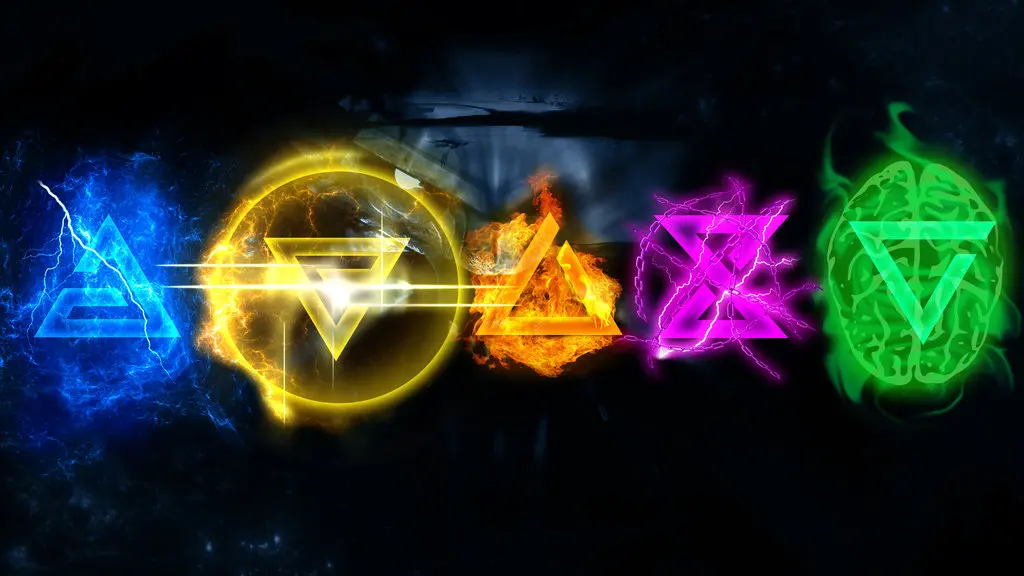
This allows you to switch signs Ingame with the controller by assigning by using Up, Down, Left, Right on the D-pad. No antimacro programs required whatsoever. Standalone Controller for switching signs in and out of combat. 3 Versions
Read Description before commenting! Pretty please and thank you! :) These new Controller Layouts will work with any controller compatible with The Witcher 3 for the GOG or Steam Version. No antimacro program required whatsoever. Just follow the install program.
There are 3 Versions to pick from: Elite, Modified, and Pure Vanilla
Elite/ Modified controller layout have: RB as light attack RT as heavy attack X as cast Sign Y as Menu
Elite has LB as Axii/call horse AND the Left Joystick throw bombs/ Fire Crossbow, etc Modified has LB as throw bombs/Fire Crossbow, etc AND Left Joystick as Axii/Call horse Pure Vanilla is just vanilla controllers with sign switching.
All Versions contains this layout for switching in and out of combat: D-Pad Up - Aard D-Pad Down - Yrden D-Pad Left - Quen D-Pad Right - Igni (LB) or Left Joystick - Axii
The controller descriptions are in the picture section as well as the download contains the as well. This allows you to switch signs, usually, whenever you want. Not on horses except to Axii, or in a cutscene, etc... Holding left or right will draw swords, and then holding them again and letting go will cause them to sheathe. Holding up and then letting go will cause you to consume a potion or food.
The Downside You can use potions by holding up of down, however, you cannot switch to different potions with this layout. It may be slightly inconvenient, nevertheless, for switching signs in combat, it is worth it.
Installation
Uninstallation
📊 Mod Details
- Game
- Witcher 3 Mods
- Author
- godmezenger
- Version
- 1.31
- Downloads
- 871
- Endorsements
- 35
- Category
- Controller Button Layout
- Created
- 4/3/2016
- Updated
- 5/28/2017
🔧 How to Install Witcher 3 Mods
Download from Nexus.
📖 Full step-by-step install guide for Witcher 3 →
Visit the official mod page for specific installation instructions for this mod.
🎮 Need cheat codes or console commands? Check ur gaming wiki for Witcher 3 commands, item IDs, and more.
Keep browsing — more Witcher 3 mods await