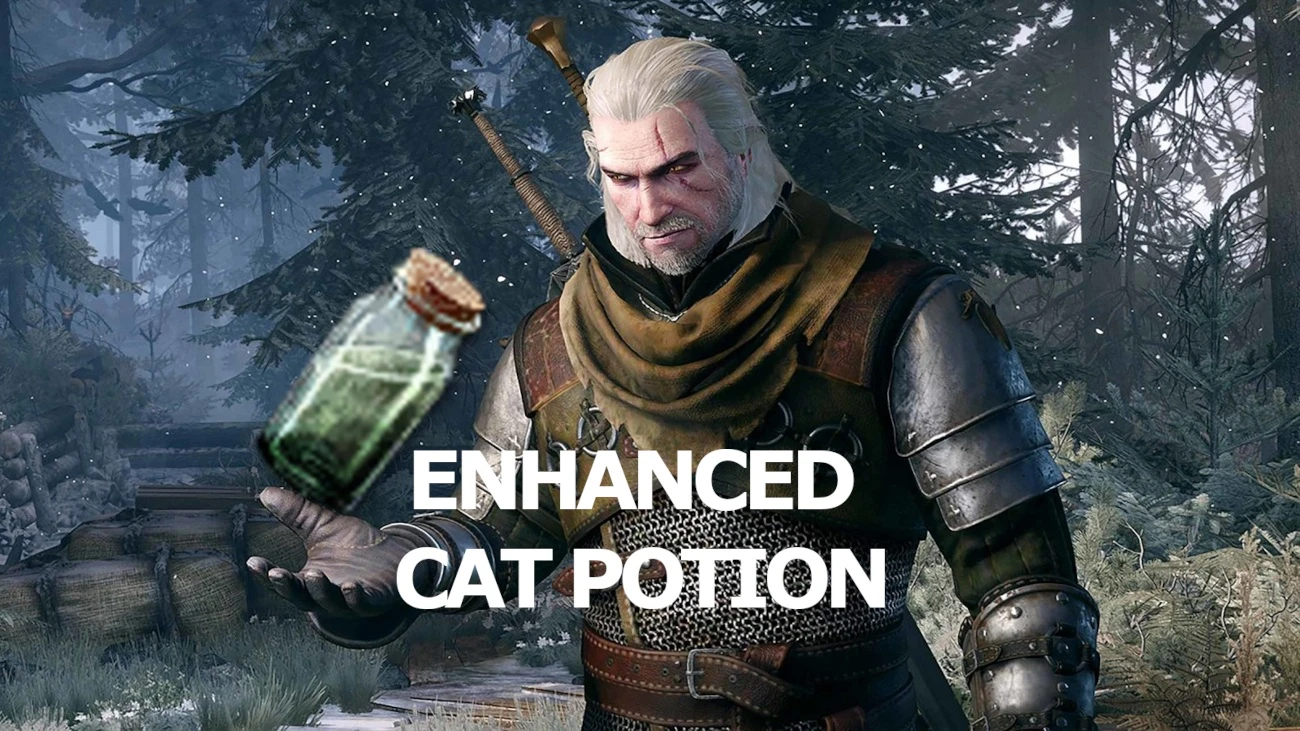
Enhanced Cat Potion
⚪ Last updated 2021⚠️ Install Order · 2 steps
Install in this order, then this mod last — most mods fail to load without their framework and dependencies in place.
Preview
🔍 Analysis
- 👍 7.0% endorsement rate — high engagement, a strong quality signal
- 🏆 #134 of 139 Immersion mods in this game by downloads
📋 About This Mod
Simple mod allowing customize "Cat" potion effects
You can customize the effects of the "Cat" potion for yourself.
Сhoose under what conditions the effects of the "Cat" potion will work:
1. In a dark place only
2. Outside a dark place during the Night
3. Outside a dark place during the Day
You can choose all conditions, or only one, as you please! You can also adjust the brightness separately for each condition.
You can choose tint for the effects of the "Cat" potion.
You can choose tint for highlight enemies.
You can press the button and the effects will disappear, and if you press button again effects resumed.
Manual installation:
1. Copy "bin" folder in main game directory and confirm folder merge
2. Copy "mods" folder in main game directory and confirm folder merge
3. Copy "DLC" folder in main game directory and confirm folder merge
4. Use "Script Merger" for merge "Enhanced Cat Potion" mod with other mods
5. Open folder "Input", and open "input.settings.txt" in "Notepad", copy all strings
6. Open folder "C:\Users\your user name\Documents\The Witcher 3", and open "input.settings", paste all strings at the very end of the file
7. Open folder "Input" again, and open "input.txt (not input.settings.txt)" in "Notepad", copy all strings
8. Open "main game directory folder\bin\config\r4game\user_config_matrix\pc", and open "input.xml", paste all strings after "<VisibleVars>", at your discretion, but before "</VisibleVars>"
9. Start game, go in "OPTIONS\MODS\ENHANCED CAT POTION" and customize mod, go in "OPTIONS\KEY BINDINGS", find "On./Off. The Effects Of The "Cat" Potion" and change another button, if you want
10. In the game press "F10" or another button if you changed it, for enable/disable the effects of the "Cat" potion
📊 Mod Details
- Game
- Witcher 3 Mods
- Author
- clickNINE
- Version
- 1.0
- Downloads
- 768
- Endorsements
- 54
- Category
- Immersion
- Created
- 3/15/2021
- Updated
- 3/15/2021
🔧 How to Install Witcher 3 Mods
Download from Nexus.
📖 Full step-by-step install guide for Witcher 3 →
Visit the official mod page for specific installation instructions for this mod.
🎮 Need cheat codes or console commands? Check ur gaming wiki for Witcher 3 commands, item IDs, and more.
Keep browsing — more Witcher 3 mods await