DEEN -- W3strings Decoding and Encoding (PowerShell Tool)
⚪ Last updated 2021⚠️ Install Order · 2 steps
Install in this order, then this mod last — most mods fail to load without their framework and dependencies in place.
Preview
🔍 Analysis
- 👍 3.1% endorsement rate — high engagement, a strong quality signal
- 🏆 #10 of 34 Utilities mods in this game by downloads
📋 About This Mod
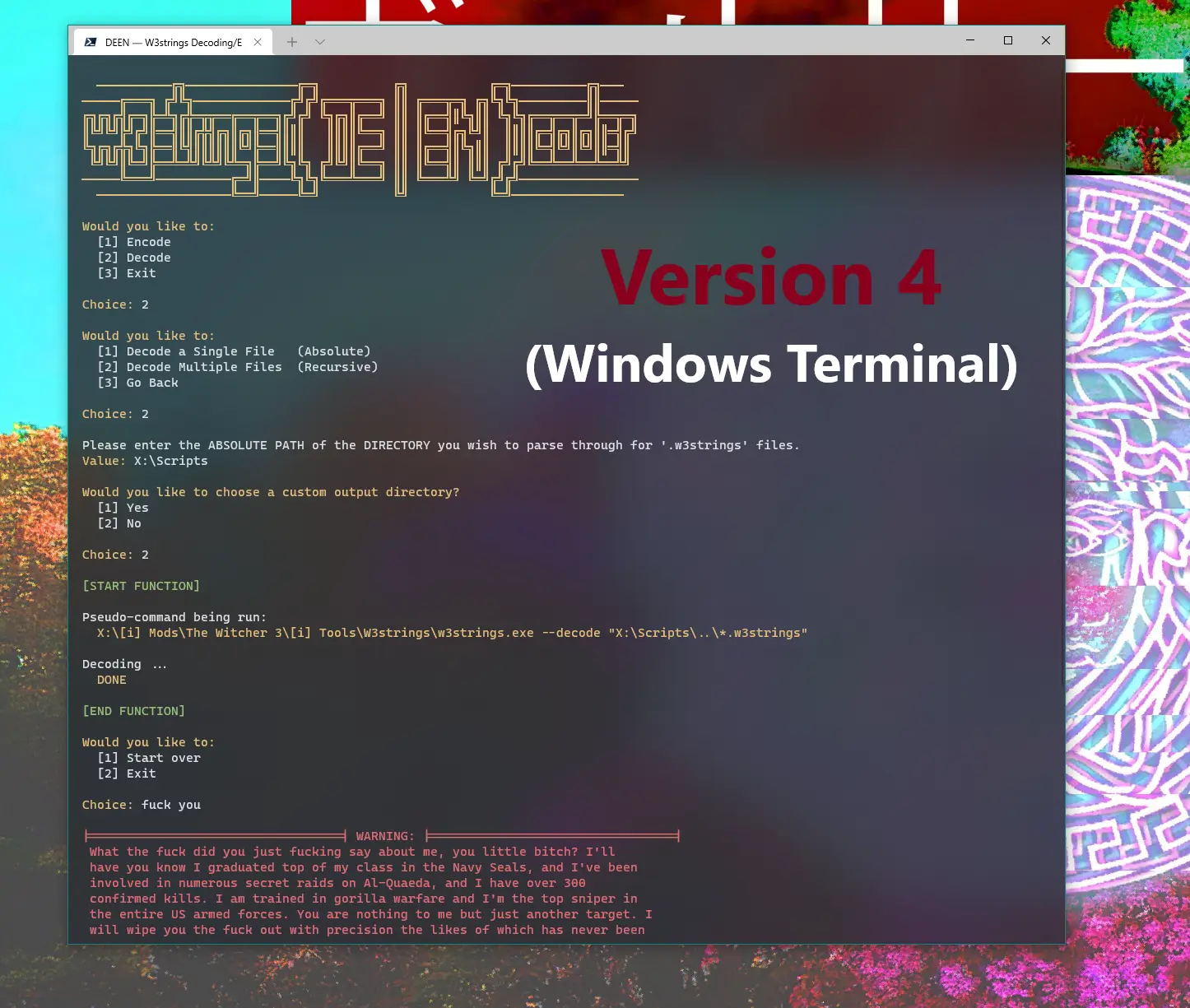
This script is essentially aimed at making the W3STRINGS encoding / decoding process easier and more intuitive for mod creators.
DISCLAIMER:
Programming is not my profession, just a hobby. So to any of you fellow PowerShell nerds, feel free to modify and enhance my script in whatever ways you wish. And this isn't the most efficient script, definitely could have been able to condense it heavily by creating more variables or functions, but I'm content with the output.
USAGE / INSTALLATION:
The only two requirements for this script:
-
[] Have the W3STRINGS executable downloaded.
[
] Open up the script (with whatever program of your choice; Notepad, Notepad++, PowerShell ISE, etc.) and set the '$W3STRINGS' variable to the path of your W3STRINGS executable.Once both of those requirements are met, right click on 'DEEN.ps1' and select "Run with PowerShell" to use.
-
[]The script is split up into two main functions: DEcoding and ENcoding (hence DEEN -- because that sounds better than ENDE).
- [
-
[]For modding beginners (like myself), I recommend checking out the CDPR forums on the W3STRINGS program -- to get a rough idea of how it works (predominantly the id-space).
- [
-
[]I've done a decent amount of testing and am confident that there aren't many (if any) noticeable bugs, the inputs are case insensitive, and that the script can handle files / directories that include spaces and special characters (e.g., brackets [ ] ). For custom outputs (which I recommend using), It'll create the folders you input (if that folder doesn't already exist), it'll format your encoding output for easy copy and paste functionality (instead of having to copy, paste, and rename each string instance), recreate the directories that contain the files you're encoding / decoding, etc.
UPDATE:
[
]I haven't done a ton of testing with v3. 0, so if you come across any issues just leave a comment letting me know.
-
[]The script is split up into two main functions: DEcoding and ENcoding (hence DEEN -- because that sounds better than ENDE).
📊 Mod Details
- Game
- Witcher 3 Mods
- Author
- Myself
- Version
- v4.0.1
- Downloads
- 2,622
- Endorsements
- 80
- Category
- Utilities
- Created
- 5/16/2020
- Updated
- 4/22/2021
🔧 How to Install Witcher 3 Mods
Download from Nexus.
📖 Full step-by-step install guide for Witcher 3 →
Visit the official mod page for specific installation instructions for this mod.
🎮 Need cheat codes or console commands? Check ur gaming wiki for Witcher 3 commands, item IDs, and more.
Keep browsing — more Witcher 3 mods await