Caerme Reshade
⚪ Last updated 2020⚠️ Install Order · 2 steps
Install in this order, then this mod last — most mods fail to load without their framework and dependencies in place.
Preview
🔍 Analysis
- 👍 6.6% endorsement rate — high engagement, a strong quality signal
- 🏆 #143 of 185 ReShade Preset mods in this game by downloads
📋 About This Mod
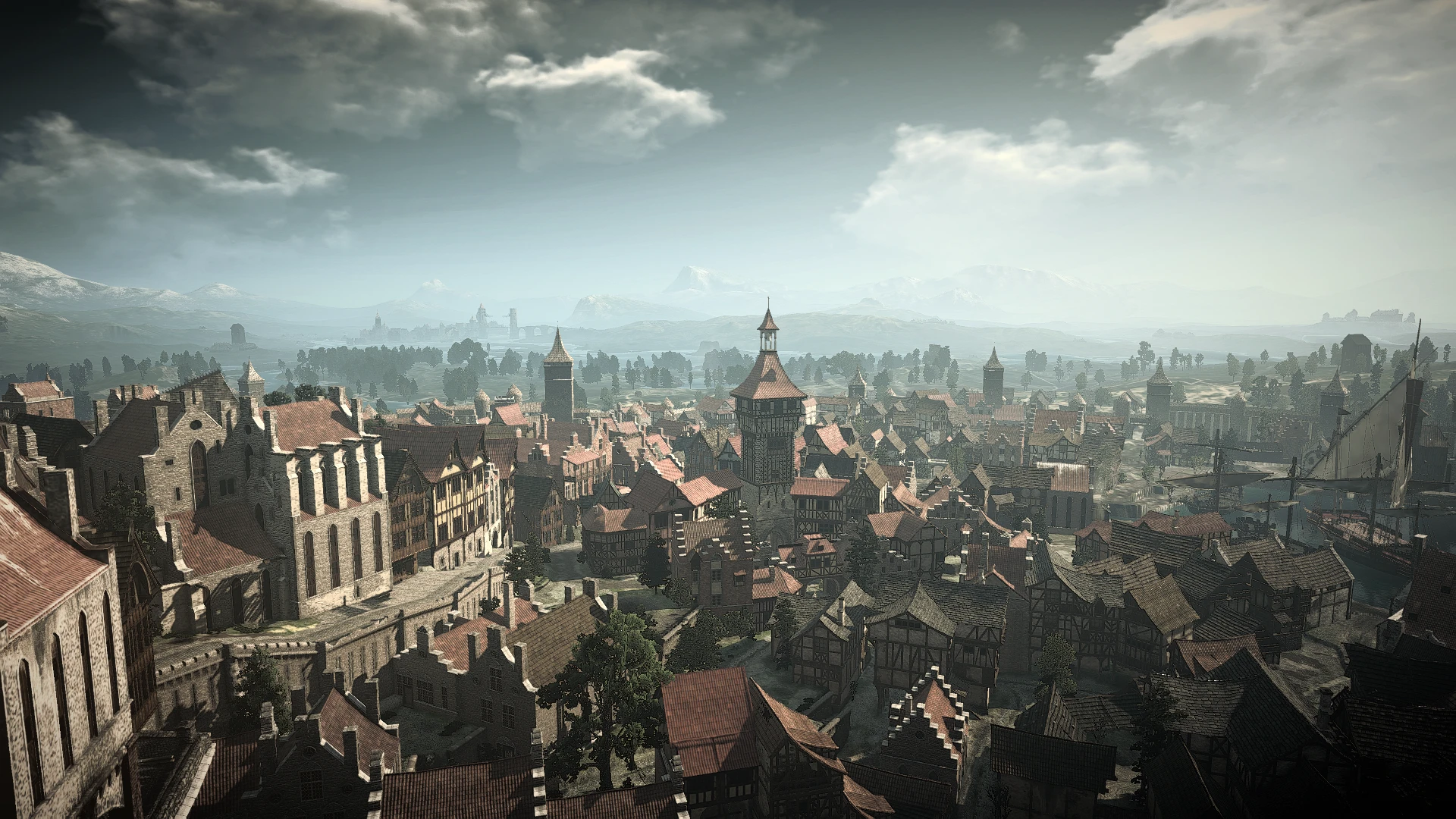
The inspiration for Cáerme Reshade were the screenshots of The Witcher 3 in 2013. I aimed to mirror the feeling and colours of some of them. Of course it is a reshade - it can be used with every lighting mod and look different. Tested with STLM and most of its awesome Alternatives and Immersive Lighting.
Had put the link to my lighting settings in the posts section.
QwVJ7VtnXaM
Installation:
1. Download and open .rar file.
2. Put the folder and .ini file into YourWitchersFolderDirection/bin/x64
1. To remove the yellow tint - turn off the Technicolor2.
2. To make the sky "less blue" - turn off the HSLShift.
3. Levels, Vignette and AmbientLight can be turned off without great impact on the visuals.
4. Works nicely with turned on MXAOO.
📊 Mod Details
- Game
- Witcher 3 Mods
- Author
- Counter Pr0eliator
- Version
- 3.0
- Downloads
- 1,061
- Endorsements
- 70
- Category
- ReShade Preset
- Created
- 7/23/2020
- Updated
- 7/23/2020
🔧 How to Install Witcher 3 Mods
Download from Nexus.
📖 Full step-by-step install guide for Witcher 3 →
Visit the official mod page for specific installation instructions for this mod.
🎮 Need cheat codes or console commands? Check ur gaming wiki for Witcher 3 commands, item IDs, and more.
Keep browsing — more Witcher 3 mods await