Project Auga - Deprecated
⚪ Last updated 2023⚠️ Install Order · 1 step
Install in this order, then this mod last — most mods fail to load without their framework and dependencies in place.
Preview
🔍 Analysis
- 👍 2.1% endorsement rate — high engagement, a strong quality signal
- 🏆 #7 of 173 User Interface mods in this game by downloads
📋 About This Mod
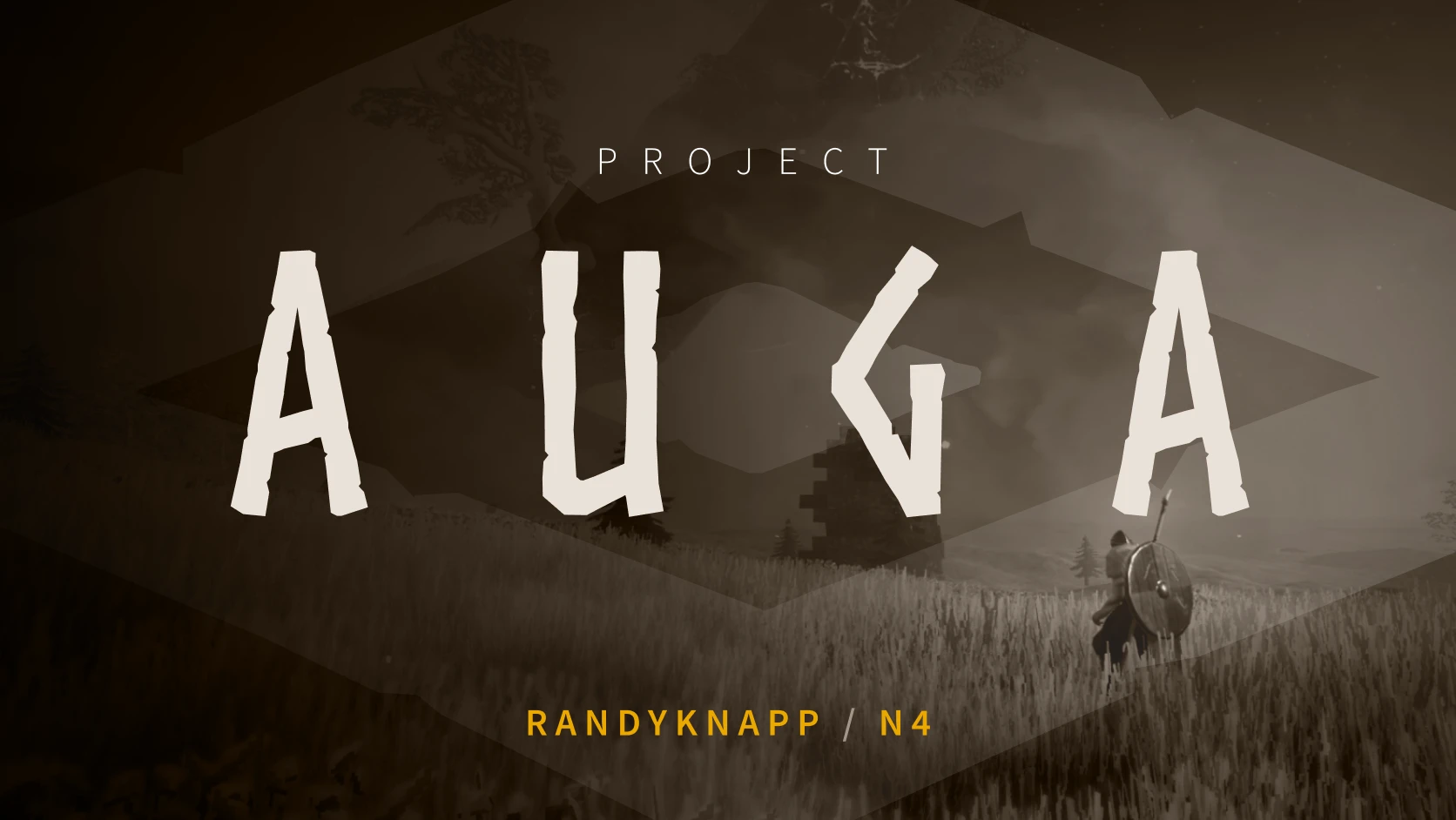
Project Auga is a completely re-imagined, modder-friendly UI-overhaul for Valheim. Every last piece of UI was considered and reworked from the ground-up to create a more helpful and immersive player experience, all while remaining familiar to Valheim veterans.
Join the Discord: Project Auga Discord
Visit the Website: ProjectAuga.com
-
[]New Player HUD
[
]Redesigned Player & Container inventories[]New Consolidated Player Panels
[]Improved Crafting Panels
[]Expanded Character Select & New Character Screens
[]Overhauled Loading Screens
[]Auga-Style EVERYTHING
-
[]Install BepInEx for Valheim
[]Download the zip file from here on the Nexus
[]Extract the contents of the zip file to <Your Valheim Installation Directory>\BepInEx\plugins\Auga
Does the latest version work with...-
[]EpicLoot: YES
[
]Equipment & Quick Slots: YES[]Valheim+: YES (limited) (Not all features work, please set the following config options or the HUD will break:)
- displayStaminaValue = false- displayBowAmmoCounts = 0- GameClock: enabled = false- Changing inventory size works, but it is slightly too small and always scrolls[]JotunnBackpacks: YES
[]Better Wards: YES
[]BetterUI: NO
[]Better Trader: YES
[]Creature Level & Loot Control: YES
[]BuildExpansion: NO (but actually YES) (It now supports extra build pieces, BuildExpansion is no longer required when using Auga)
[]MultiCraft: YES
- Message me if your mod is compatible, I'll add it to this list! - RandyKnapp
Project Auga drastically changes many parts of the Valheim UI. It will most likely not be compatible with other mods that modify the UI.
Please report bugs and mod conflicts on the GitHub Issues Page!
Project Auga comes with an API that allows other mods to easily access its features and create UI elements in the Auga style. It's also open-source on GitHub.Auga API: https://github.com/RandyKnapp/
-
[]Install BepInEx for Valheim
Project Auga is a fully reimagined user interface mod for Valheim, currently deprecated and last working with game version 0.217.31. It has 2,093 endorsements and 97,685 downloads, indicating strong community interest despite its outdated status.
✨ Key Features
📊 Pros & Cons
✅ Pros
- Huge community trust (2,093 endorsements) — this was a go-to UI overhaul
- Massive download count (97,685) shows it was widely used
- Author is upfront about deprecation — no false promises
⚠️ Cons
- Deprecated — won't work with current Valheim versions
- No active updates since November 2023 — likely abandoned
For Valheim players who loved a fully reimagined UI and are willing to roll back to an older game version. Skip if you're on the latest patch — this mod won't work.
💡 Beginner Tips
- If you want to use this, you'll need to downgrade Valheim to version 0.217.31 — check Steam's beta options.
- Since it's deprecated, look for community forks or alternatives like 'Auga' successors.
- Back up your current UI mods before installing to avoid conflicts.
📊 Mod Details
- Game
- Valheim Mods
- Author
- RandyKnapp
- Version
- 1.3.11
- Downloads
- 97,685
- Endorsements
- 2,093
- Category
- User Interface
- Created
- 8/2/2021
- Updated
- 11/18/2023
🔧 How to Install Valheim Mods
Download from Nexus.
📖 Full step-by-step install guide for Valheim →
Visit the official mod page for specific installation instructions for this mod.
🎮 Need cheat codes or console commands? Check ur gaming wiki for Valheim commands, item IDs, and more.
Keep browsing — more Valheim mods await