Click Roller Universal
⚪ Last updated 2017Preview
🔍 Analysis
- 👍 0.0% endorsement rate
📋 About This Mod
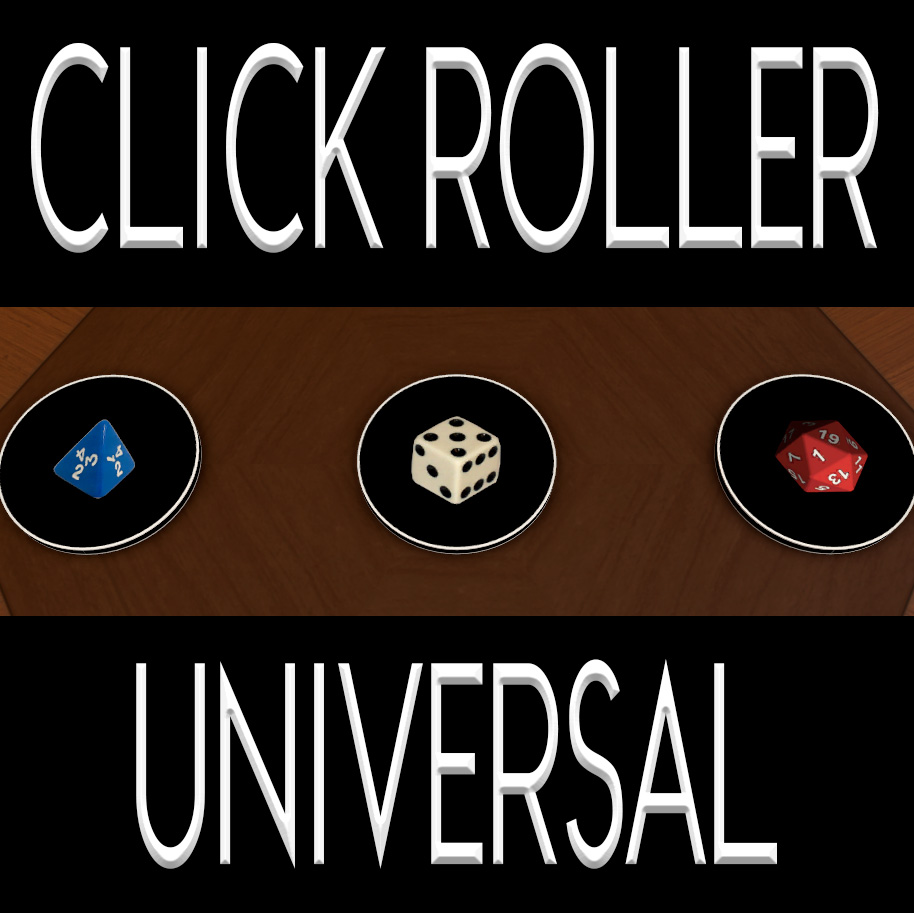
My best scripted tool that can roll any dice for you and announce the roll results. Click it one to spawn a die that is then rolled, click it again before it rolls the first die and it will spawn a second then roll both. You can change what type of die it rolls and how it works without any scripting or modeling knowledge. The image you see on the tool is a DECAL, so you can also swap out new images onto the tool without needing to edit the object's texture (although you still could). MODIFIABLE FEATURES: I have added new features over the previous Click Roller and Click Roller Strip models. This is probably my ultimate version. You can modify all of this stuff by just tweaking variables at the top of the script. Instructions are included there. Setup Mode - If enabled, this will remove the clickable button from the tool and spawn some "display" icons to show you where the dice are going to be spawned. Use this mode while setting up your tool if you like, and especially if you need to change/remove the decal on it. Die Placement - You can set how far from the tool the dice are spawned. You can select how long of an arc they are spawned on now too (360 degrees for all around the tool, 180 degrees so they only spawn on one side of it, etc). Not to mention how high off the table they are spawned. Die Scale - The die will be spawned with the same scale as the die you put into the tool. You can, however, modify that scale with the script if you please. Die Color - By default, the dice will be the color of the die that is in the tool. Or you can overwrite it so that the spawned dice will be the color of the player who clicked the button. Overflow Protection - Set a max limit of dice each tool can spawn. You can also disable it and live dangerously, you mad rebel. Roll Delay - How long after you click before the dice that you have spawned with clicks are rolled. Automatic Cleanup - The dice can be automatically cleaned up after a roll is finished. You can set a length of ti
📊 Mod Details
- Game
- Tabletop Simulator Mods
- Author
- 76561197972020303
- Version
- N/A
- Downloads
- 2,637
- Endorsements
- 0
- Category
- Misc, Templates, Scripting
- Created
- 8/12/2017
- Updated
- 8/14/2017
🔧 How to Install Tabletop Simulator Mods
Subscribe on Steam Workshop. Mods auto-download and install. Launch the game to activate.
📖 Full step-by-step install guide for Tabletop Simulator →
Visit the official mod page for specific installation instructions for this mod.
🎮 Need cheat codes or console commands? Check ur gaming wiki for Tabletop Simulator commands, item IDs, and more.
Keep browsing — more Tabletop Simulator mods await