Seamoth Fixes
⚪ Last updated 2024Preview
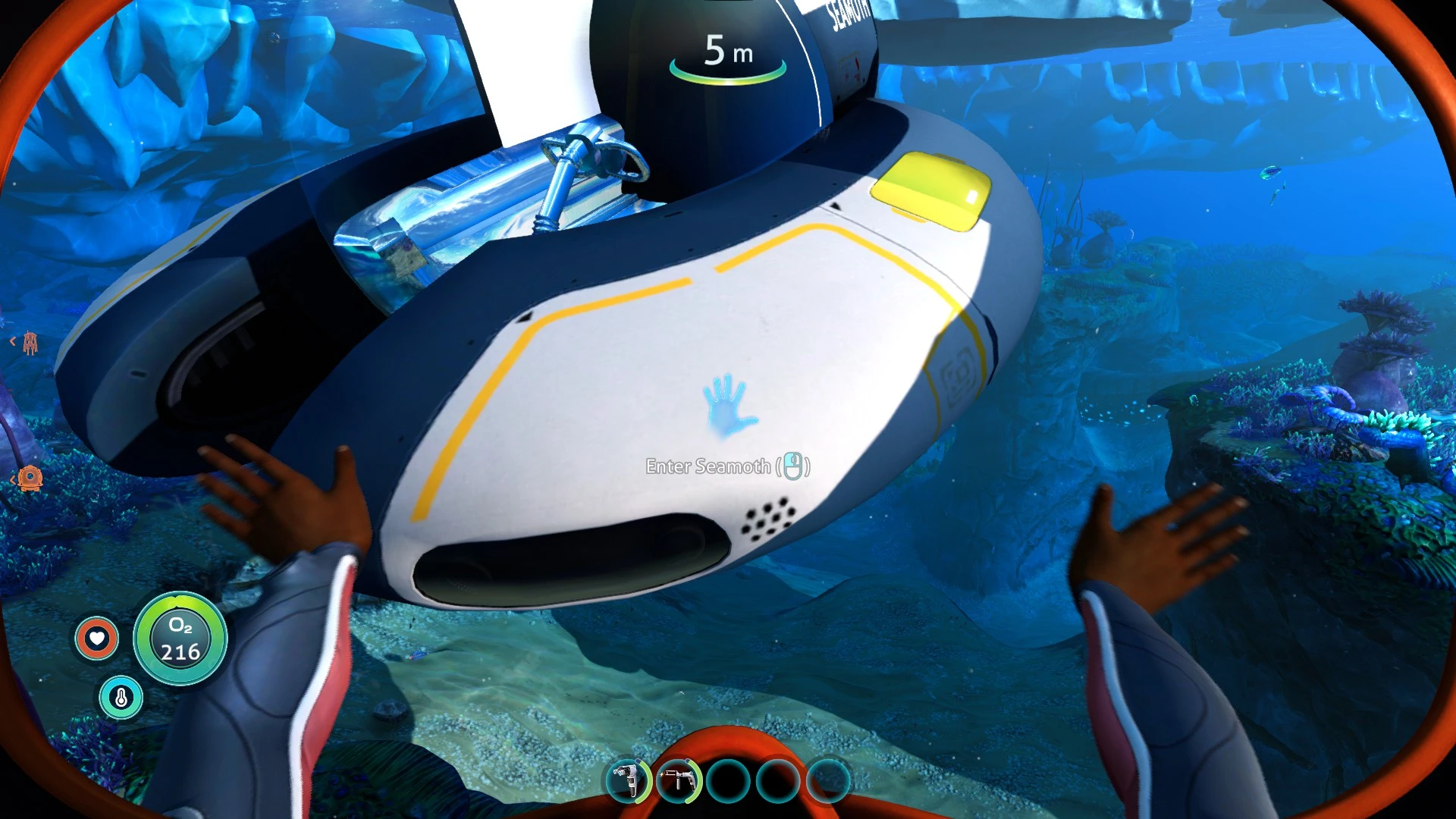
🔍 Analysis
- 👍 1.3% endorsement rate — high engagement, a strong quality signal
- 🏆 #18 of 24 Vehicles and Upgrades mods in this game by downloads
📋 About This Mod
My first mod!
Applies fixes to the Seamoth such as:
-Text descriptions and voiceline captions on the Seamoth should no longer be "Placeholder" anymore.
-The player can no longer breathe without enough power.
-Your view should no longer be floating above the Seamoth.
Added craftables (may not show up in survival):
-Seamoth (Mobile Vehicle Bay)
-Seamoth Upgrade Modules (Moonpool Upgrade Console Fabricator)
-No entering and exiting animations
-Docking is weird
-You can put in multiple depth modules
Dependencies:
-Subnautica Below Zero
Recommended:
-https://www.nexusmods.com/subnauticabelowzero/mods/399?tab=description add Seamoth textures. (Textures is the recommended part)
https://github.com/TheVogels/Subnautica-Below-Zero-mods/tree/SeamothFix
Seamoth Fixes by Wyatt for Subnautica: Below Zero addresses bugs with the Seamoth vehicle without adding textures—a separate recommended mod handles those. It's a compact utility with 68 endorsements and 5,297 downloads, updated April 2024. For players who want a functional Seamoth and don't mind vanilla visuals.
✨ Key Features
📊 Pros & Cons
✅ Pros
- Community-approved with 68 endorsements from Below Zero players.
- 5,297 downloads shows it's a known fix, not a random upload.
- Updated April 2024, so it's still current for the game's latest version.
⚠️ Cons
- Author doesn't specify exactly which Seamoth bugs are fixed, so you're taking it on faith.
- No textures included — you'll need the separate mod if you want visual changes.
For Subnautica: Below Zero players who use the Seamoth and want bug fixes without altering its appearance. If you're fine with vanilla textures and just need the vehicle to work properly, this is a targeted utility. Skip if you need texture changes or a full vehicle overhaul.
💡 Beginner Tips
- Most Below Zero mods require QModManager; install that first, then drop this mod's folder into your QMods directory.
- If you're also installing the recommended texture mod, install this fix first, then add the texture mod to avoid conflicts.
- Launch Below Zero once after installing QModManager before adding mods to generate the necessary folders.
📊 Mod Details
- Game
- Subnauticabelowzero Mods
- Author
- Wyatt
- Version
- 0.2.0
- Downloads
- 5,297
- Endorsements
- 68
- Category
- Vehicles and Upgrades
- Created
- 3/20/2024
- Updated
- 4/6/2024
🔧 How to Install Subnautica: Below Zero Mods
Download from Nexus Mods.
📖 Full step-by-step install guide for Subnautica: Below Zero →
Visit the official mod page for specific installation instructions for this mod.
🎮 Need cheat codes or console commands? Check ur gaming wiki for Subnautica: Below Zero commands, item IDs, and more.
Keep browsing — more Subnautica: Below Zero mods await