Seatruck Storage (BepInEx - Nautilus)
⚪ Last updated 2023Preview
🔍 Analysis
- 👍 2.8% endorsement rate — high engagement, a strong quality signal
- 🏆 #3 of 24 Vehicles and Upgrades mods in this game by downloads
📋 About This Mod
IMPORTANT!!
QModManager - SMLHelper versions no more supported!
Features:
-
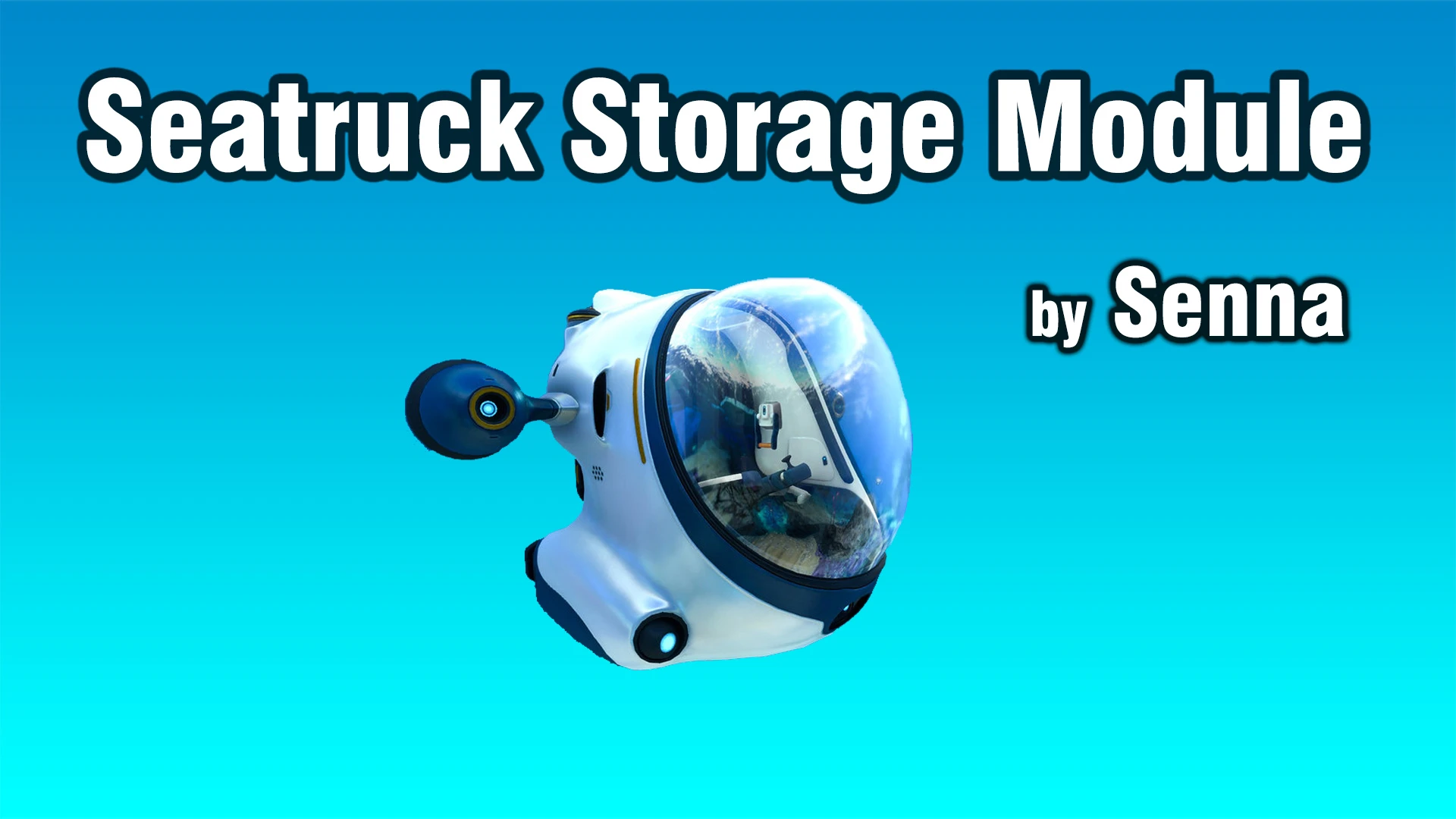
[]Seatruck Storage adds (max. two) big side storage locker to the Seatruck main cabin.
[
]Each storage container size is 56 units.[]Storage modules can only be moved in slots if they are completely empty.
[]All of Your items in storage modules is handled by the normal save game files.
[]The storage modules are also available from inside Seatruck.
[]If SeaTruckArms is installed, the objects collected by the claw and drill arm will automatically be inserted into the storage modules.
(if they have enough space).
Craftable at:-
[]Fabricator
Required tech to unlock:
-
[]Workbench
Required materials to crafting:
-
[]Titanium Ingot: 1
[
]Lithium: 1Requirements:
-
[]Tobey's BepInEx Pack for Subnautica Below Zero
[
]Nautilus BZ[]Slot Extender Zero (BepInEx - Nautilus)
Installation:
-
[]You must have Tobey's BepInEx Pack for Subnautica Below Zero , Nautilus BZ and Slot Extender Zero (BepInEx - Nautilus) installed.
[]Simply extract the SeatruckStorage archive into your BepInEx\plugins\ folder.
TechType Help:
- []"SeaTruckStorage"
-
[]You must have Tobey's BepInEx Pack for Subnautica Below Zero , Nautilus BZ and Slot Extender Zero (BepInEx - Nautilus) installed.
-
[]Tobey's BepInEx Pack for Subnautica Below Zero
-
[]Titanium Ingot: 1
Adds up to two large side storage lockers to the Seatruck main cabin in Subnautica: Below Zero. With 2,505 endorsements and 90,803 downloads, it's a popular, recently updated quality-of-life mod for players needing extra vehicle storage without extra modules.
✨ Key Features
📊 Pros & Cons
✅ Pros
- Community favorite with 2,505 endorsements.
- 90,803 downloads prove it's a go-to storage solution.
- Updated December 2023 — recent enough to trust it works with the latest Below Zero patch.
⚠️ Cons
- Only adds a maximum of two lockers, so storage boost is limited.
- Requires BepInEx and Nautilus installed separately.
- No extra features like sorting or auto-stacking — it's just storage.
For Subnautica: Below Zero players who want more storage on their Seatruck without sacrificing module slots for storage modules. Perfect for hoarders and long exploration trips where every inventory slot counts. Skip if you don't want to deal with BepInEx and Nautilus setup, or if you're fine with vanilla storage options.
💡 Beginner Tips
- Install BepInEx for Subnautica: Below Zero first, then Nautilus, then place this mod's DLL in BepInEx/plugins.
- After loading your save, check the Seatruck main cabin for the new lockers on the sides.
- If the lockers don't appear, ensure Nautilus is updated to the latest version and that the mod is enabled.
📊 Mod Details
- Game
- Subnauticabelowzero Mods
- Author
- Senna
- Version
- 2.0
- Downloads
- 90,803
- Endorsements
- 2,505
- Category
- Vehicles and Upgrades
- Created
- 8/4/2020
- Updated
- 12/30/2023
🔧 How to Install Subnautica: Below Zero Mods
Download from Nexus Mods.
📖 Full step-by-step install guide for Subnautica: Below Zero →
Visit the official mod page for specific installation instructions for this mod.
🎮 Need cheat codes or console commands? Check ur gaming wiki for Subnautica: Below Zero commands, item IDs, and more.
Keep browsing — more Subnautica: Below Zero mods await