Scanner Module (BepInEx - Nautilus)
🟠 Updated over a year agoThis mod may not work until the author updates it. Check for an update, or see the rollback guide.
⚠️ Install Order · 4 steps
Install in this order, then this mod last — most mods fail to load without their framework and dependencies in place.
Preview
🔍 Analysis
- 👍 2.8% endorsement rate — high engagement, a strong quality signal
- 🏆 #4 of 192 Items mods in this game by downloads
📋 About This Mod
IMPORTANT!!
SMLHelper versions no more supported!
Steam Legacy Branch no more supported!
(older version remains available in the Files tab)
-
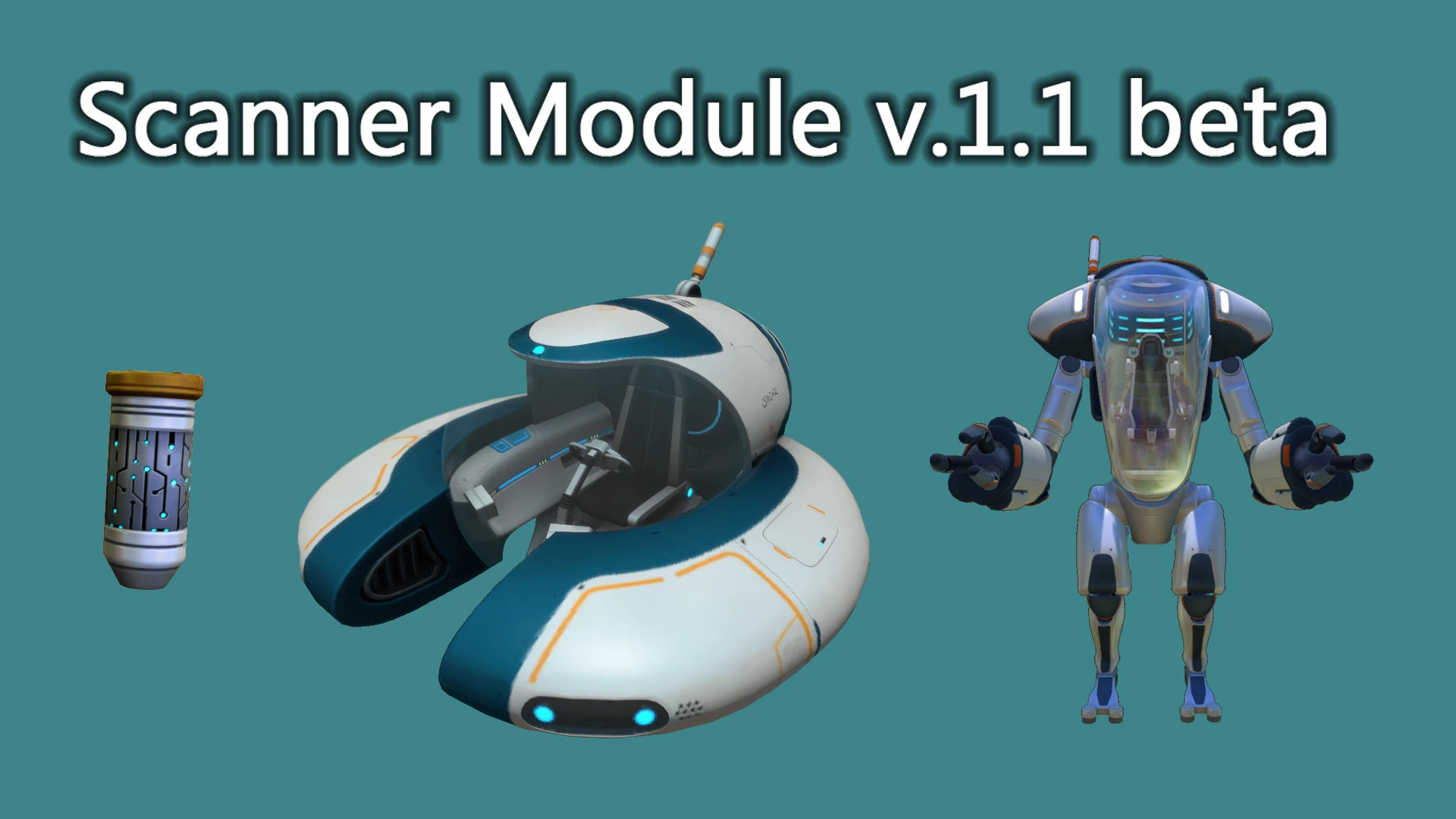
[]If you upgrade your Seamoth and PRAWN suit with this module you can scanning all scannable objects.
[
]Work as well like hand scanner tool.[]You can craft this module in the Vehicle Upgrade Console.
Requirements:
-
[]BepInEx Subnautica Pack
[]Nautilus
Installation:
- []You must have all requirements installed.
- Simply extract the ScannerModule archive into your BepInEx\plugins\ folder.
-
[]BepInEx Subnautica Pack
Scanner Module is a small QoL mod for Subnautica that lets you scan objects while inside vehicles, eliminating the need to exit your Seamoth or Cyclops. With 3,817 endorsements and frequent updates, it's a community favorite for streamlining exploration.
✨ Key Features
📊 Pros & Cons
✅ Pros
- Huge community trust (3,817 endorsements) and massive download count (138k+).
- Solves a real annoyance—no more hopping out of your Seamoth just to scan a fragment.
- Actively maintained (last updated August 2025), so it's likely compatible with current game versions.
⚠️ Cons
- Requires BepInEx and Nautilus—if you're not already set up, that's extra modding overhead.
- Only affects scanning in vehicles; if you rarely use vehicles, this mod won't change much for you.
For Subnautica players who spend a lot of time in their Seamoth or Cyclops and hate exiting just to scan things. It's a must-have for explorers and base-builders who want smoother resource gathering. Skip if you prefer a purist vanilla experience or rarely use vehicles.
💡 Beginner Tips
- Make sure BepInEx is installed first—drop the mod's DLL into the BepInEx/plugins folder.
- If you're using a mod manager like Vortex, let it handle the file placement to avoid mistakes.
- Test the mod in a new save or near a wreck to confirm scanning works before relying on it in a hardcore run.
📊 Mod Details
- Game
- Subnautica Mods
- Author
- Senna
- Version
- 2.4
- Downloads
- 138,420
- Endorsements
- 3,817
- Category
- Items
- Created
- 8/7/2018
- Updated
- 8/21/2025
🔧 How to Install Subnautica Mods
Download from Nexus.
📖 Full step-by-step install guide for Subnautica →
Visit the official mod page for specific installation instructions for this mod.
🎮 Need cheat codes or console commands? Check ur gaming wiki for Subnautica commands, item IDs, and more.
Keep browsing — more Subnautica mods await