Fullscran - Whole Screen Scanner Highlighting
⚪ Last updated 2023⚠️ Install Order · 3 steps
Install in this order, then this mod last — most mods fail to load without their framework and dependencies in place.
Preview
🔍 Analysis
- 👍 5.5% endorsement rate — high engagement, a strong quality signal
- 🏆 #102 of 136 Miscellaneous mods in this game by downloads
📋 About This Mod
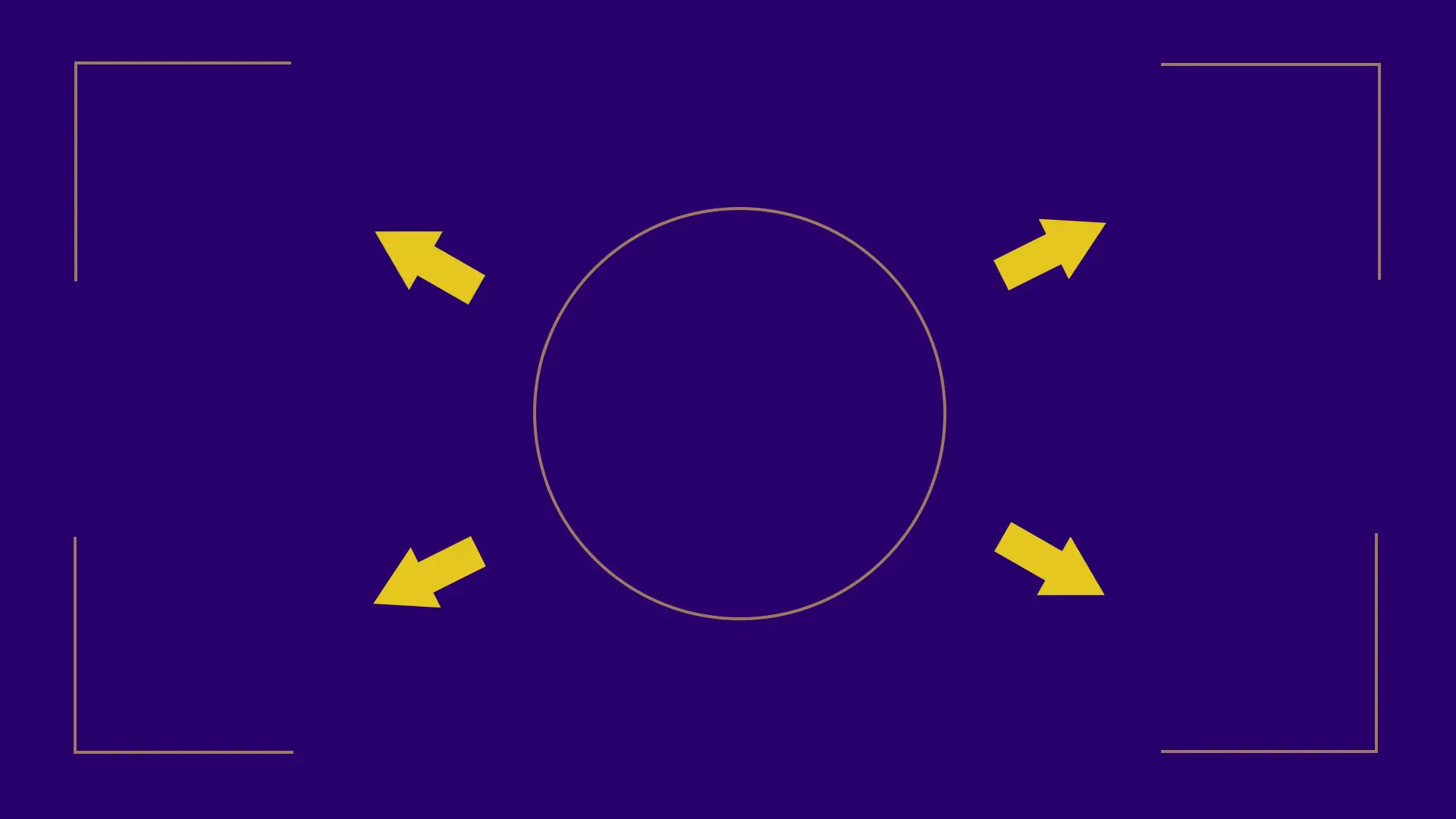
This tweak causes scannable objects and resources to highlight anywhere on the screen, instead of only within the scanner circle. It removes some tedium when panning for loot or that last small crustacean. It does not, however, remove the actual circle visible on your HUD.
Then, all you need to do is either install the mod normally through Vortex, or download and extract fullscran.zip into your game's base directory.
Legacy installation:
Bat Installation:
First, either install the mod via Vortex, or download the Zip and extract fullscran.txt into your game's base directory, next to Starfield.exe
Then, add the following lines to your StarfieldCustom.ini in your My Games/Starfield folder:
(If StarfieldCustom.ini does not exist, create it.)
sStartingConsoleCommand=bat fullscran
INI installation:
If you prefer to have the tweak added directly to your StarfieldCustom.ini instead of using bat files, simply add the following lines to your StarfieldCustom.ini:
fScanHighlightDotAngle=0. 2
fResourceDecalRenderRadiusFalloffPct=10
fResourceDecalRenderRadiusPct=10
Recommended Mods:
Scanner Reworked alters the HUD to remove the scanner circle.
Blobseer increases only the resource vein view distance to its maximum, to aid with placing outposts.
Recolored Scanner Outlines recolors the scanner outlines on resources / items / creatures to be more distinguishable.
Disclaimer
The values I chose are arbitrary, untested, and probably gratuitous. Could
be that these changes break your game in terrible and unforseen ways. I
wouldn't know it, anyways. Good luck!
Uninstallation
Reverse the steps you took to install the tweak; by deleting
the lines you added to StarfieldCustom.ini.
There ought'nt be any adverse effects upon your save.
Fullscran removes the scanner circle limit in Starfield, letting you see highlighted objects and resource veins across your entire screen via INI tweaks. With 554 endorsements and 10,126 downloads, it's a popular quality-of-life mod for explorers. Now installs with Console Command Runner for easier setup.
✨ Key Features
📊 Pros & Cons
✅ Pros
- Community-approved with 554 endorsements and over 10k downloads
- Solves a real annoyance for explorers who hate the scanner circle limit
- Simple INI tweaks mean you can tweak values yourself if you know what you're doing
⚠️ Cons
- Last updated in September 2023 — may not work with the latest Starfield patches
- Requires Console Command Runner, which is an extra dependency to install
- INI tweaks can be finicky; if you mess up a value, you might break scanning entirely
For Starfield explorers and resource hunters who are tired of the scanner circle limiting their view. Perfect for players who want a cleaner, more efficient scanning experience without overhaul mods. Skip if you prefer the vanilla challenge or don't want to fiddle with INI files.
💡 Beginner Tips
- Make sure you have Console Command Runner installed and working before adding this mod, or the INI tweaks won't apply.
- Back up your original INI files before making changes, so you can revert if something goes wrong.
- Test the mod in a resource-rich area like Jemison to see the full-screen highlighting in action.
📊 Mod Details
- Game
- Starfield Mods
- Author
- Zaslohael
- Version
- 2
- Downloads
- 10,126
- Endorsements
- 554
- Category
- Miscellaneous
- Created
- 9/15/2023
- Updated
- 9/18/2023
🔧 How to Install Starfield Mods
Download from Nexus.
📖 Full step-by-step install guide for Starfield →
Visit the official mod page for specific installation instructions for this mod.
🎮 Need cheat codes or console commands? Check ur gaming wiki for Starfield commands, item IDs, and more.
Keep browsing — more Starfield mods await