Auto Hide HUD and Widgets - SFSE
🟡 Updated this yearThis mod was updated after the recent game update — it should work on the current version. (Starfield Update 1.16.244 – June 11, 2026)
⚠️ Install Order · 3 steps
Install in this order, then this mod last — most mods fail to load without their framework and dependencies in place.
Preview
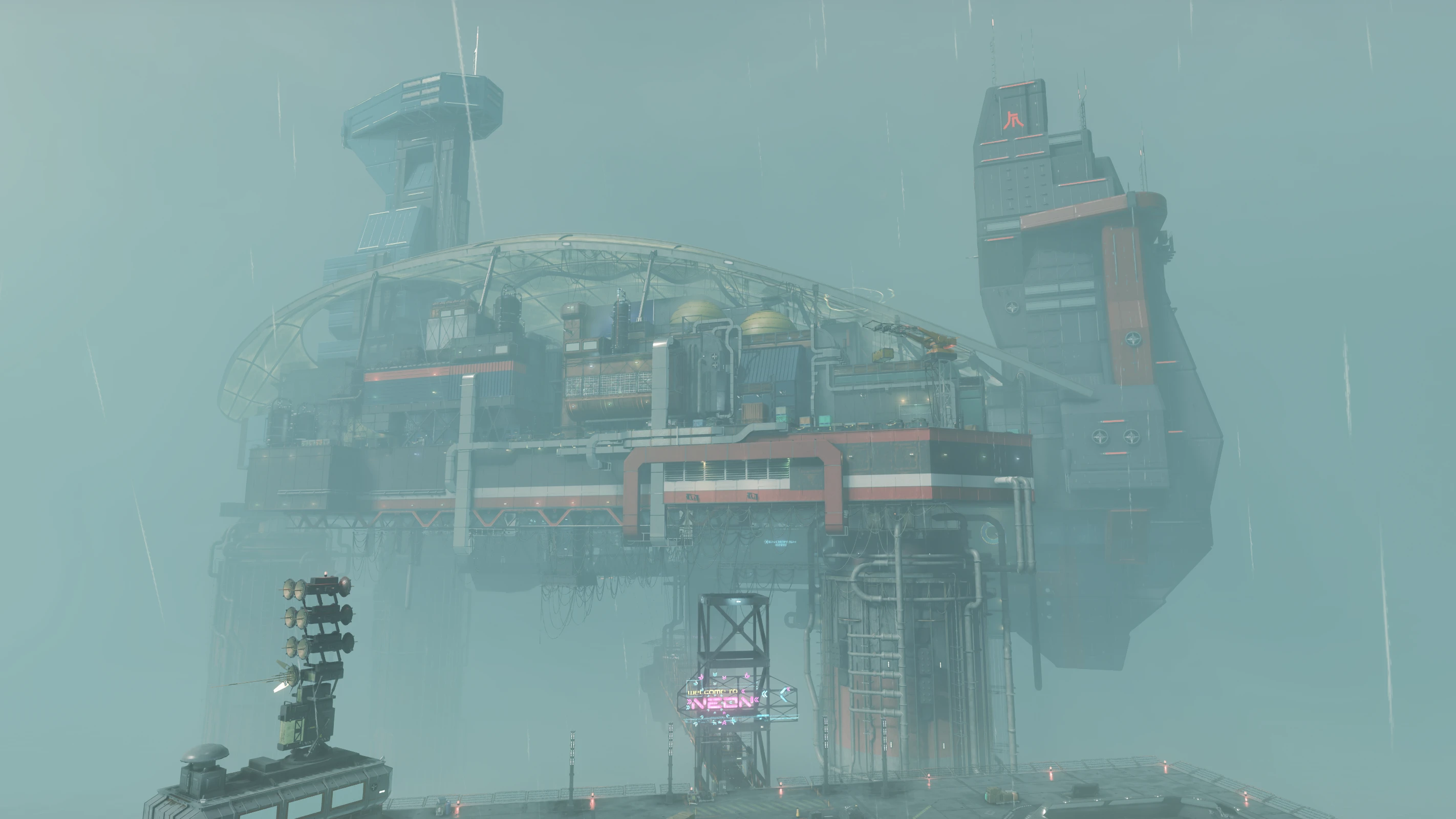
🔍 Analysis
- 👍 1.7% endorsement rate — high engagement, a strong quality signal
- ✅ Updated 2 days after the latest game patch — actively maintained
- 🏆 #84 of 192 User Interface mods in this game by downloads
📋 About This Mod
About this mod:
SFSE plugin that grants you full control over the HUD's visibility.
Each mod setting has a detailed description in ..\Data\SFSE\Plugins\AutoHideHUDAndWidgets.ini.
Probably there's no need to copy the INI text here. Basically, you can define which HUD elements you'd like to see on what conditions.
Define New Conditions - API For Mod Authors:
Beyond the settings available in the INI, if you know how to edit Condition Forms in the Creation Kit, you can define new conditions for each HUD element.
1) Open the Optional file "Auto Hide HUD and Widgets - Optional ESM" in the Creation Kit.
2) Open the Condition Form you'd like to edit, e.g. "AutoHideHUDAndWidgets_CNDF_RolloverWidget".
2. 1. Each Condition Form is linked to a HUD element.
2. 2. Simply overwrite the ones you'd like to edit.
2. 3. Add your conditions to the Condition Form, e.g. IsSneaking == 1. 00.
4) Save your plugin and exit the Creation Kit.
5) Activate both AutoHideHUDAndWidgets.esm and your plugin in your load order.
Requirements:
Starfield Script Extender
Compatibility:
It's an SFSE plugin, it should be compatible with UI mods.
Install, uninstall:
Can be installed and uninstalled anytime.
Auto Hide HUD and Widgets - SFSE is a Starfield Script Extender plugin that gives players full control over HUD visibility. With 507 endorsements and 29,224 downloads, it's a popular UI utility for those who want a cleaner screen or dynamic HUD toggling.
✨ Key Features
📊 Pros & Cons
✅ Pros
- Community-approved with 507 endorsements and 29k downloads.
- Gives you total control over HUD visibility—perfect for screenshots or immersion.
- Actively updated as of June 2026.
⚠️ Cons
- Requires SFSE, so you'll need to install that first.
- No documentation on configuration options or hotkeys.
For Starfield players who want to hide the HUD for cinematic screenshots or a more immersive experience. Also great for modders who need a clean UI for videos. Skip if you're fine with the default HUD and don't want extra setup.
💡 Beginner Tips
- Make sure you have SFSE installed and launch the game through SFSE's loader, not the default launcher.
- Check the mod's forum posts or comments for user-shared configs if the description lacks details.
- Use the in-game settings or keybinds to test HUD visibility toggling before relying on it.
📊 Mod Details
- Game
- Starfield Mods
- Author
- LarannKiar
- Version
- 9.0
- Downloads
- 29,224
- Endorsements
- 507
- Category
- User Interface
- Created
- 4/1/2024
- Updated
- 6/14/2026
🔧 How to Install Starfield Mods
Download from Nexus.
📖 Full step-by-step install guide for Starfield →
Visit the official mod page for specific installation instructions for this mod.
🎮 Need cheat codes or console commands? Check ur gaming wiki for Starfield commands, item IDs, and more.
Keep browsing — more Starfield mods await