Remnants Fix
🟡 Updated this yearPreview
📋 About This Mod
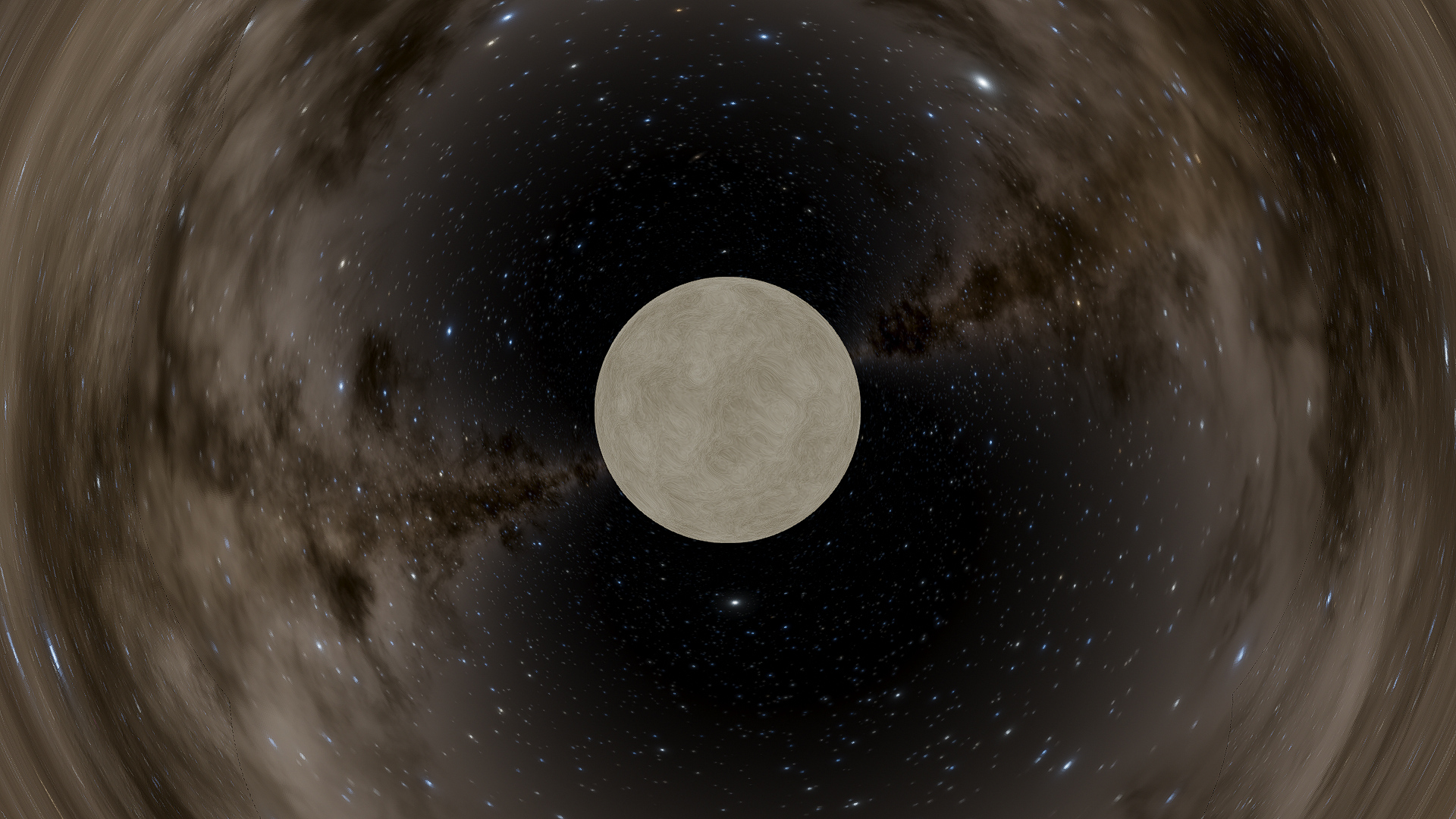
Remnants Fix SpaceEngine's stellar remnants have a "band" on their equator. This mod removes that. Abstract This band is unrealistic. Straight up. It's only there to cover up a seam that exists because of poor math (that was probably done to make the noise "grow" or "come from" the poles). I might add future additions, like modelling them around this video, but don't hold your breath. Installation & Removal Remove the cache when installing or removing this mod. An Important Note This mod edits how "bright" the noise is, how much it modulates. This is to make them look smoother, though it's not much more realistic. If you want to restore how it looks in vanilla, go to the folder that is, by default, "C:\Program Files (x86)\Steam\steamapps\workshop\content\314650\3654176994", and temporarily change Remnants.pak's file extension to .zip (make sure you have file extensions turned on!). Open it with whatever archive tool you use and edit gr_intersection.glsl. You'll want to go to lines 629 and 630, where you'll see two numbers: 0. 05 and 0. 95. Edit these numbers to change how much the noise fluctuates, the default is 5%. Make sure the sum is 1! Finally, remove the cache. Known Issues Where the noise "grows from" or "comes from" (you'll see what I mean) rotates over long periods of time. I might be able to fix this with a 5D noise function, but I'm unsure.
📊 Mod Details
- Game
- Spaceengine Mods
- Author
- 76561198139642540
- Version
- N/A
- Downloads
- 137
- Endorsements
- 0
- Category
- N/A
- Created
- 1/26/2026
- Updated
- 1/26/2026
🔧 How to Install SpaceEngine Mods
Subscribe on Steam Workshop. Mods auto-download and install. Launch the game to activate.
📖 Full step-by-step install guide for SpaceEngine →
Visit the official mod page for specific installation instructions for this mod.
🎮 Need cheat codes or console commands? Check ur gaming wiki for SpaceEngine commands, item IDs, and more.
Keep browsing — more SpaceEngine mods await