XP Editor
⚪ Last updated 2019⚠️ Install Order · 6 steps
Install in this order, then this mod last — most mods fail to load without their framework and dependencies in place.
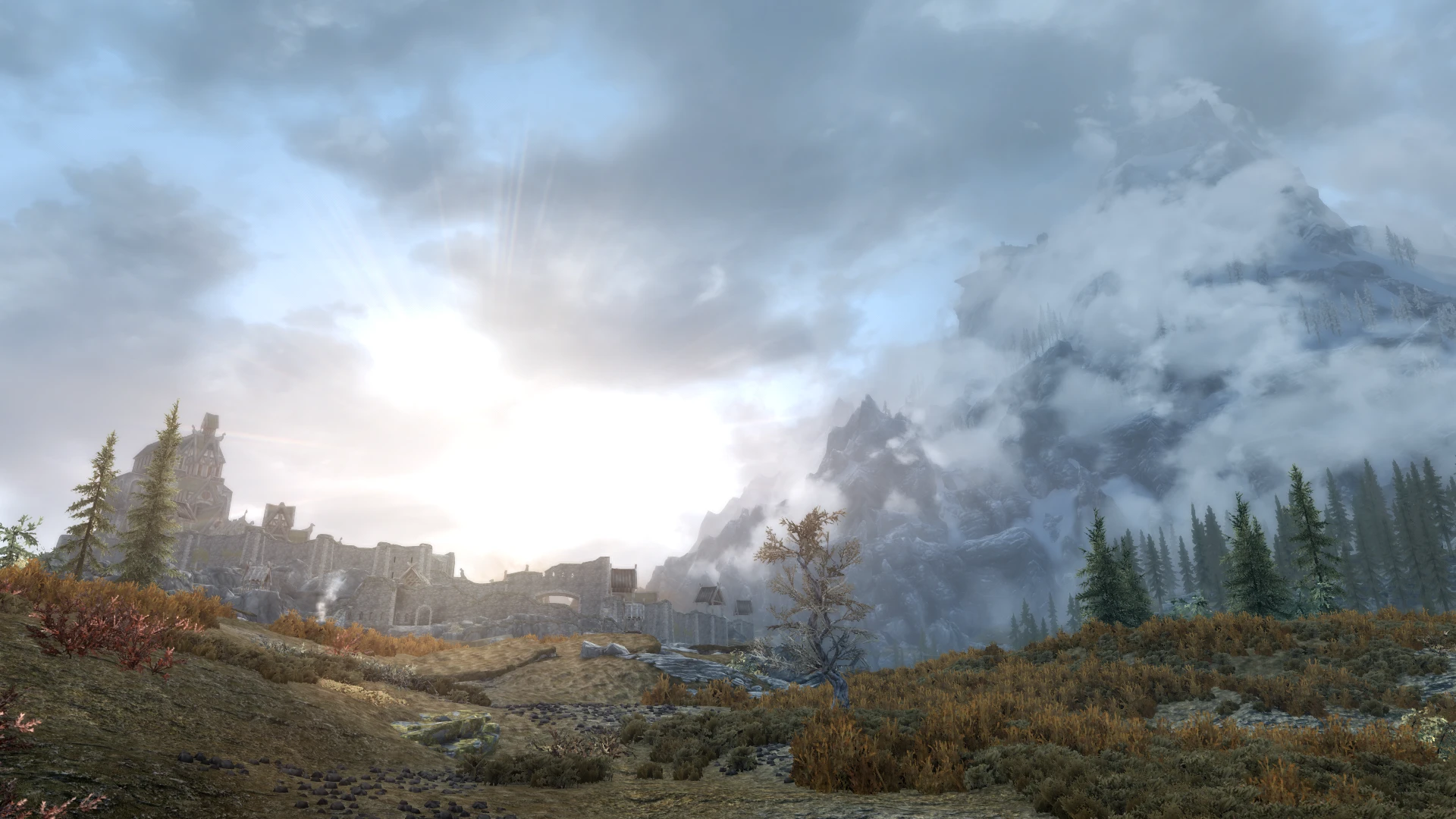
Preview
🔍 Analysis
- 👍 0.8% endorsement rate
- 🏆 #12 of 14 Skills and Leveling mods in this game by downloads
📋 About This Mod
XP EDITOR
Summary
The skill XP you gain from performing an action, and how much skill XP you need to level that skill, is determined by four parameters for each skill, for a total of 72 parameters. You can edit these in the CK, but unfortunately this will cause conflicts with many other mods (including perk overhauls). The XP Editor is a zEdit patcher that lets users customize these values without causing conflicts.
How much XP you gain when performing an action relevant to a particular skill is given by:
xp = base xp mult + offset
where mult and offset are configurable parameters. The value of "mult" varies between skills, from 0. 36 for speech, to 900 for enchanting. Offset, however, is always 0, except for lockpicking where it is 10. The greater these values the faster you will gain skill xp. The value of base xp depends on the action you have performed, for instance, casting an expensive spell grants more skill xp than a cheap spell. Mult scales this xp up or down, whereas offset gives you baseline xp, regardless of the base xp or mult. If you set all offsets and mults to 0, none of your skills will gain xp through practice, though skills books and training will still work.
How much XP you need to level a skill is given by:
xp = level ^ 1. 95 mult + offset
where mult and offset are configurable parameters. Both mult and offset vary between skills, combat skills tend to have a mult of 2 and offset of 0, while stealth and crafting skills have lower mults, but higher offsets. Placing more emphasis on mult makes each level require more xp, whereas placing more emphasis on offset causes each level to require a similar amount of xp.
Installation
1. Download the patcher
- Download it anywhere, not necessarily your Skyrim directory.
2. Install zEdit
- Download, and install zEdit.
3. Add the patcher to zEdit
- Open zEdit.
- In the top right is a button that looks like 3 little cubes, click it and it will show a list of currently installed patchers.
- Click to install a new patcher. Navigate to where you downloaded the patcher and select it.
- Restart zEdit.
4. Configure the patcher
- In the top right of zEdit is a button that looks like a jigsaw piece. Click it to bring up a list of your installed patchers.
- On the left is a list of which patchers have config options, select the XP editor.
- Go through th
XP Editor is a zEdit patcher for Skyrim that lets you adjust skill XP gain rates and level-up requirements. It offers granular control over each skill's XP curve, appealing to players who want to fine-tune progression. With 226 endorsements and 27,782 downloads, it's a niche but proven tool for modding enthusiasts.
✨ Key Features
📊 Pros & Cons
✅ Pros
- Community-approved with 226 endorsements and 27,782 downloads
- Granular control over individual skill XP rates
- Patcher approach integrates with zEdit workflows
⚠️ Cons
- Requires zEdit, which may be unfamiliar to some modders
- Last updated in 2019, so may not support the latest Skyrim versions
- Potential conflicts with other mods that alter skill progression
For Skyrim modders who want to fine-tune leveling speed and skill progression to match their preferred playstyle. It's ideal for those already using zEdit and comfortable with patchers. Skip if you prefer simple in-game settings or don't want to learn a new tool.
💡 Beginner Tips
- Make sure to run the patcher through zEdit after installing, and load the generated patch after other mods in your load order.
- Test XP changes on a new save or backup your current save to avoid unexpected progression issues.
- If using other leveling mods, check for compatibility patches or load order conflicts.
📊 Mod Details
- Game
- Skyrim Mods
- Author
- tjhm4
- Version
- 0.0.0
- Downloads
- 27,782
- Endorsements
- 226
- Category
- Skills and Leveling
- Created
- 3/21/2019
- Updated
- 3/21/2019
🔧 How to Install Skyrim Mods
Download from Nexus.
📖 Full step-by-step install guide for Skyrim →
Visit the official mod page for specific installation instructions for this mod.
🎮 Need cheat codes or console commands? Check ur gaming wiki for Skyrim commands, item IDs, and more.
Keep browsing — more Skyrim mods await