Stuck Underwater Visuals and Sounds Fix SKSE
🟡 Updated this year⚠️ Install Order · 6 steps
Install in this order, then this mod last — most mods fail to load without their framework and dependencies in place.
🖼️ Gallery (12 images)



🔍 Analysis
- 👍 0.7% endorsement rate
- 🏆 #118 of 124 Bug Fixes mods in this game by downloads
📋 About This Mod
cKCYCaASsxQ
Description.
-
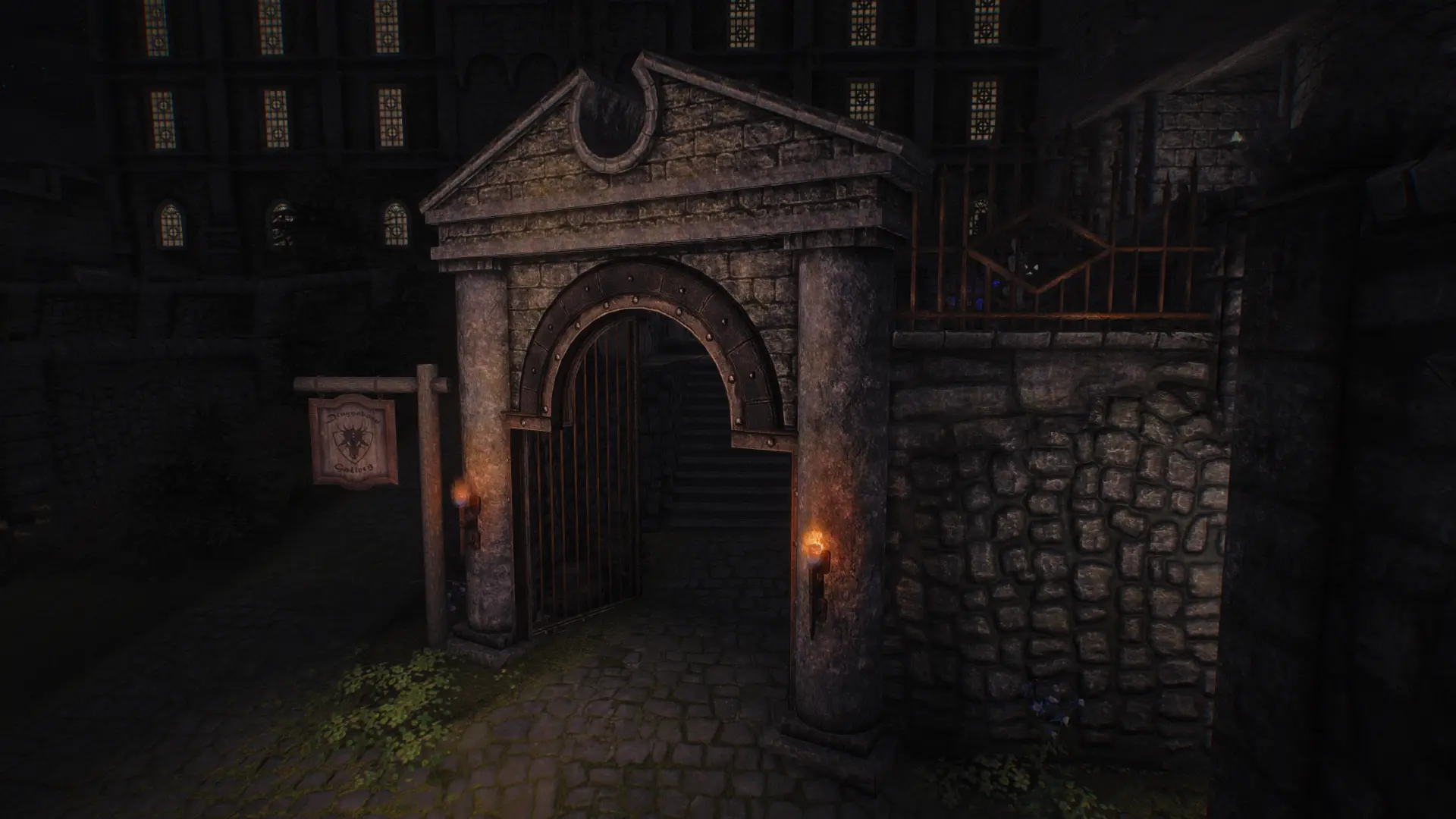
[]Bug: in the vanilla, dipping the camera inside water activators, used for small pools of water such as Dragonsreach pool, can cause underwater sounds and visuals to remain stuck:
[
]Annoying underwater sound loop.[/][
]100% opaque surface water.[/][
]Low visibility as if you're underwater.[/]
[]This can only be fixed by reloading save, going to a different cell, or dipping the camera underwater again.[/]
[]This mod prevents this bug with an SKSE plugin.[/]
[]Works on 1. 5. 97, 1. 6. 1170, and 1. 7. 99. idk about VR.[/]
Requirements
-
[]SKSE64[/]
[]Address Library[/]
[]Visual C++ Redistributable[/]
-
[]Simplicity of Sea[/]
[]Green Water Cubemap Fix[/]
[]Water Effects Brightness and Reflection Fix[/]
- []Whenever. Doesn't matter.[/]
- []https://github.com/wSkeever/Stuck-Underwater-Fix[/]
Q: How can I tell this is working? (a good question to ask for any mod you download)
A: You can check if the bug is fixed by doing the following (video demonstration):
-
[]Repeatedly and rapidly dip your camera into an water activator such as the Dragonsreach pool without the mod installed.[/]
[]Confirm that there is a 50% chance the underwater sounds and visuals get stuck.[/]
[]Install the mod.[/]
[]Confirm that this can no longer be reproduced at all.[/]
A: No. I just stole powerofthree's code from powerofthree's Tweaks (doesn't contain the fix) instead.
Q: I can still see underwater visuals outside the wall with the round corner at the Dragonsreach pool.
A: The water collision model of the Dragonsreach pool extends a little bit outside the walls. In vanilla, dipping your camera inside this area and walking forward will cause underwater sounds and visuals to remain stuck, but this mod fixes this as well, so the underwater sounds and visuals are cleared as soon as your camera leaves this volume. Giving the water nif more accurate collision is outside the scope of this mod.Credits
-
[]powerofthree - powerofthree's Tweaks (doesn't contain the fix)[/]
[]NoahBoddie - for CMake template[/]
[]mrowrpurr - project template[/]
[]alandtse - CommonLibVR[/]
This Skyrim bug fix prevents underwater visuals and sounds from persisting after the camera exits water, such as in Dragonsreach pool. With 1,798 endorsements and frequent updates, it's a reliable quality-of-life fix for a common annoyance.
✨ Key Features
📊 Pros & Cons
✅ Pros
- Community-approved with 1,798 endorsements
- Huge download count (259k) shows it's widely used
- Actively maintained, last updated March 2026
⚠️ Cons
- Requires SKSE, so console players are out of luck
- Only fixes a niche issue—if you don't hang around pools, you might not notice
For Skyrim players who've been annoyed by lingering underwater effects after swimming in places like Dragonsreach. If you're a modded playthrough veteran with SKSE already installed, this is a no-brainer. Skip if you're on console or don't care about minor visual glitches.
💡 Beginner Tips
- Make sure SKSE is installed and you launch the game through skse_loader.exe, not the default launcher.
- Place the mod's files in your Data folder or use a mod manager like MO2 or Vortex for easy uninstallation.
- Load order doesn't matter for this fix, but keep it active with other bug fixes like the Unofficial Skyrim Patch.
📊 Mod Details
- Game
- Skyrim Mods
- Author
- wankingSkeever
- Version
- 0.1.2
- Downloads
- 259,511
- Endorsements
- 1,798
- Category
- Bug Fixes
- Created
- 3/2/2026
- Updated
- 3/29/2026
🧩 Commonly Used Together
Users add these mods to the same collections — a real compatibility signal, not an AI guess.
🔧 How to Install Skyrim Mods
Download from Nexus.
📖 Full step-by-step install guide for Skyrim →
Visit the official mod page for specific installation instructions for this mod.
🎮 Need cheat codes or console commands? Check ur gaming wiki for Skyrim commands, item IDs, and more.
Keep browsing — more Skyrim mods await