Storm Lightning for SSE and VR (Minty Lightning 2019) - Deutsch
🟡 Updated this year⚠️ Install Order · 6 steps
Install in this order, then this mod last — most mods fail to load without their framework and dependencies in place.
Preview
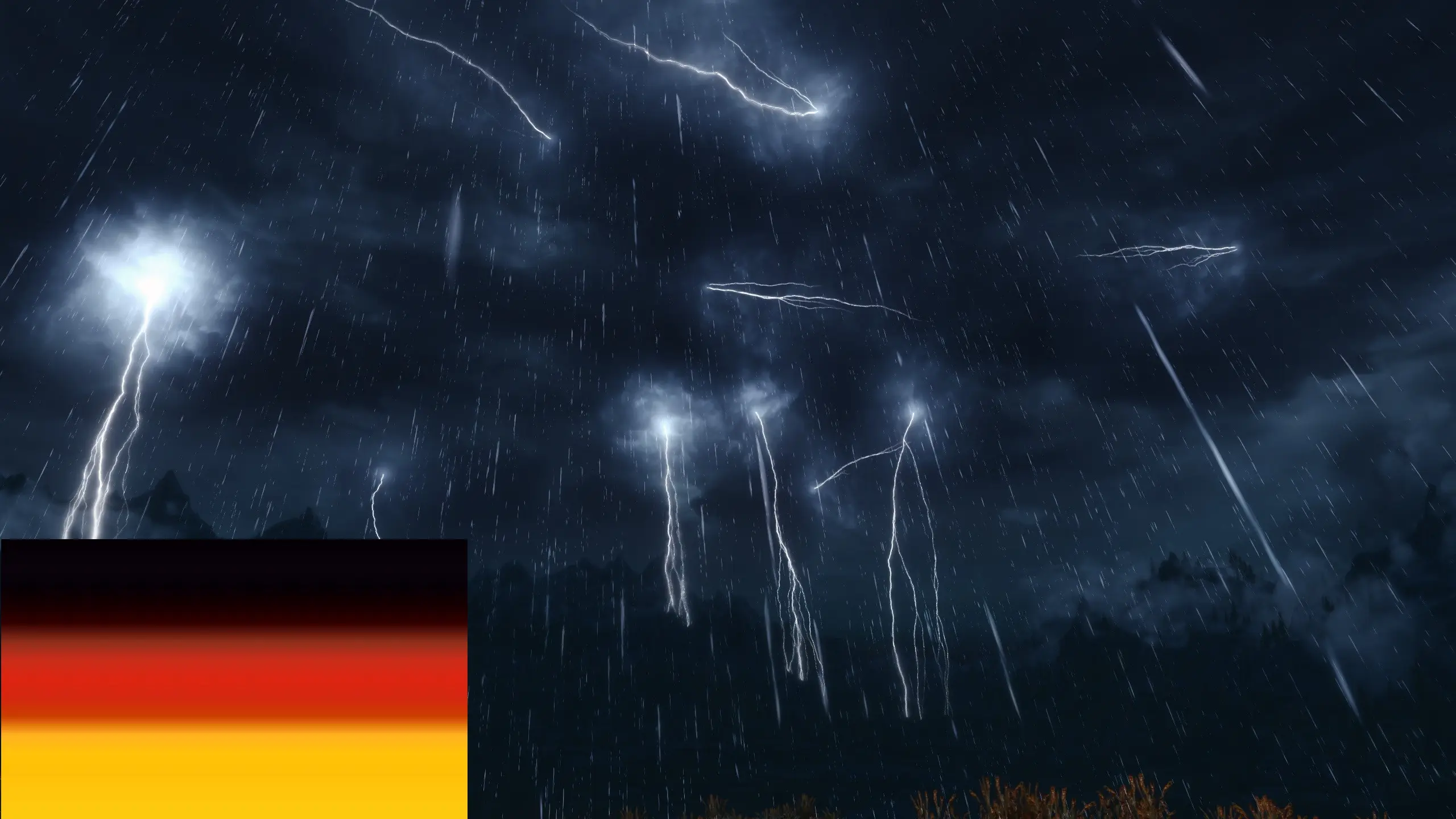
🔍 Analysis
- 👍 2.3% endorsement rate — high engagement, a strong quality signal
- 🏆 #15 of 43 Environmental mods in this game by downloads
📋 About This Mod
Dies ist die deutsche Übersetzung der Mod Storm Lightning for SSE and VR (Minty Lightning 2019) von Shizof, eine Mod, die Blitze vom Himmel zucken lässt ... so wie Du es willst.
Die Übersetzung umfasst die ESP-Datei und als wesentlichen Bestandteil das MCM-Menü, mit dem sich das Blitzlichtgewitter nach den persönlichen Vorlieben über den FOMOD-Installer der Originalmod hinaus weiter konfigurieren lässt. Es kann etwas dauern, bis das Menu im Spiel zur Verfügung steht.
Installation:
1. Zuerst die Originalmod installieren, diese wird zwingend benötigt.
2. Danach diese Übersetzung installieren.
Installation mit dem Modmanager Eurer Wahl, meine Empfehlung: Mod Organizer 2.
Shizof für die Mod
mcguffin für den xTranslator
This is a German translation of Storm Lightning for SSE and VR (Minty Lightning 2019), a mod that adds customizable lightning strikes to Skyrim Special Edition and VR. It translates the ESP and MCM menu, allowing further configuration beyond the original FOMOD installer. Requires the original mod.
✨ Key Features
📊 Pros & Cons
✅ Pros
- Solid community support with 272 endorsements and over 12,000 downloads.
- Translates the MCM menu, making it accessible for German-speaking players.
- Works for both Skyrim Special Edition and VR versions.
⚠️ Cons
- Requires the original mod, so you need to download and install two mods.
- MCM menu may take time to appear in-game, which can be confusing.
- Compatibility risk if the original mod updates and changes the ESP or MCM strings.
For German-speaking Skyrim players who want to customize lightning effects and prefer a fully translated interface. If you don't speak German or don't need the translation, skip this and use the original mod.
💡 Beginner Tips
- Install the original mod first, then this translation, using Mod Organizer 2 for proper file overwrite.
- Be patient after loading a save—the MCM menu can take a few minutes to appear in-game.
- If you're using Vortex, ensure the translation loads after the original mod in the load order.
📊 Mod Details
- Game
- Skyrim Mods
- Author
- JudgeRed56
- Version
- 1.4.23-DV1.0
- Downloads
- 12,043
- Endorsements
- 272
- Category
- Environmental
- Created
- 1/28/2022
- Updated
- 3/29/2026
🔧 How to Install Skyrim Mods
Download from Nexus.
📖 Full step-by-step install guide for Skyrim →
Visit the official mod page for specific installation instructions for this mod.
🎮 Need cheat codes or console commands? Check ur gaming wiki for Skyrim commands, item IDs, and more.
Keep browsing — more Skyrim mods await