Stances NG Key Util Support Addon
🟠 Updated over a year ago⚠️ Install Order · 6 steps
Install in this order, then this mod last — most mods fail to load without their framework and dependencies in place.
Preview
🔍 Analysis
- 👍 0.6% endorsement rate
- 🏆 #17 of 23 Combat mods in this game by downloads
📋 About This Mod
I. Description
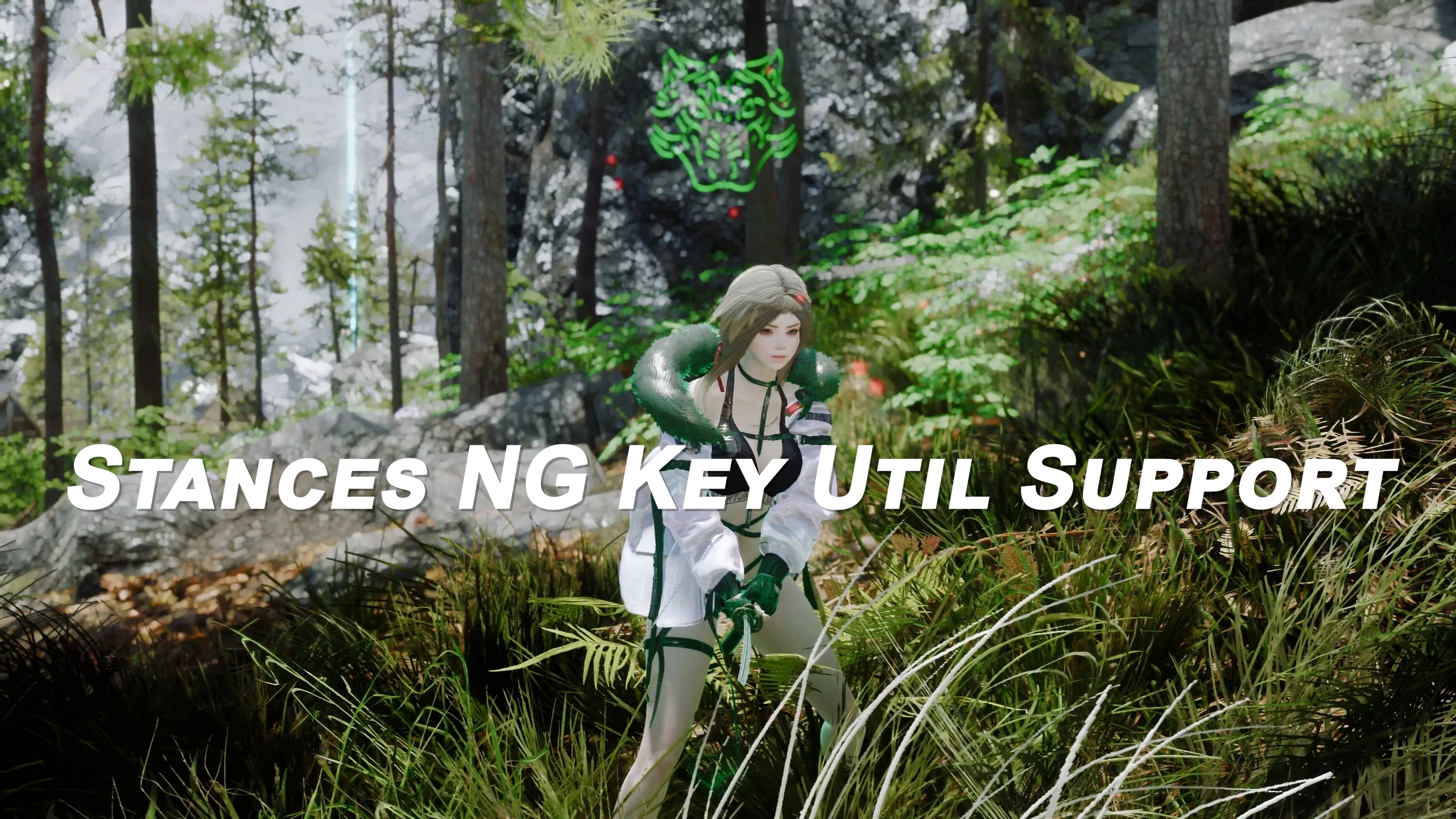
This mod enhances the original Stances NG by integrating Keytrace support, expanding the folder structure to make the Stances mod even more versatile. While the original Stances NG had a single folder, this mod introduces five folders corresponding to different movement keys—forward, backward, left, right, and neutral. By simply placing movesets into these designated folders, players can easily customize their own unique stances based on movement direction, creating a smoother and more personalized combat experience.
ll. Requiremen
1. Stances NG
Stances NG at Skyrim Special Edition Nexus - Mods and Community
2. Stances NG Addon (Optional)
Stances NG Addon at Skyrim Special Edition Nexus - Mods and Community
3. Dtry's Key util
dTry's Key Utils at Skyrim Special Edition Nexus - Mods and Community
III. Installation
Install Prerequisites: Ensure Stances NG and Keytrace are installed, as they are necessary for Stance NG Key Util Support to function.
Download the Mod: Download the Stance NG Key Util Support mod files from your preferred mod source.
Extract Files: Extract the downloaded mod files into your Stances NG folder. You should now see new folders for each movement direction (forward, backward, left, right) alongside the original stances folder.
File Extraction: Place your desired moveset files in the appropriate Stances NG folders. You will see new folders for each movement direction (forward, backward, left, right), which you can organize alongside the original stances folder.
Set Up Movesets: Place your custom moveset files into the correct directional folders (forward, backward, left, right) based on the movement key you want to assign them to. In Keytrace.esp, ID 801 represents Forward, 802 is Left, 803 is Back, and 804 is Right.
Activate the Mod: Open your mod manager and enable Stance NG Key Util Support. Run any necessary patches or compatibility fixes if required. Also, remember that movesets with a higher priority than those set for this mod will be applied first.
IV. Patreon
https://patreon.com/ARJARIM
Stances NG Key Util Support Addon is a combat mod that extends Stances NG with Keytrace functionality, enabling distinct movesets for each movement key (forward, backward, left, right) through an expanded folder structure. With 83 endorsements and 15,074 downloads, it's a niche utility for players seeking finer control over combat animations.
✨ Key Features
📊 Pros & Cons
✅ Pros
- Solid download-to-endorsement ratio (15k downloads, 83 endorsements) shows real usage.
- Taps into a niche but passionate combat modding community.
- Gives precise control over directional movesets, which is a game-changer for animation enthusiasts.
⚠️ Cons
- Only works if you already have Stances NG installed—this is an addon, not standalone.
- Small endorsement count (83) means it's not widely tested; expect potential bugs.
- Compatibility risk with other combat overhauls that modify movement or animation behavior.
For Skyrim modders who already use Stances NG and want to fine-tune combat animations per directional input. If you're not into deep animation customization, this is too niche. Skip if you prefer all-in-one combat overhauls.
💡 Beginner Tips
- Make sure Stances NG is installed and working before adding this addon.
- Use a mod manager like MO2 to keep the folder structure intact.
- Test each movement key in combat to verify the movesets are applied correctly.
📊 Mod Details
- Game
- Skyrim Mods
- Author
- ARJA
- Version
- 1.0
- Downloads
- 15,074
- Endorsements
- 83
- Category
- Combat
- Created
- 11/3/2024
- Updated
- 11/3/2024
🔧 How to Install Skyrim Mods
Download from Nexus.
📖 Full step-by-step install guide for Skyrim →
Visit the official mod page for specific installation instructions for this mod.
🎮 Need cheat codes or console commands? Check ur gaming wiki for Skyrim commands, item IDs, and more.
Keep browsing — more Skyrim mods await