Skyrim SE Performance and Graphics Boost Guide
🟡 Updated this year⚠️ Install Order · 5 steps
Install in this order, then this mod last — most mods fail to load without their framework and dependencies in place.
Preview
🔍 Analysis
- 👍 3.0% endorsement rate — high engagement, a strong quality signal
- 🏆 #18 of 27 Modders Resources mods in this game by downloads
📋 About This Mod
First of all, read this all careful, as you will miss some important Information and may get bad experience if you tweak your INIs wrong.
The new Skyrim Special Edition has been released on Oct 28, 2016 and is a 64-bit application and the graphics environment and memory management is more powerful. More details here.
On November 11, 2021 Bethesda released the Skyrim Anniversary Edition with contend from Creation Club included. More details here.
Value information of the included Fishing mod you find here. And more about fishing locations here. And where to find the fishing maps here. You also can extend your houses with an aquarium too.
Even funny to be a Horse Whisperer ...
If you don't want this new version will be installed automatically, make sure you have disabled auto-update in the properties of your Steam Client. Bethesda used Visual Studio 2019 as a compiler for this new game. Therefore it is very likely, that your mods, which are using DLLs, are not compatible anymore and will not work after upgrading to Skyrim Anniversary Edition, until modders have made their mods compatible to the new version. See compatiblity overwiew. New mods may also only compatible for SSAE, like some new versions from Arthmoor's town and cities mods.
Bethesda has retired their launcher and moved game library to Steam. Read more about it and what to watch here.
A new version of the game has been released on December 5, 2023 with a lot of fixed issues and improvements.
Read here all the details. With new release Skyrim 1. 6. 1130, the Creation Club and Mods menus have been put into a single Creations menu. Unfortunately it turned out already, that Bethesda need to come up with a new patch, in the meantime, it has become apparent that there are a few bugs in the current version that need to be fixed. This seems to be fixed with 1. 6. 1170 coming out today. You need SKSE 2. 2. 6 for this.
In the meantime Skyrim 1. 7. 104 has been released, mainly fixing XBOX, Playstation and Creation issues.
Furthermore this new version not only breaks compatibility with SKSE mods, it also broke compatibility with plugins (. ESP, . ESL, . ESM) by incrementing their header versions from 1. 70 to 1. 71. Attempting to use a version 1. 71 plugin on an old game build will likely crash. Their approach is to expand the maximum number of new records in an ESL from 2048 to 4096.
See this post for a detailed explanation and workarounds. On the BackportedESLSupport.log in your SKSE directory in your local profile, you can see, which new plugins get emulated to the old header version if you running any.
Backup your SkyrimPrefs.ini before you enable Skyrim SE Creation Club, as it will make changes on your ini, so compare afterwards with your former settings. And usually if new creations are announced, Skyrim vers
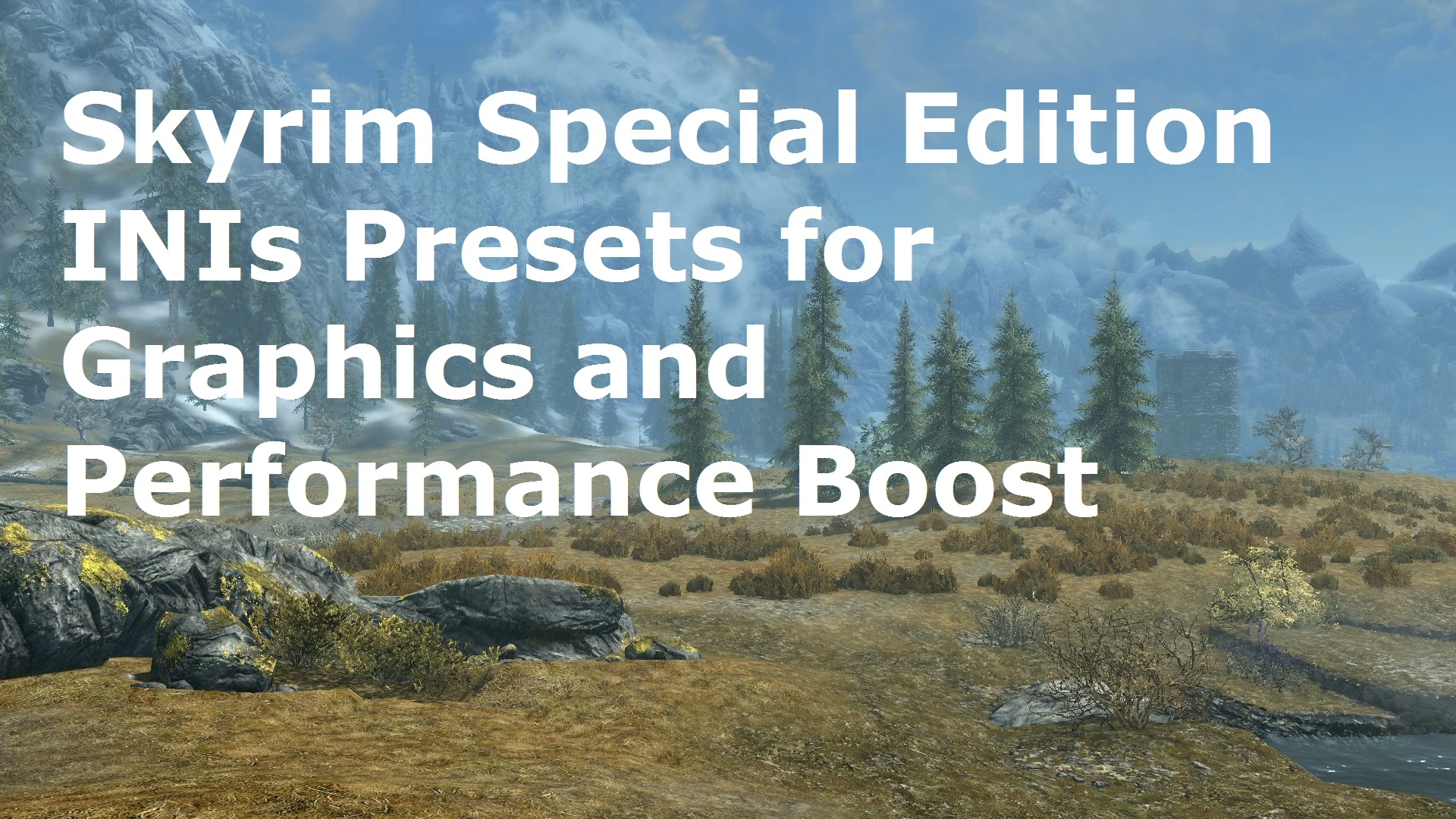
A comprehensive guide for optimizing Skyrim Special Edition's INI settings to boost performance and graphics, with additional recommendations. Highly endorsed (3,172) and downloaded over 104,000 times, it's a trusted resource for players seeking smoother gameplay and better visuals.
✨ Key Features
📊 Pros & Cons
✅ Pros
- Community-approved with 3,172 endorsements and over 104k downloads
- Covers both performance and graphics, so you get a balanced boost
- Includes extra tips beyond INI settings, making it a one-stop guide
⚠️ Cons
- Not a mod itself—you'll need to manually apply the settings, which can be tedious
- INI tweaks can conflict with other mods that alter the same settings, so watch your load order
- May not be updated for the latest Skyrim SE patches, so double-check compatibility
For Skyrim SE players who want to squeeze out better performance and visuals without installing heavy mods. Perfect for those comfortable editing INI files. Skip if you prefer plug-and-play mods or are on console.
💡 Beginner Tips
- Back up your Skyrim.ini and SkyrimPrefs.ini before making changes—you can revert if something breaks.
- Apply the INI settings one at a time and test in-game to see what works best for your rig.
- If you use mods like ENB or Skyrim Flora Overhaul, some INI tweaks may need adjusting to avoid conflicts.
📊 Mod Details
- Game
- Skyrim Mods
- Author
- QahnaarinTom
- Version
- 1.8.0
- Downloads
- 104,288
- Endorsements
- 3,172
- Category
- Modders Resources
- Created
- 11/3/2016
- Updated
- 6/2/2026
🧩 Commonly Used Together
Users add these mods to the same collections — a real compatibility signal, not an AI guess.
🔧 How to Install Skyrim Mods
Download from Nexus.
📖 Full step-by-step install guide for Skyrim →
Visit the official mod page for specific installation instructions for this mod.
🎮 Need cheat codes or console commands? Check ur gaming wiki for Skyrim commands, item IDs, and more.
Keep browsing — more Skyrim mods await