Project AHO Parallax Mesh - Blended Road - Dwemer Pipework Rework Patch
⚪ Last updated 2022⚠️ Install Order · 6 steps
Install in this order, then this mod last — most mods fail to load without their framework and dependencies in place.
🖼️ Gallery (6 images)




🔍 Analysis
- 👍 0.1% endorsement rate
- 🏆 #47 of 86 Visuals and Graphics mods in this game by downloads
📋 About This Mod
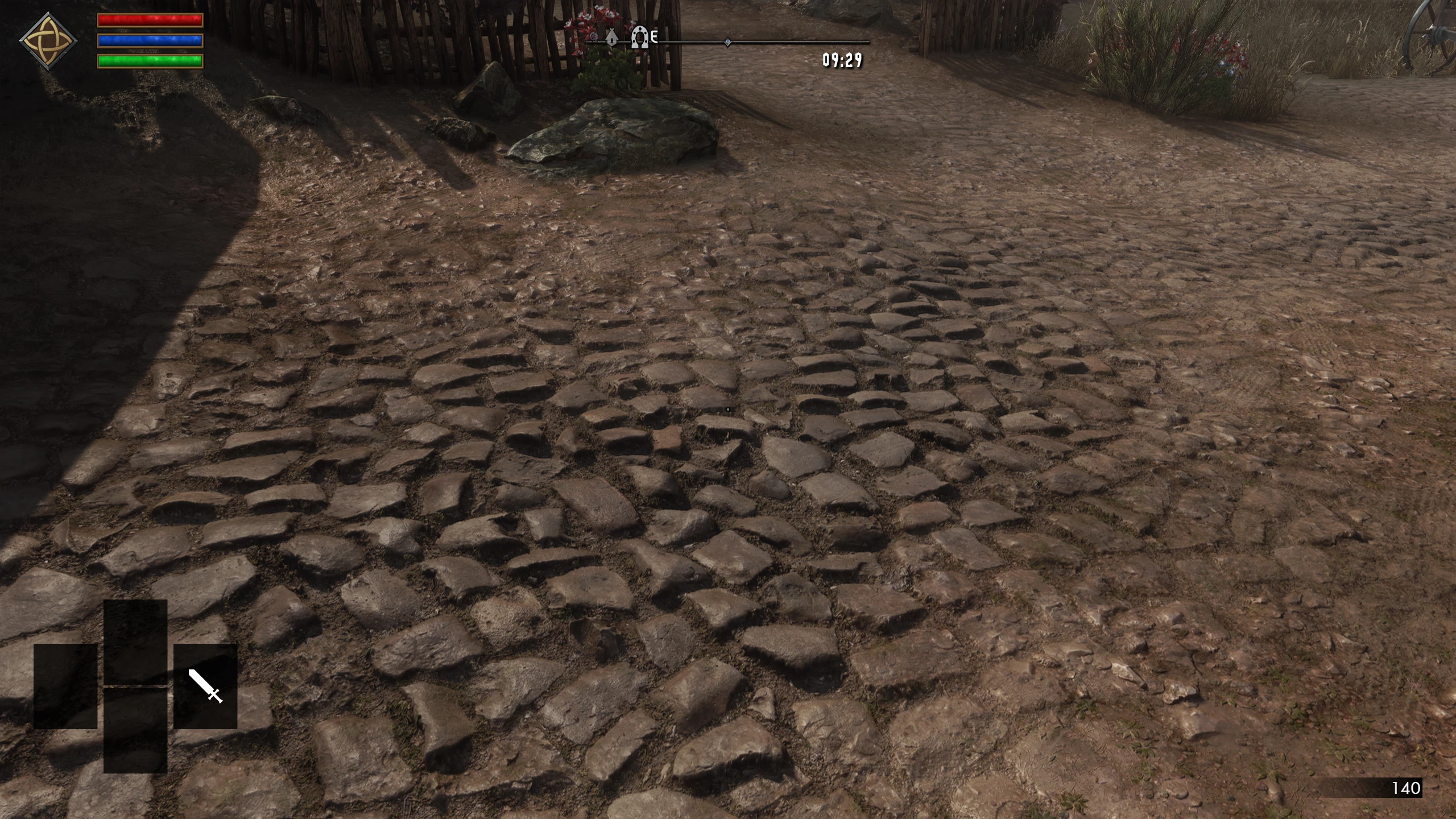
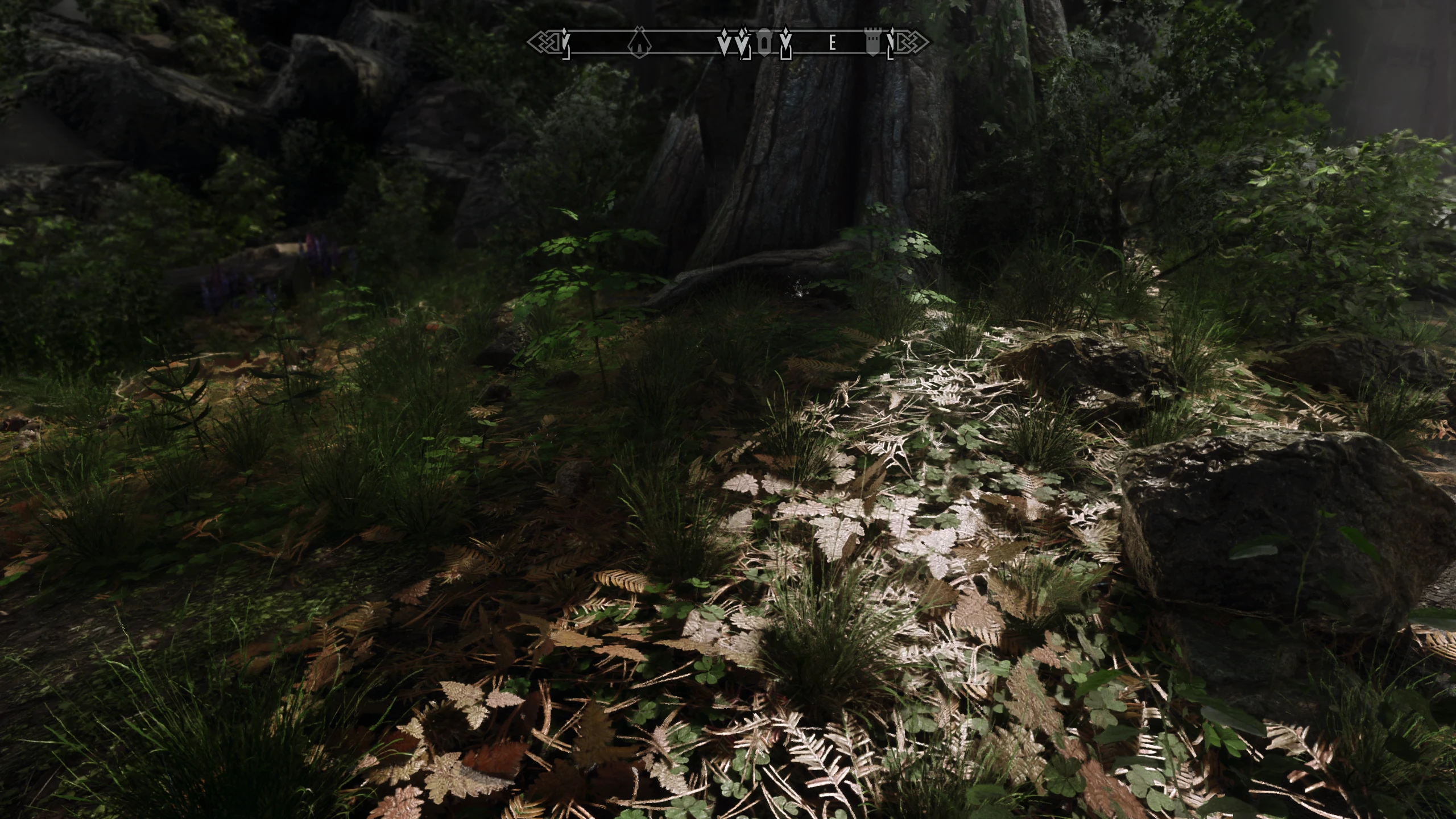
This mod will use the textures in your texturefolder instead of Project AHO's textures. No more green moss textures everywhere.
This requires Parallax textures to work.
Report any issues in the post tab. If you have any suggestions, let me know and i might do it.
"Help me, my game crashed"
Download Net Script Framework with crash log. Go back to where it crashed, then head to your overwrite folder in mod organizer 2 and look for the folder "NetscriptFramework", followed by "Crash". Open the recent crash log and CTRL+F and type ".nif" and remove the following nif from this mods.
Add ENB Particlelights where it would make sense. Better integration of blended roads
Thank You for download my mod. If You like my work, You should consider becoming a member on my Patreon page or sending a Paypal donation. All money I make goes back into making better mods.
A compatibility patch for Project AHO that removes green moss textures and uses your existing texture folder. With 833 endorsements and 642,830 downloads, it's a popular fix for players who want a cleaner look. Last updated in January 2022.
✨ Key Features
📊 Pros & Cons
✅ Pros
- Huge community trust: 833 endorsements and over 642k downloads.
- Solves a common visual complaint about green moss in Project AHO.
- Lightweight patch that just swaps textures—no gameplay changes.
⚠️ Cons
- Last updated in January 2022—may not be compatible with newer game versions or mod updates.
- Requires a separate texture mod to work; not standalone.
- Only affects moss textures—if you want other visual overhauls, this won't help.
For Skyrim players who use Project AHO and are bothered by the green moss textures. If you already have a texture pack installed, this patch will blend it in nicely. Skip if you don't use Project AHO or don't mind the moss.
💡 Beginner Tips
- Make sure you have Project AHO installed first, then drop this patch into your mod manager.
- If you use a mod manager like Vortex or MO2, enable this patch after your texture mods so it overrides correctly.
- Check that your texture folder actually contains the textures you want—this patch won't add new ones.
📊 Mod Details
- Game
- Skyrim Mods
- Author
- Skurkbro
- Version
- 1.01
- Downloads
- 642,830
- Endorsements
- 833
- Category
- Visuals and Graphics
- Created
- 1/19/2022
- Updated
- 1/19/2022
🔧 How to Install Skyrim Mods
Download from Nexus.
📖 Full step-by-step install guide for Skyrim →
Visit the official mod page for specific installation instructions for this mod.
🎮 Need cheat codes or console commands? Check ur gaming wiki for Skyrim commands, item IDs, and more.
Keep browsing — more Skyrim mods await