Oblivion Interaction Icons
🟡 Updated this year⚠️ Install Order · 5 steps
Install in this order, then this mod last — most mods fail to load without their framework and dependencies in place.
🖼️ Gallery (2 images)
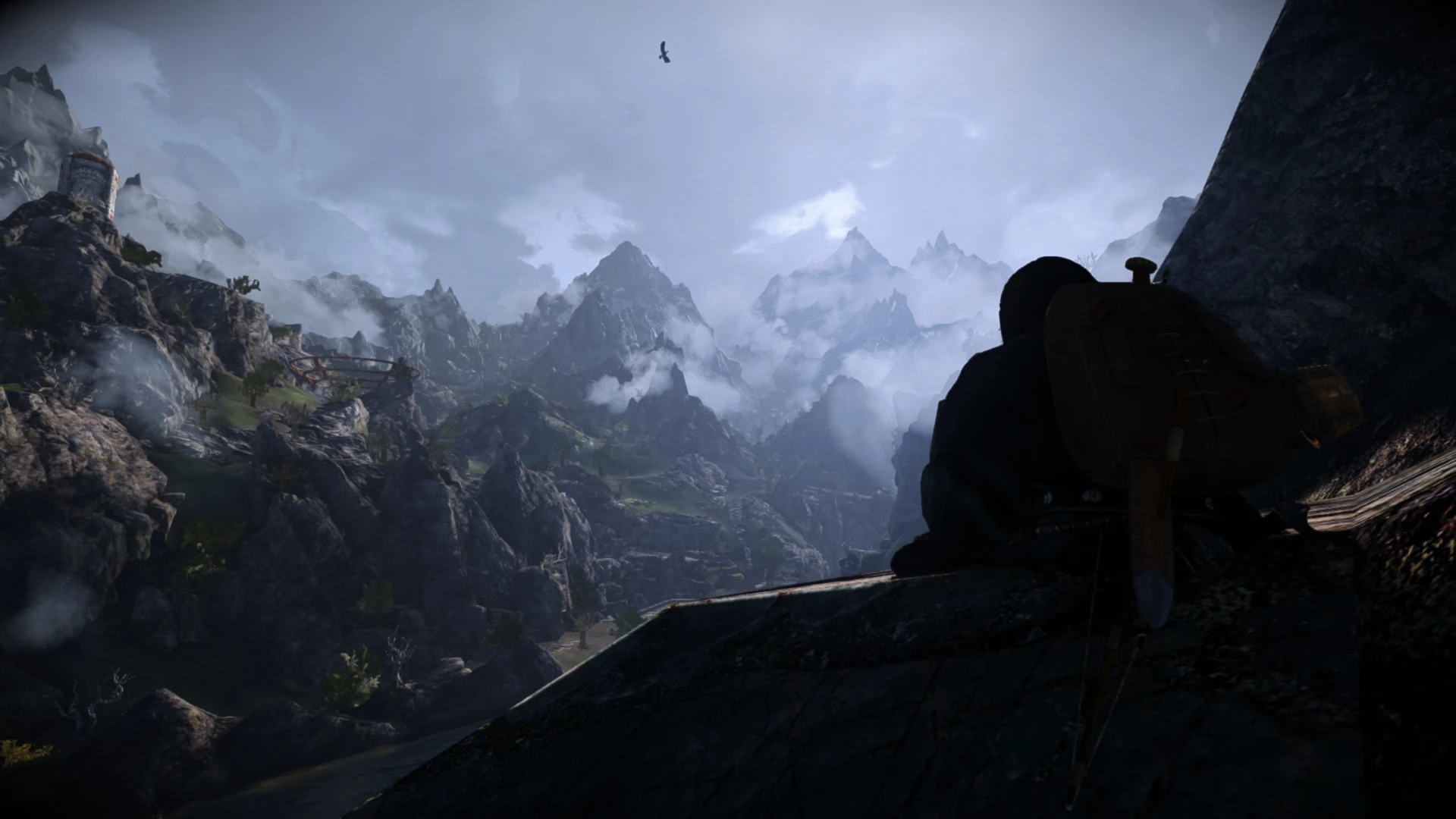
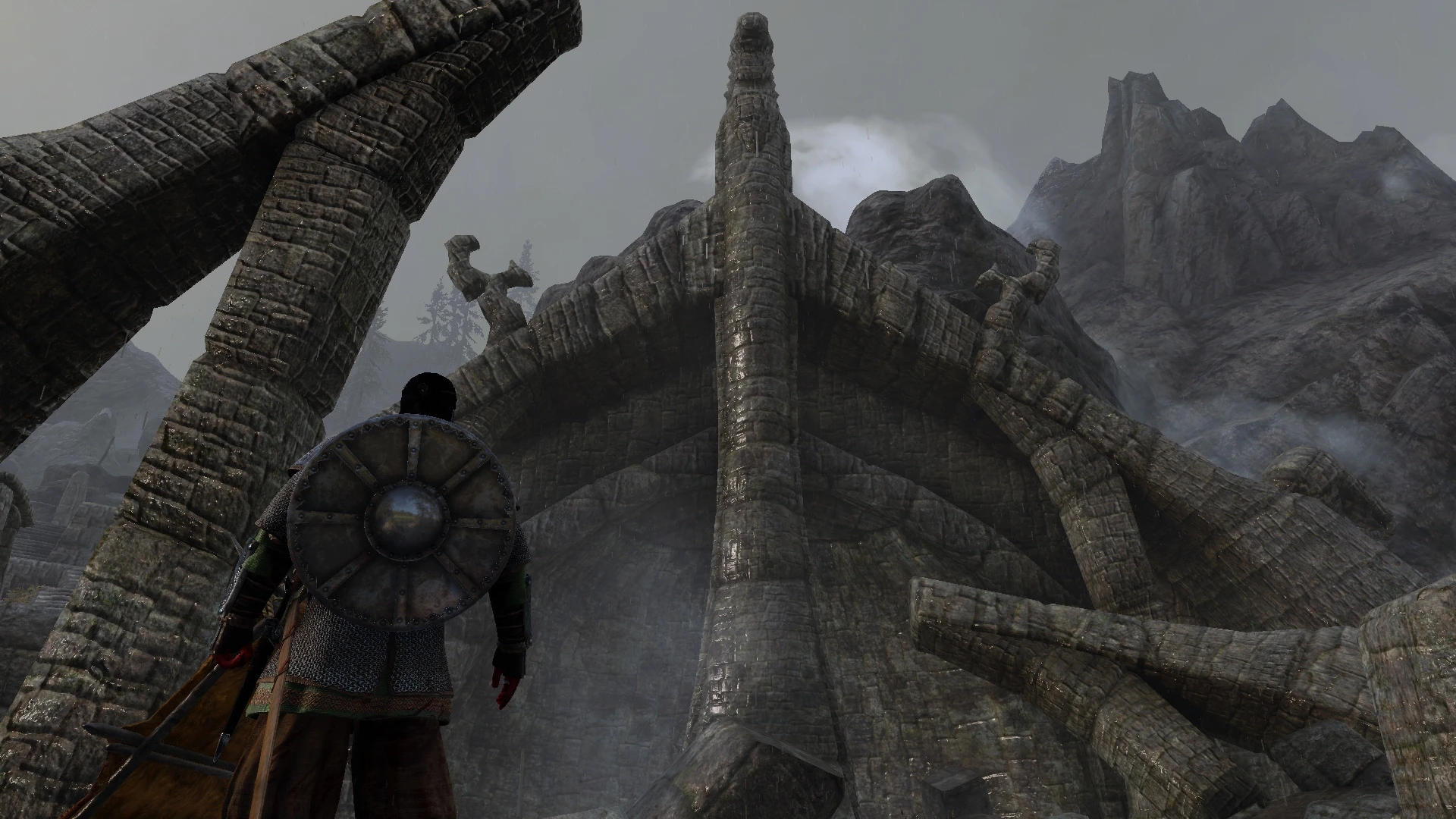
🔍 Analysis
- 👍 0.4% endorsement rate
- 🏆 #93 of 141 User Interface mods in this game by downloads
📋 About This Mod
• Handmade icons that bring Oblivion-style interactions back for Skyrim.
• Custom male and female player icons for Humans/Mer, Orcs, Khajiit, and Argonians.
• Custom color themes to integrate with various UI overhauls.
Requirements
Dynamic String Distributor is required.
Installation
Simply choose your preferred options in the installer.
If you are using an unsupported custom font mod, see this article.
Compatibility
Out of the box
Completionist
Notification overhaul
Read or Take SKSE
With Caveats
Simple Activate SKSE: This will hide OII icons by default - a patch .ini file is included in the installer.
Use or Take SKSE: Patch included in installer.
powerofthree's Tweaks: Recommended to set Load Door Activate Prompt = 0 in .ini.
Known Issues
MoreHUD: Features like Show Read Books may display issues.
iActivate: Simple Activate SKSE or Better Third Person Selection can replicate its effects.
More Colorful UI (SKSE): Incompatible.
Supported DAK mods
Simple Hunting Overhaul
Take A Peek
Vampire Feeding Tweaks
Immersive Interactions
Grab And Eat
Press E To Heal Followers
Dynamic Activation Alchemy (Thanks to vivikins!)
Home Cloud Storage (Also thanks to vivikins.)
Quick Looting
QuickLoot IE - A QuickLoot EE Fork is supported.
QuickLoot EE and Quick Loot RE are no longer supported.
Notes For Modders
See the Articles section for details on patching mod-added content.
If you are making a font mod, including a variant for OII in the installer is as simple as adding two lines to fontconfig.txt.
More info on font selection can be found in the Articles section.
Oblivion Interaction Icons is a UI mod for The Elder Scrolls IV: Oblivion that adds custom icons to various world interactions, making it easier to identify interactive objects at a glance. With over 6,000 endorsements and 1.5 million downloads, it's a popular quality-of-life enhancement for players who want a clearer interface.
✨ Key Features
📊 Pros & Cons
✅ Pros
- Huge community trust – 6,196 endorsements and 1.5 million downloads show this mod is a staple for Oblivion UI.
- Recent update (June 2026) means it's likely compatible with current setups.
- Simple concept that improves readability without overhauling the whole UI.
⚠️ Cons
- Description is thin – no details on which interactions get icons or if there are options.
- No install instructions provided by the author, so you're on your own for setup.
- May conflict with other UI mods that alter interaction prompts – test carefully.
For Oblivion players who want a cleaner, more intuitive interface without a full UI overhaul. If you're tired of guessing which objects are interactive, this mod adds visual clarity. Skip if you prefer a vanilla experience or use a comprehensive UI mod that already includes icons.
💡 Beginner Tips
- Since it's a UI mod, make sure to place it in your Oblivion Data folder and enable it in the launcher's mod list.
- If you use a mod manager like OBMM or Wrye Bash, install it through that to avoid conflicts.
- Test with a few different objects (doors, containers, etc.) to see the icons in action before committing.
📊 Mod Details
- Game
- Skyrim Mods
- Author
- rbtRvlt
- Version
- 3-Beta
- Downloads
- 1,513,796
- Endorsements
- 6,196
- Category
- User Interface
- Created
- 7/23/2021
- Updated
- 6/28/2026
🧩 Commonly Used Together
Users add these mods to the same collections — a real compatibility signal, not an AI guess.
🔧 How to Install Skyrim Mods
Download from Nexus.
📖 Full step-by-step install guide for Skyrim →
Visit the official mod page for specific installation instructions for this mod.
🎮 Need cheat codes or console commands? Check ur gaming wiki for Skyrim commands, item IDs, and more.
Keep browsing — more Skyrim mods await