Mihail's Rabbit Replacers - Cleaned and Optimized Textures
⚪ Last updated 2022⚠️ Install Order · 6 steps
Install in this order, then this mod last — most mods fail to load without their framework and dependencies in place.
🖼️ Gallery (12 images)


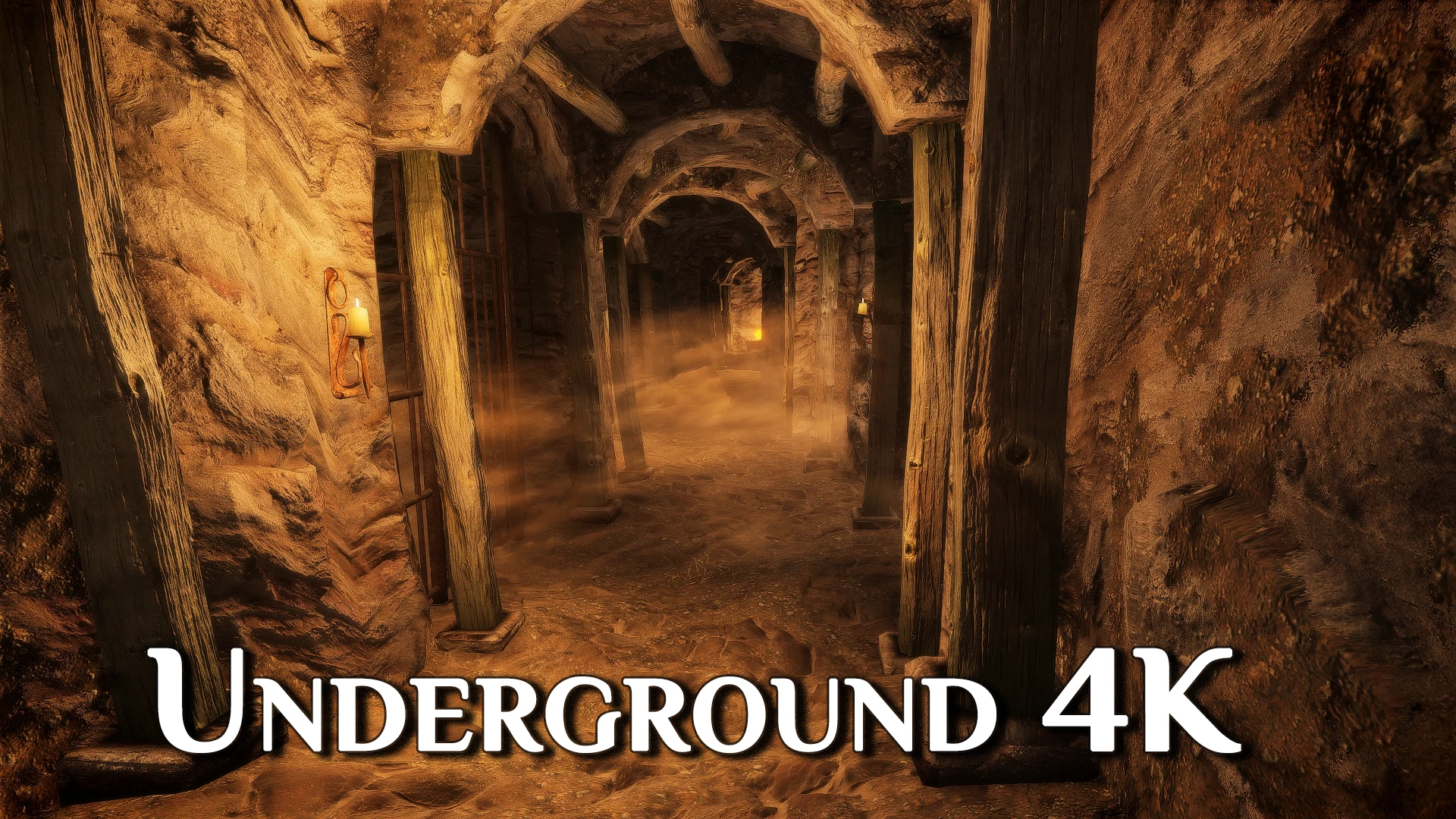
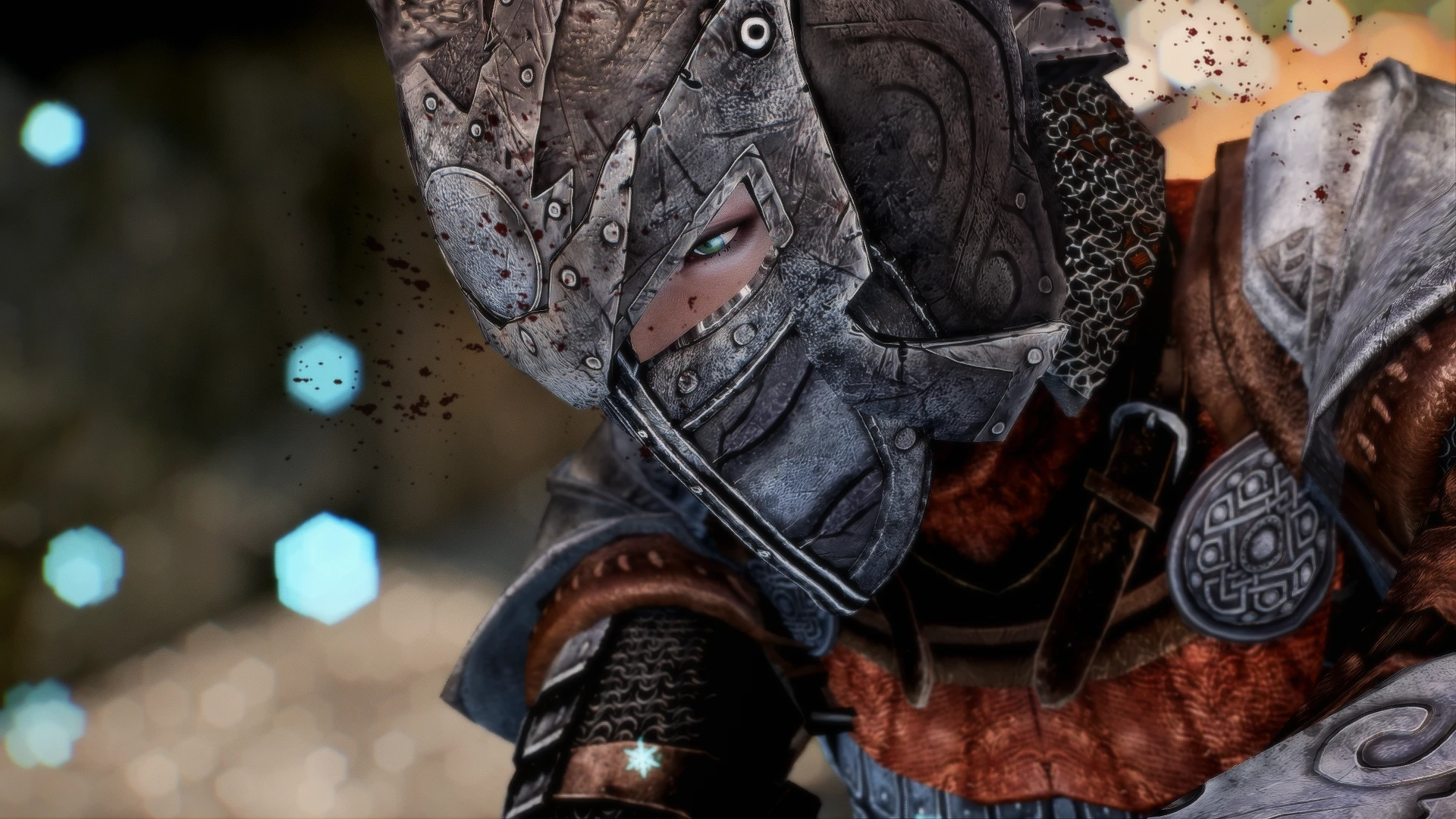

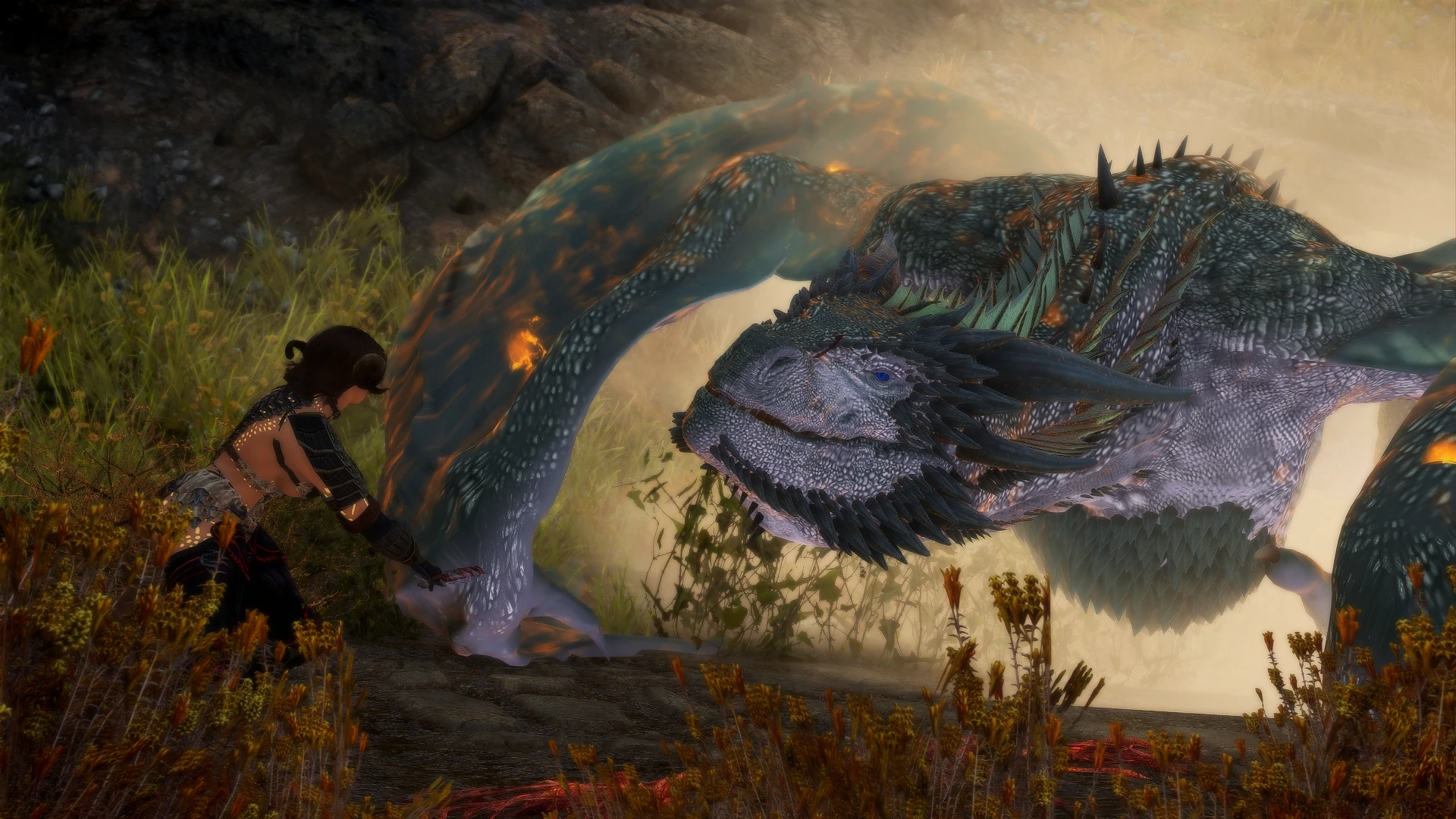
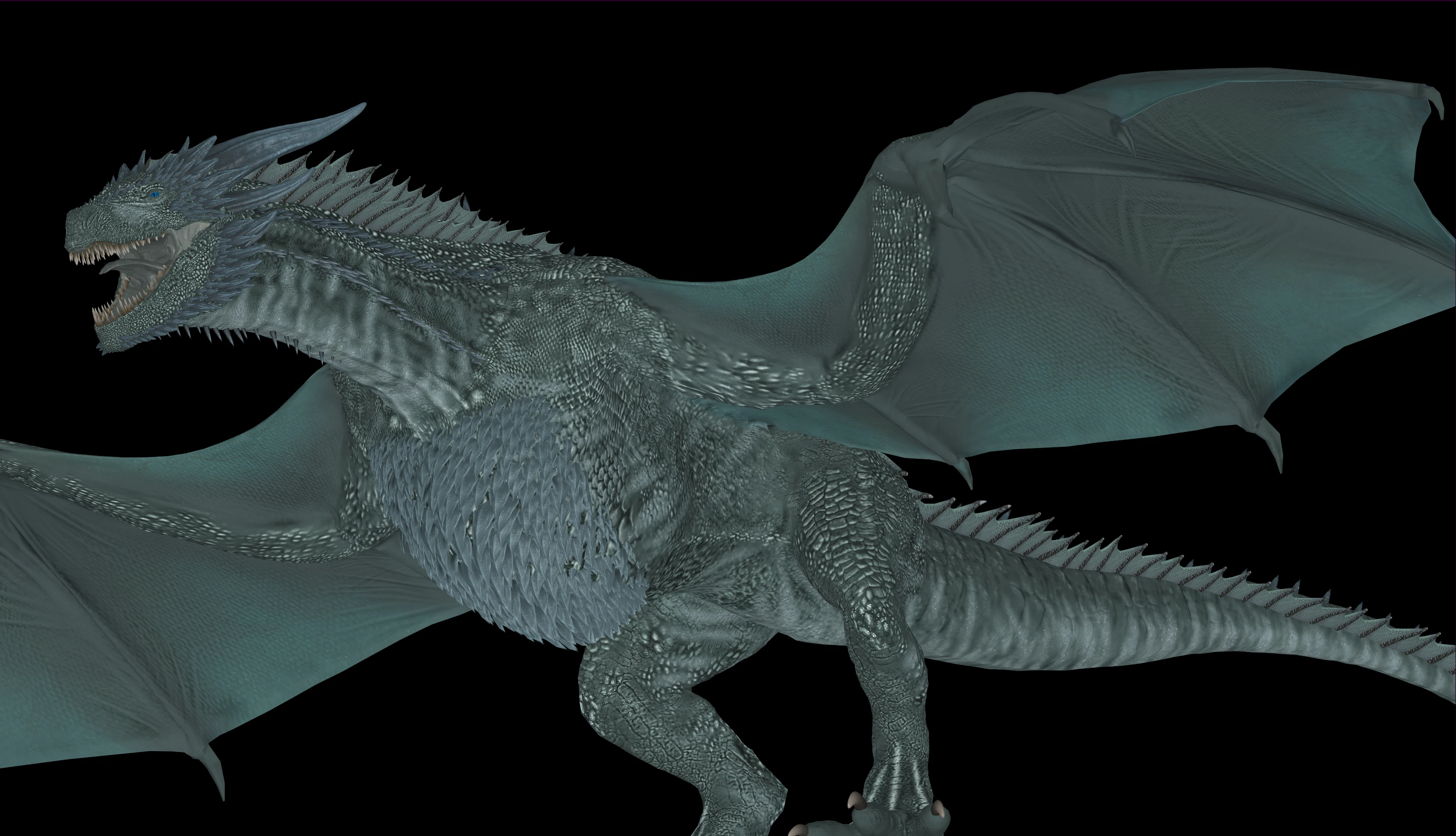
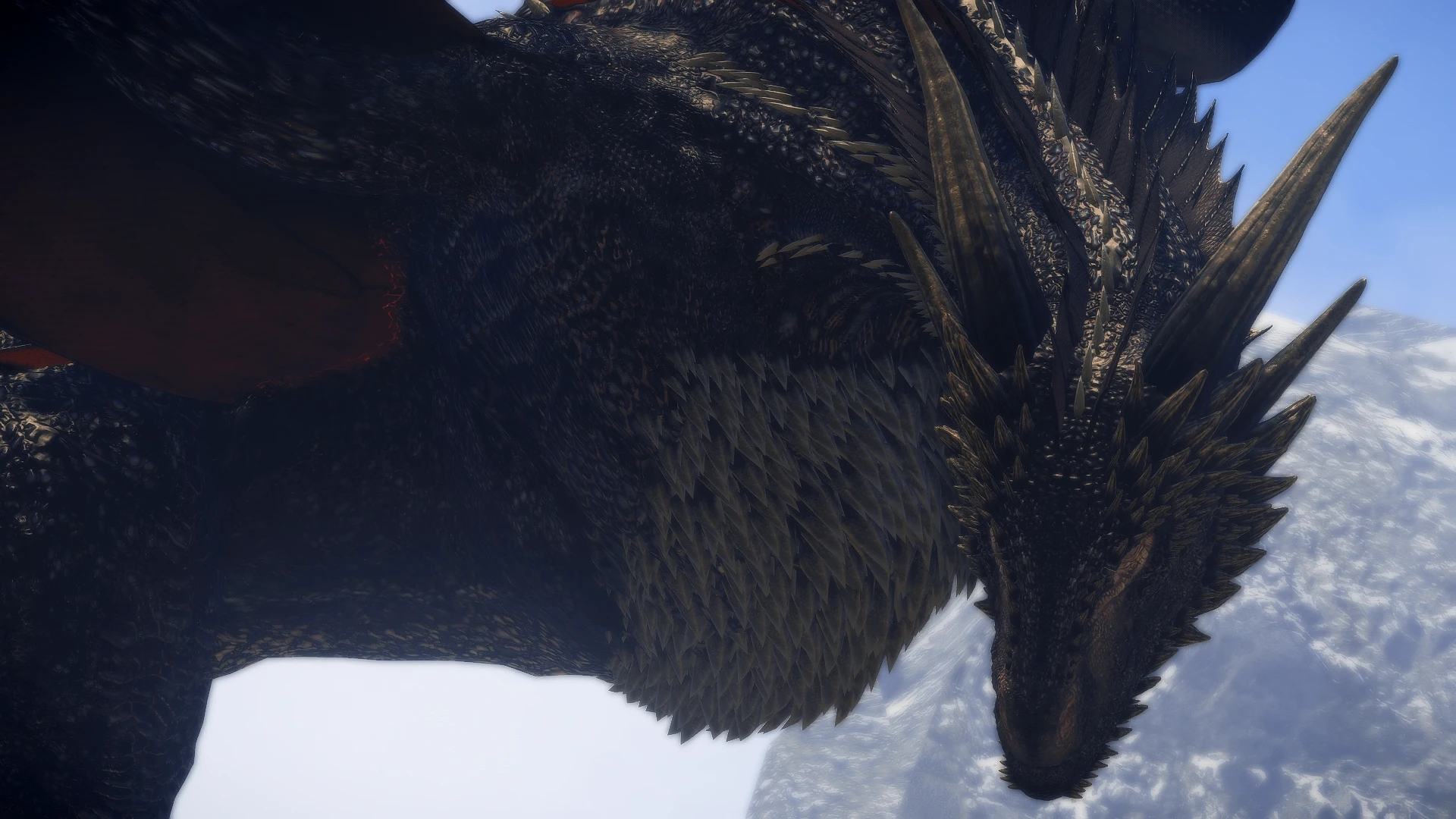
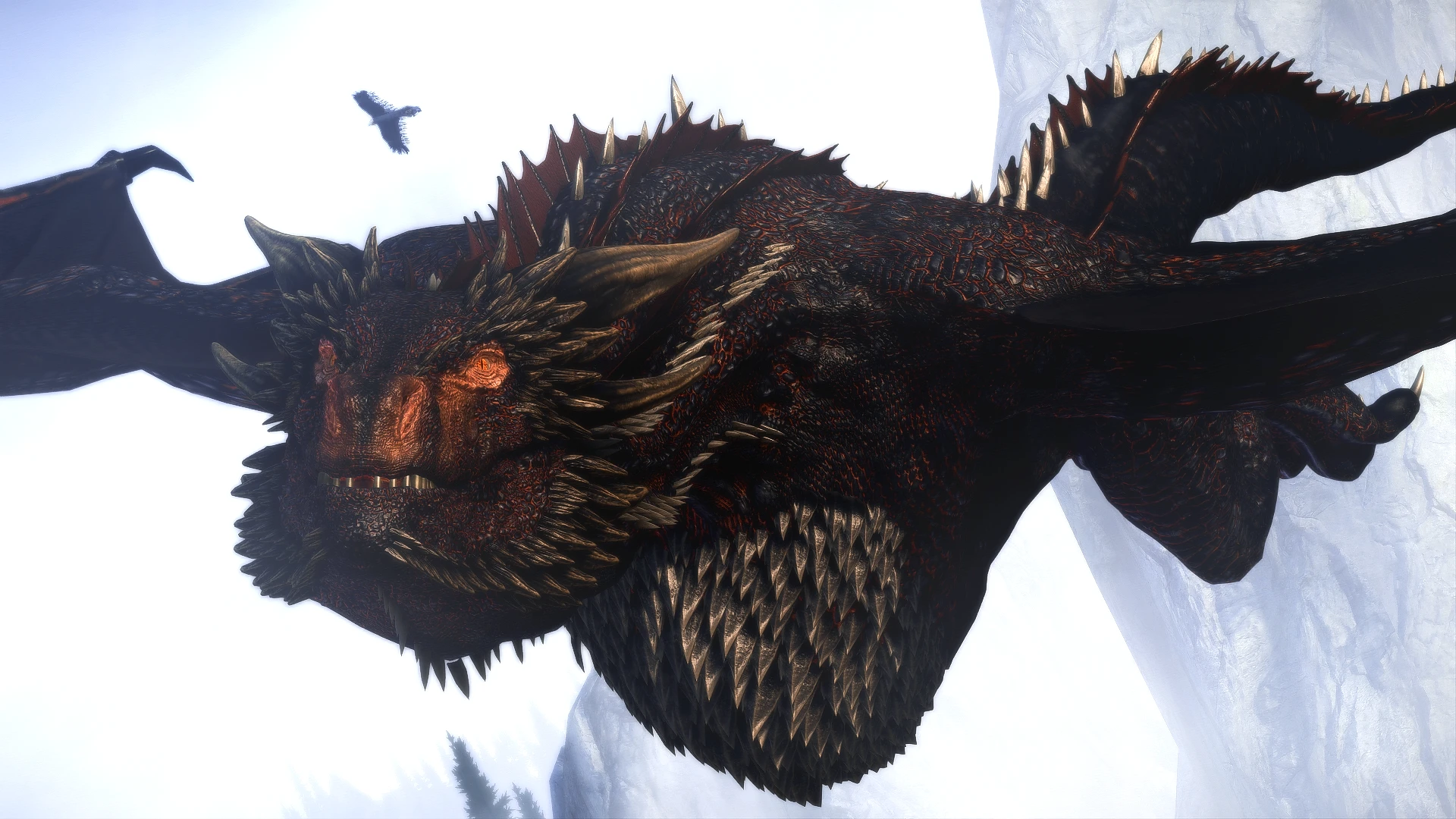

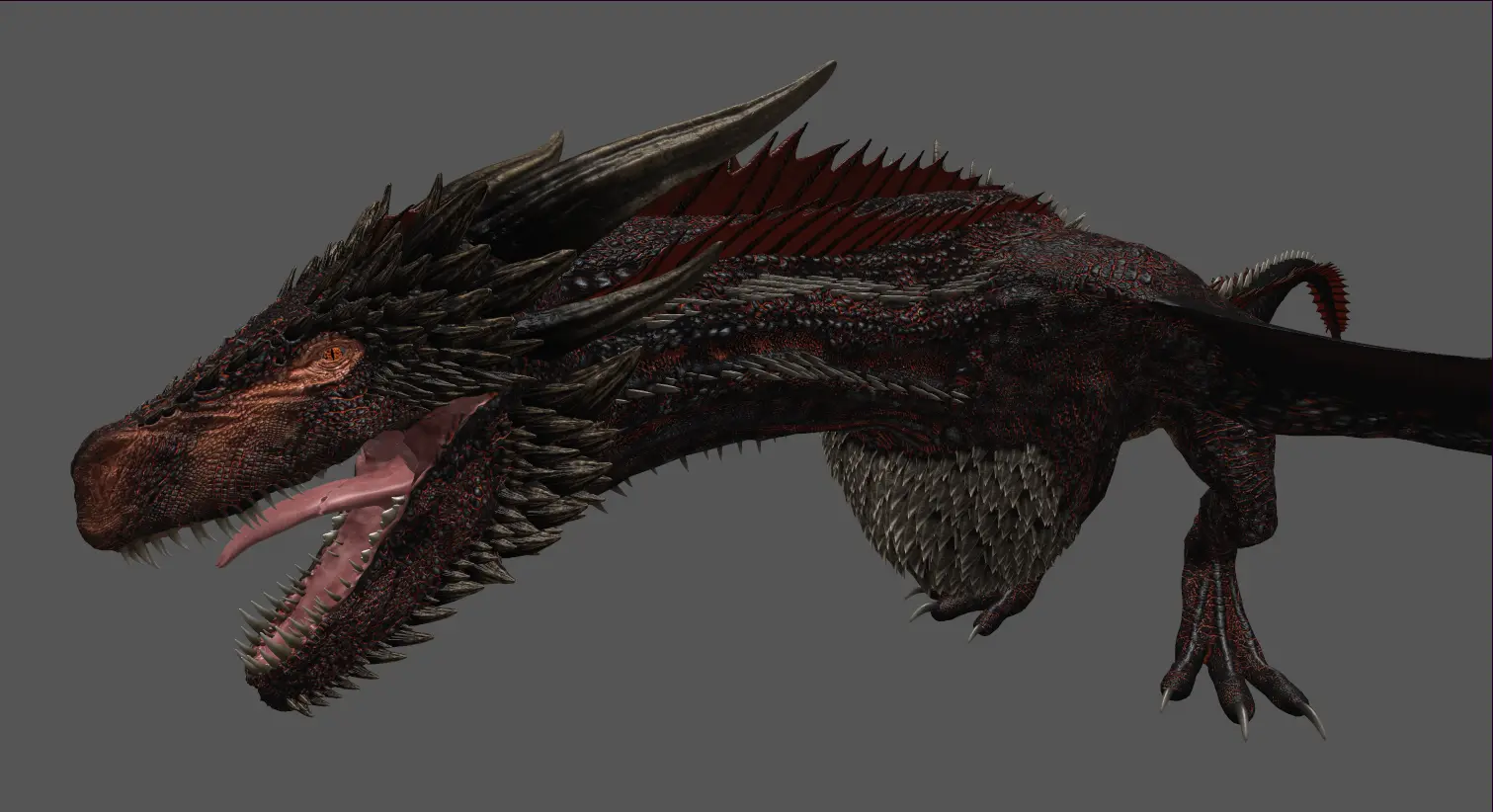
🔍 Analysis
- 👍 0.3% endorsement rate
- 🏆 #47 of 101 Creatures and Mounts mods in this game by downloads
📋 About This Mod
Mihail's rabbit textures were mostly in old BC3 compression and mostly 4K, but with low resolution normal maps which are also very flat.
I generated new normal maps with increased detail level and new alpha channels.
I have also cleaned all the files of compression artifacts, and re-compressed in modern BC7 format. I then downscaled the textures to provide different resolution options.
Packed in a FOMOD so you can choose which mods you are using.
Requires the original mods (one or both):
Rabbit Replacer
Hanging Dead Rabbits Replacer
Performance Option for Potato PCs
Mipmaps and BC7 compression reduce VRAM usage, especially when the files are cleaned of compression artifacts.
For Potato PCs, I've uploaded a downscaled version where the diffuse texture files are larger than normal and environment map files, which are less visible in game. This reduces VRAM usage considerably while maintaining higher visual quality, using the Octagon config files posted on this mod, which I recommend using if you have a Potato PC.
Check out my over 100 mods for Skyrim SE!
If you are interested in collaborating on Overhaul projects, or levelling up your experience of modding Skyrim, please join my discord server, Skypocalypse.
Skypocalypse is above all a place for COLLABORATION, a community hub for mutual aid to level up our skills and Skyrim itself.
This server is the host to Skypocalypse Academy, where modders and porters of all skill and experience levels assist each other as we dive ever deeper into transforming the bones of this magical game. Featuring an extensive library of tools and resources, The Academy is meant to be as educational as it is welcoming.
We know from experience that modding is an extremely addictive past-time and can be a slippery slope from creating a simple load order to porting mods to going full boat and attempting to rebuild Skyrim from the ground up. That's why we believe in a community that integrates Xbox and PC gamers along with porting noobs and experienced mod authors. We all have more to learn, and modding Skyrim to its extreme is a community effort to say the least.
Skypocalypse is meant to be a gaming community that supports collaborative efforts. The gaming and social channels here are intended to foster the social connections that help act as glue f
This mod enhances Mihail's rabbit replacers by providing cleaned, BC7-compressed textures with high-detail normal maps, available in 2K and Potato resolutions. It's a performance-friendly visual upgrade for players using Mihail's creature mods, with 562 endorsements and 203,766 downloads.
✨ Key Features
📊 Pros & Cons
✅ Pros
- Community-approved with 562 endorsements and over 200k downloads.
- BC7 compression and Potato option help performance on lower-end rigs.
- High-detail normal maps make rabbits look sharper without extra polygons.
⚠️ Cons
- Requires Mihail's original rabbit replacers, so it's not standalone.
- Only affects rabbits, so it's a niche visual tweak.
- Last updated in 2022, so it may not be compatible with the latest game patches.
For Skyrim players who use Mihail's creature mods and want better-looking rabbits without a performance hit. If you're not using Mihail's rabbits, this mod is useless. Skip if you want gameplay changes—this is purely cosmetic.
💡 Beginner Tips
- Make sure you have Mihail's rabbit replacers installed first, then overwrite with this mod.
- Choose the Potato resolution if you're on a low-end PC or want to save VRAM.
- Use a mod manager like Vortex or MO2 to easily switch between 2K and Potato options.
📊 Mod Details
- Game
- Skyrim Mods
- Author
- MihailMods - XilaMonstrr
- Version
- 1.0
- Downloads
- 203,766
- Endorsements
- 562
- Category
- Creatures and Mounts
- Created
- 12/29/2022
- Updated
- 12/29/2022
🔧 How to Install Skyrim Mods
Download from Nexus.
📖 Full step-by-step install guide for Skyrim →
Visit the official mod page for specific installation instructions for this mod.
🎮 Need cheat codes or console commands? Check ur gaming wiki for Skyrim commands, item IDs, and more.
Keep browsing — more Skyrim mods await